This may take some time as it’s not part of our immediate priorities.
Hopefully coming update will be in few weeks  IYKYK that all zerodha customers have lot of patience bcz simple things sometime takes long time to get implemented.
But few things that ppl hardly use on daily basis gets introduced as new feature.
Btw, why the order is OCLH instead of OHLC ? We are kind of used to reading numbers as OHLC. Please see if this makes sense.
2 Likes
Can we have market protection feature enabled in market orders for trading in stock options done through Alert Triggered Orders and the EXIT button in the Positions tab?
This would be tremendously helpful when exiting multi-leg stock derivative positions, especially to avoid heavy slippages. Currently, modifying orders takes multiple keystrokes, which often leads to delays and poor fills. Market protection would make exits faster, safer, and far more efficient.
If I could add one more request: keyboard shortcuts for quick order modification on desktop, so we don’t have to rely on the cursor for every action.
A simple workflow could be:
Step 1: Press O to open the Orders tab.
(Currently, the arrow keys default to navigating the watchlist.)
Step 2: Press Tab to shift focus to Open Orders, where the arrow keys can toggle between active orders.
Step 3:
- Press M on the selected order to instantly open the modification window.
- Press C to cancel the order immediately.
This would make managing fast-moving option positions significantly smoother and more efficient.
1 Like
Yeah, will pass this feedback to team.
Not sure of this.
If shortcut are added it will be game changer, if possible kindly consider
1 Like
If you don’t mind, can we know why? All the terminals support such features. Why can’t we implement this as well?
1 Like
This is a bit tricky to make seamless. It’s on our to-do list, but not feasible to take up alongside the terminal mode feature.
@siva Sir please give ohlc data on market depth that opens from order window. Simple useful information required on market depth. Also consider giving in order OHLC instead of OCLH.
This is on our to-do list and should be implemented in a few weeks.
Noted, we will discuss this.
Why? OHLC is the standard.
1 Like
Hi
@Arockiya_Raja @siva when we exit position by selecting multiple open positions from positions page will it take market protection and order slicing for them?
Order slicing applied; market protection yet to be added as an optional feature.
2 Likes
Waiting for this
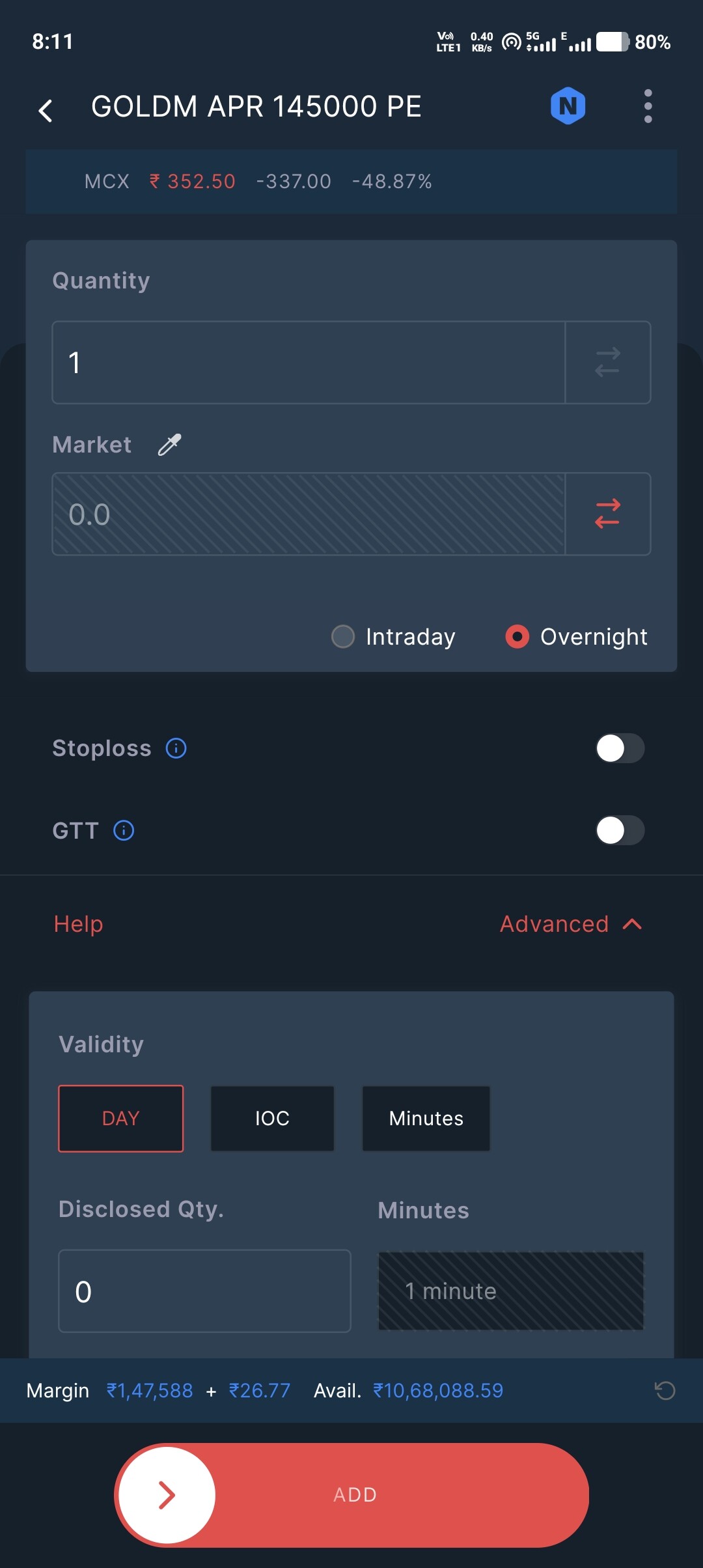
At the moment, this feature is not supported due to some incompatibility issues. It will be enabled soon.
1 Like
Unable to add the strikes in the basket directly from option chain for open position.
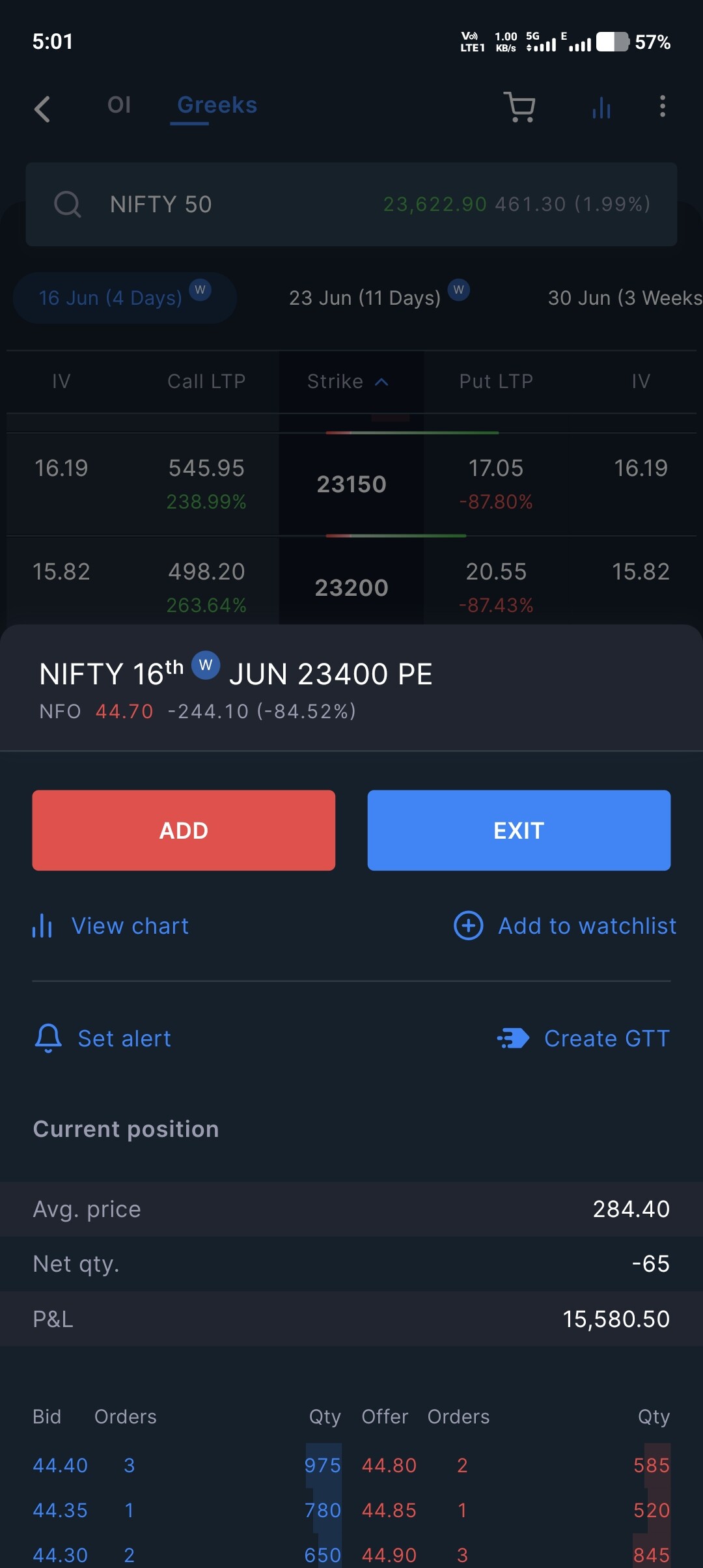
I will investigate this matter and get back with an update.
1 Like
And adding open position into basket option to be given. We need to search each time for adding into basket where the strike is directly available in position tab.
Yeah, this is in to do.
1 Like
Love seeing platforms continue to improve the trading experience. Every execution enhancement makes a difference. 