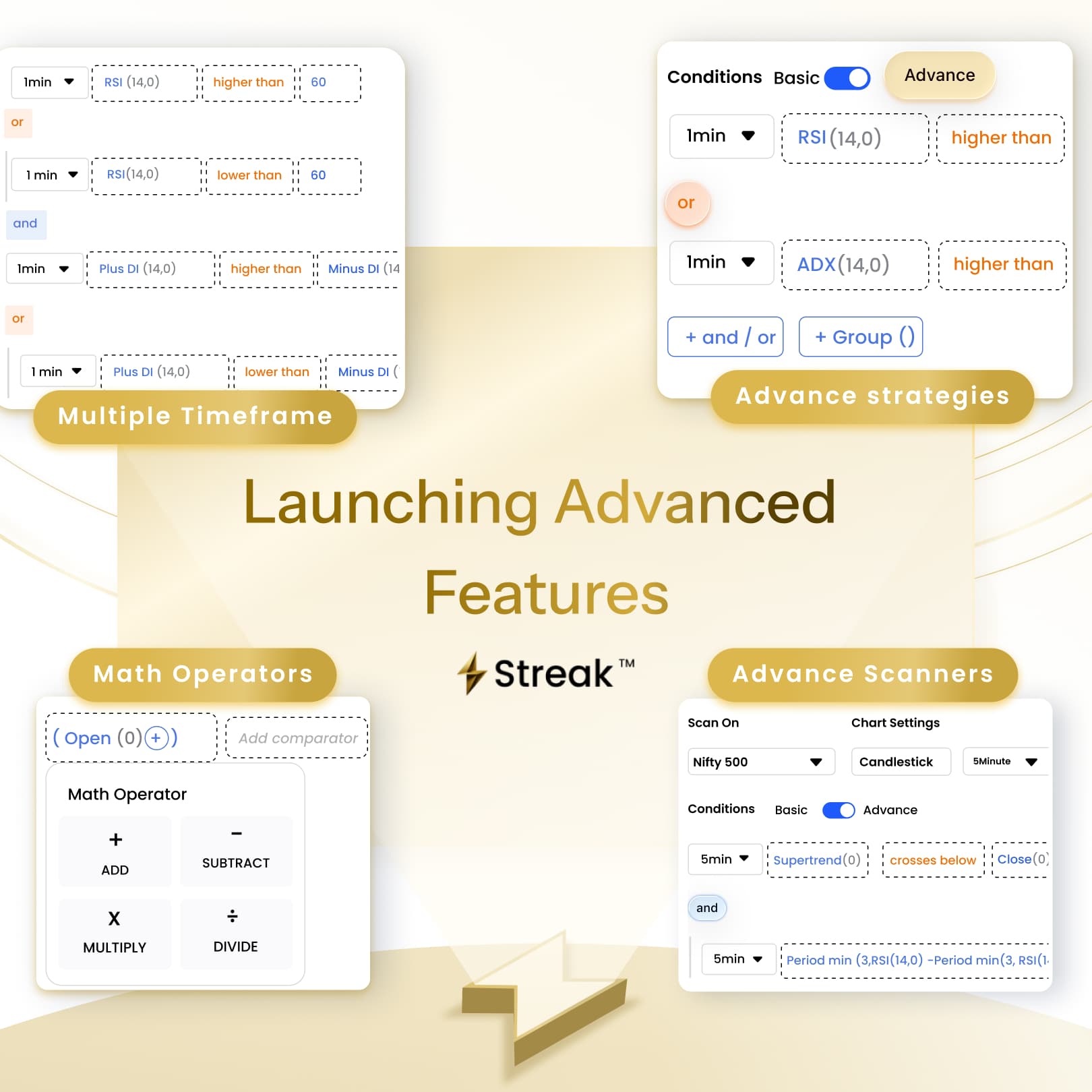
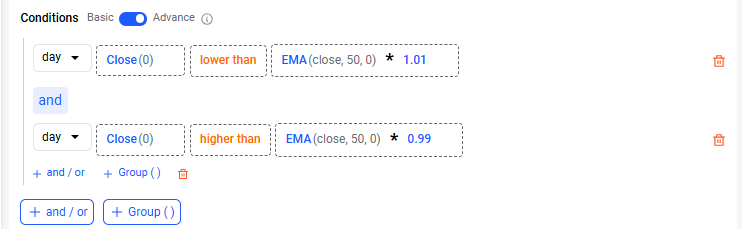
Designed for traders who want greater flexibility, Advanced Create makes it easier to build sophisticated strategies and scanners directly within Streak. Combine multiple conditions, run calculations, and analyze signals across timeframes all within a clean, intuitive interface.
This update continues our focus on making systematic trading more powerful while keeping the strategy-building experience simple.
What’s new:
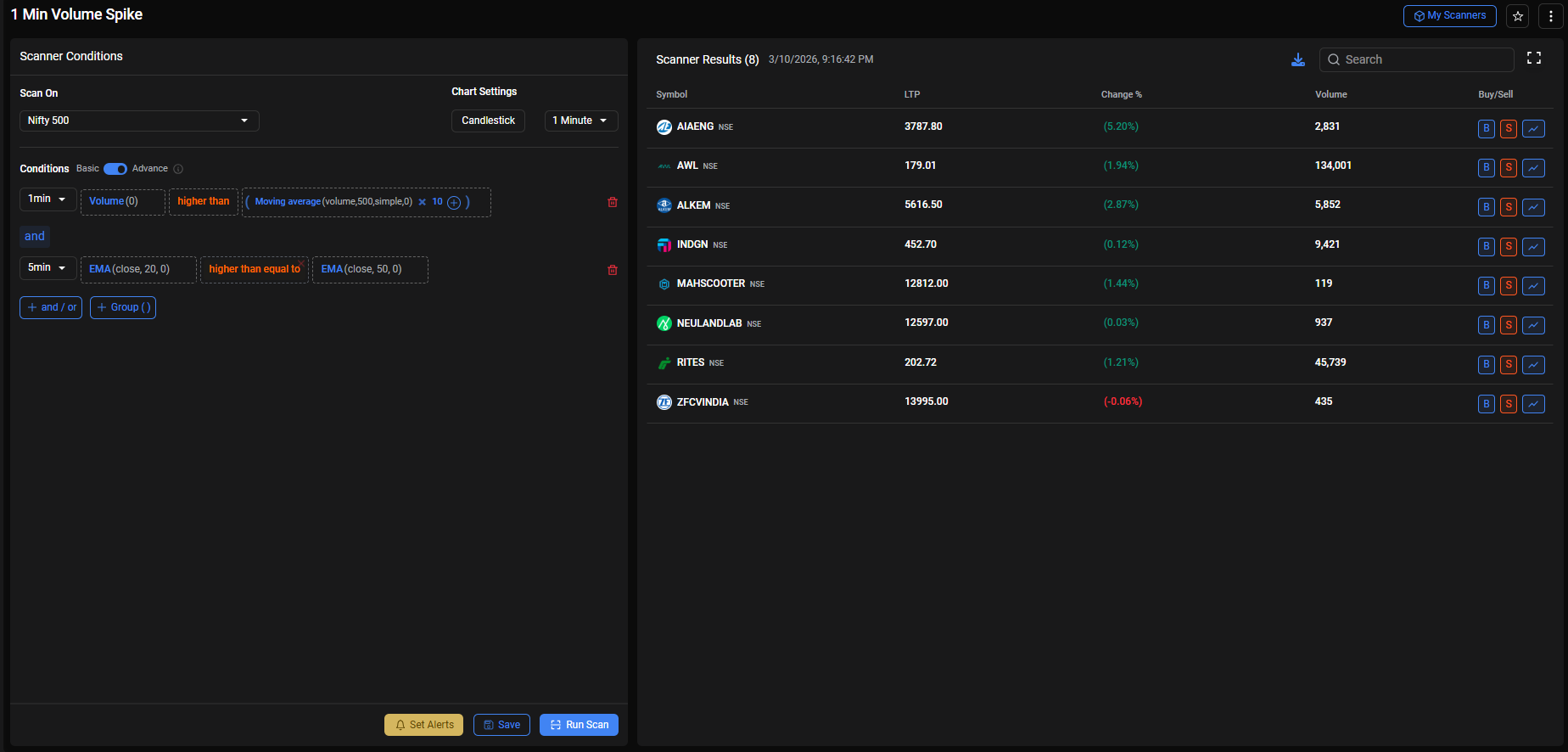
Multi-Timeframe (MTF): Evaluate conditions across different time intervals in a single strategy
Advanced Math Operators: Use +, −, ×, ÷, to build precise logic
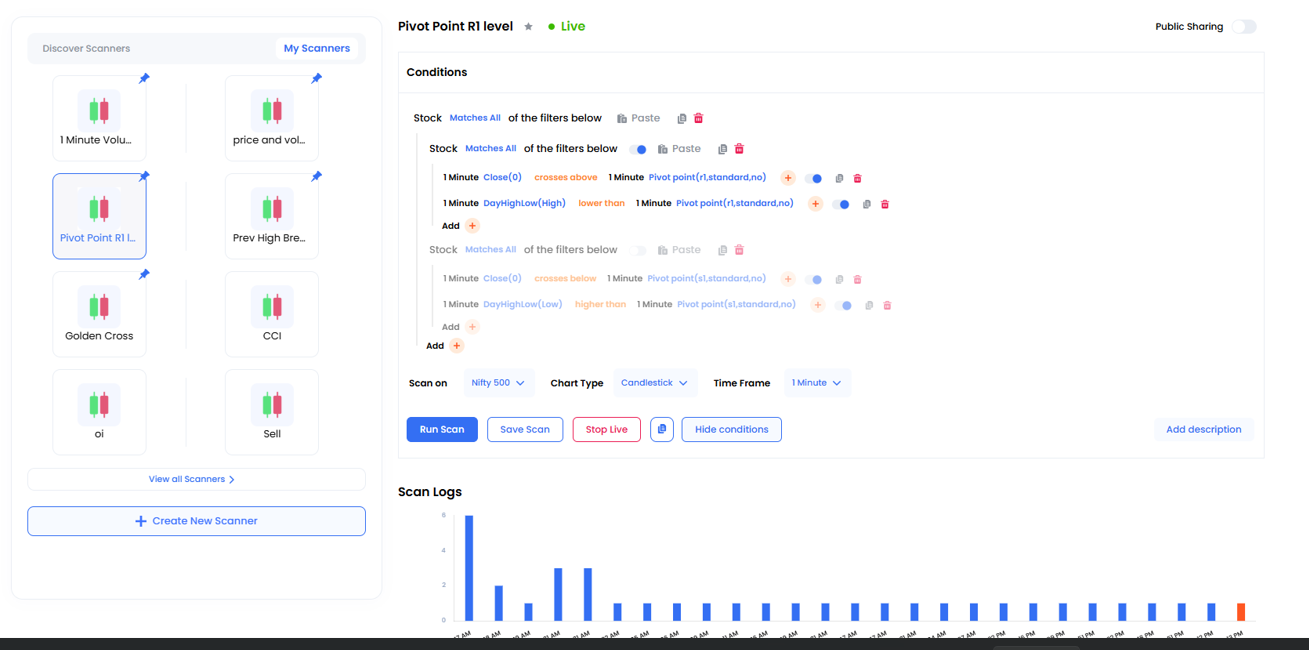
And / Or Logic: Build nested conditions for greater flexibility in strategy triggers.
100+ Concurrent Deployments at your fingertips
Up to 10 Conditions: Create more sophisticated setups with expanded rule limits
We thank you for your patience and support during the transition. Do reach out to our team if you need any help building your strategies and scanners.
Switch to Advanced Mode and Experience the full potential of the Platform!
@FVS The earlier Dynamic Contract (DYC) feature has been replaced with Auto Strike Selection, which helps in automatically selecting the appropriate contracts based on predefined criteria. Please refer to the sample image below:
Exactly. The auto selection is not ideal. It doesn’t take into consideration future months or weeks. Not dependable for creating a strategy that is for future or for backtesting.
The new Streak is missing some features that were available in the old Streak.
In the old Streak, there was an option to hide or turn off single-line streaks and groups of functions, but this option is not available in the new Streak.
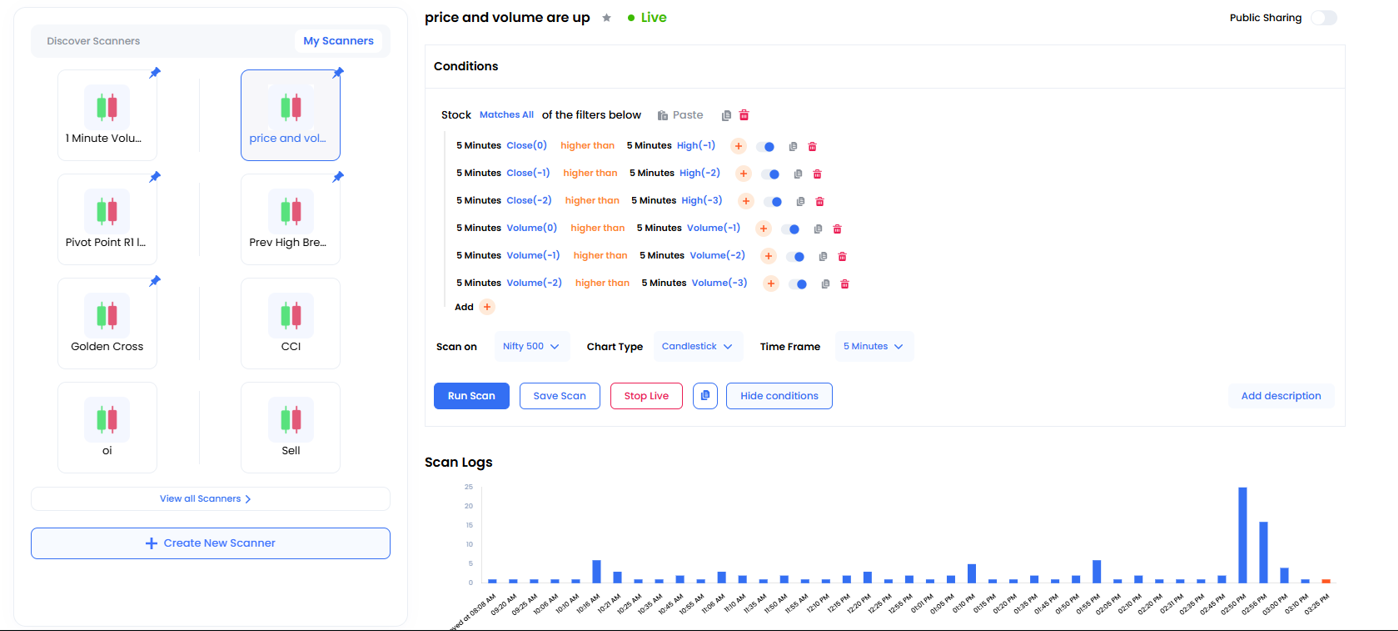
The old Live Scan showed stock count bars, which made it easy to identify the time when more stocks appeared. In the new Streak, is very difficult to read and irritating to swipe next . Please bring back the stock count bars feature.
Is it possible to create a function in the new Streak like this: (5-minute EMA 20) higher than (10-minute EMA 50)?
Above function old Streak is easly possible am I right?
Function copy & paste is missing, so creating a simple scanner takes more time and becomes frustrating. Please add the option to copy and paste functions easily
As per the platform design, the new version does not support using two different timeframes within a single condition, as it may lead to results that cannot be reliably verified.
@Rajesh_K1 Streak evaluates conditions on each candle independently and currently do not support incremental logic such as:
Counting occurrences of patterns
Storing a value like pair1, pair2 etc.
Using logic like pair1 +1 to increment pattern counts.
You could check for a single GR sequence using offsets (for example: previous candle green and current candle red), but maintaining a running count of such pairs is not supported.
Thank you @Streak team ji for advance mode. I want to know how to create a scanner that tells me that a stock is trading near EMA 50 on 1 day timeframe?
Used the new Advanced Mode from the past 2 days, and the additional condition limits and math operators definitely make strategy and scanner conditions creation more flexible. Thanks streak team.