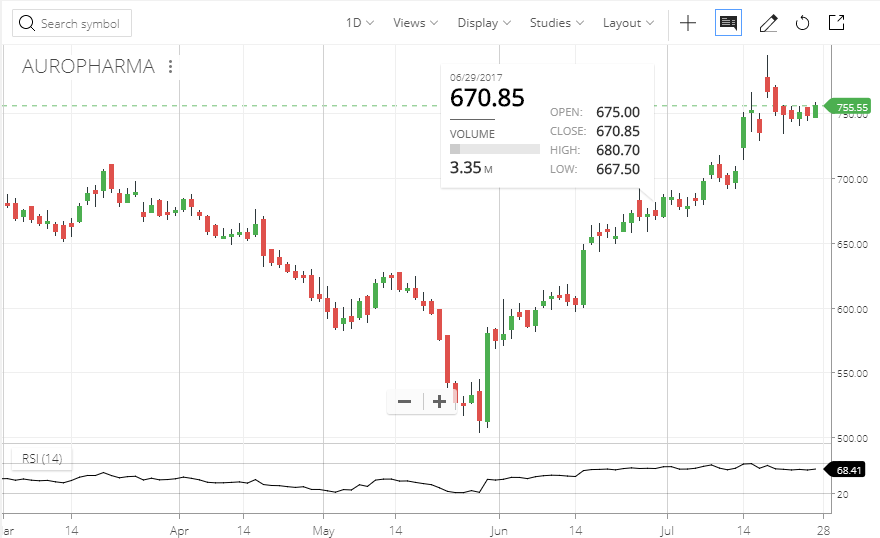
I am unable to view the candle stick values like open close high low values in kite. Where can we select settings for the same.
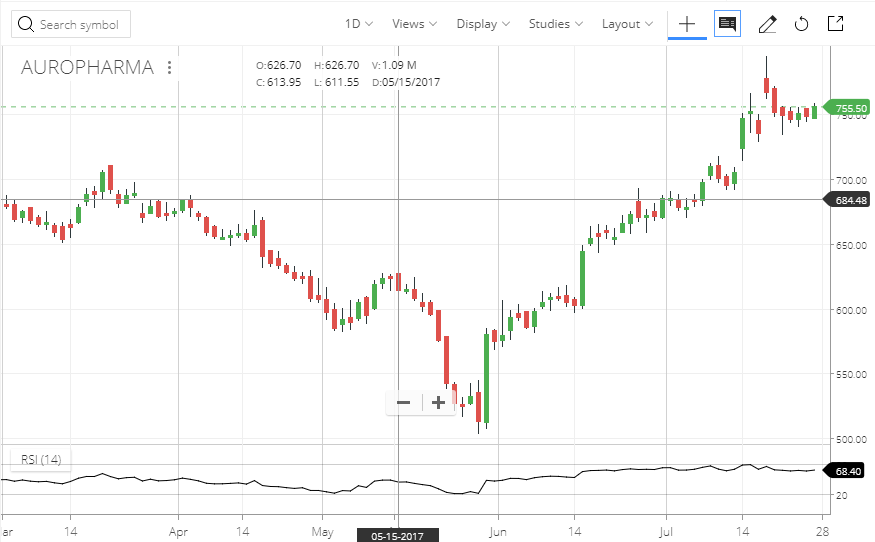
On the chart, first enable Crosshair.

Then enable Infobox, by clicking on it twice.

You’ll then see the infobox next to the Stockname on chart.

Now you can hover the crosshair over respective candles and see their OHLC in the Infobox.
The second option is a floating Infobox. For this, you keep crosshair disabled and select the Infobox only once.