Thanks for the suggestion! We have received similar feedback and have shared it with the concerned team.
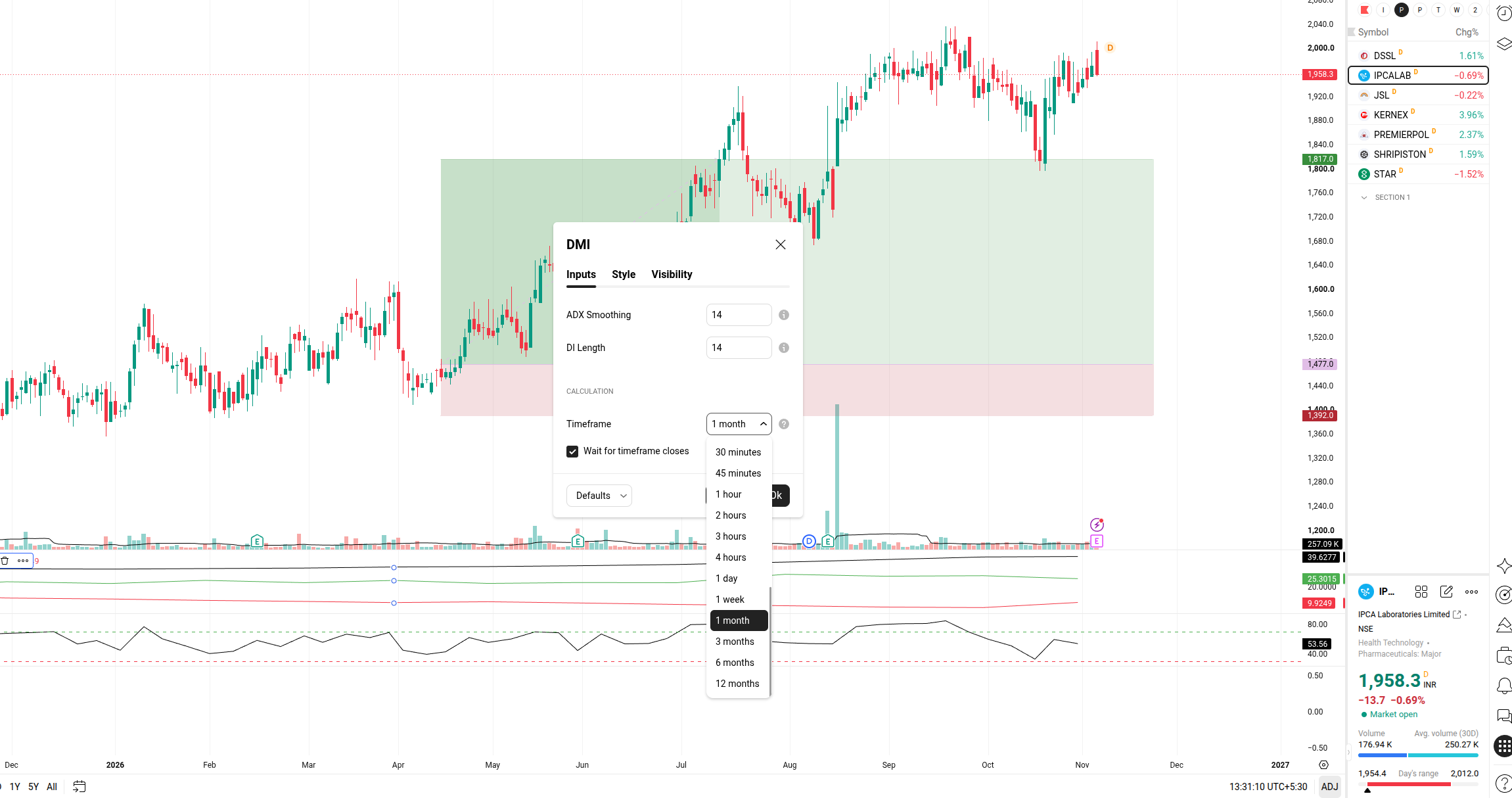
Umm, Could you elaborate a little on this? Do you mean having an indicator set to a different timeframe than the chart itself?
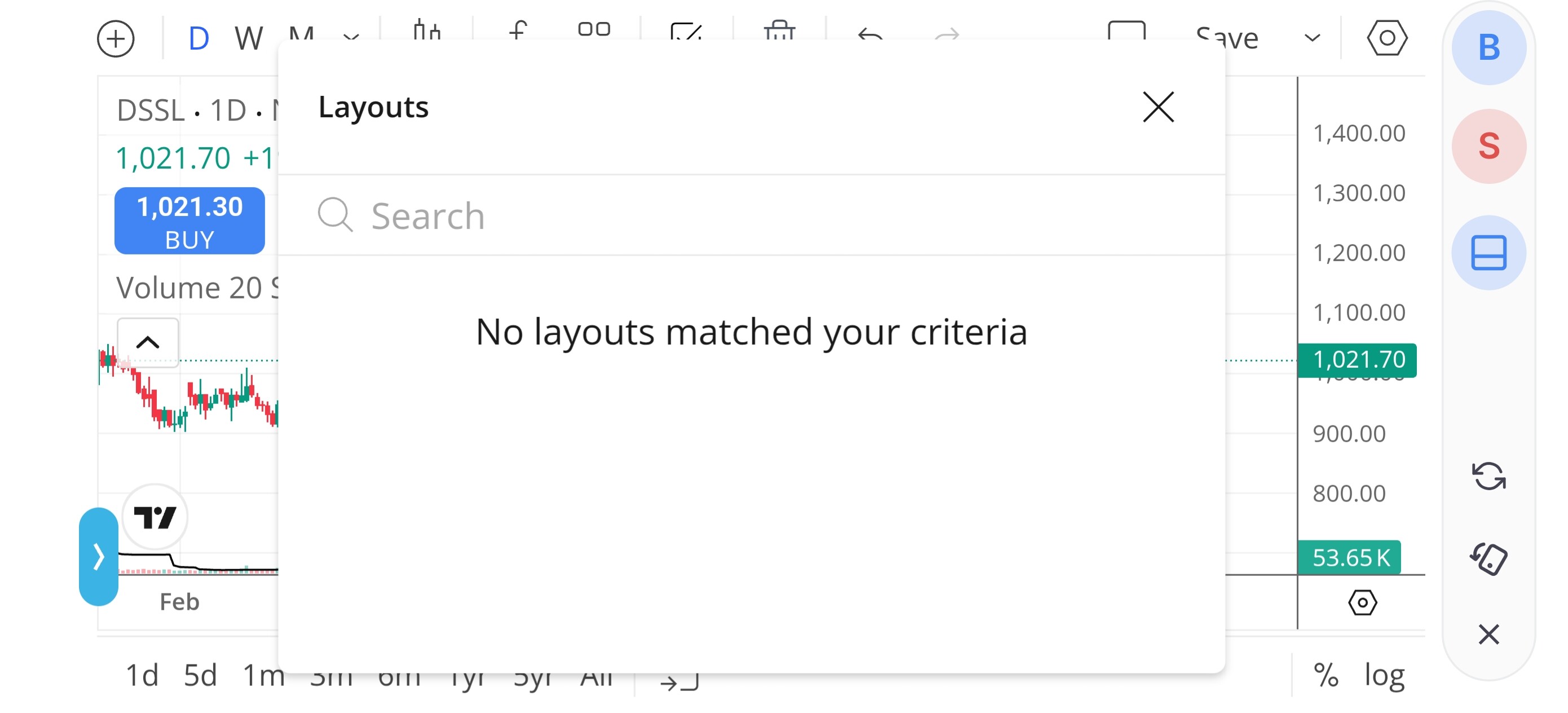
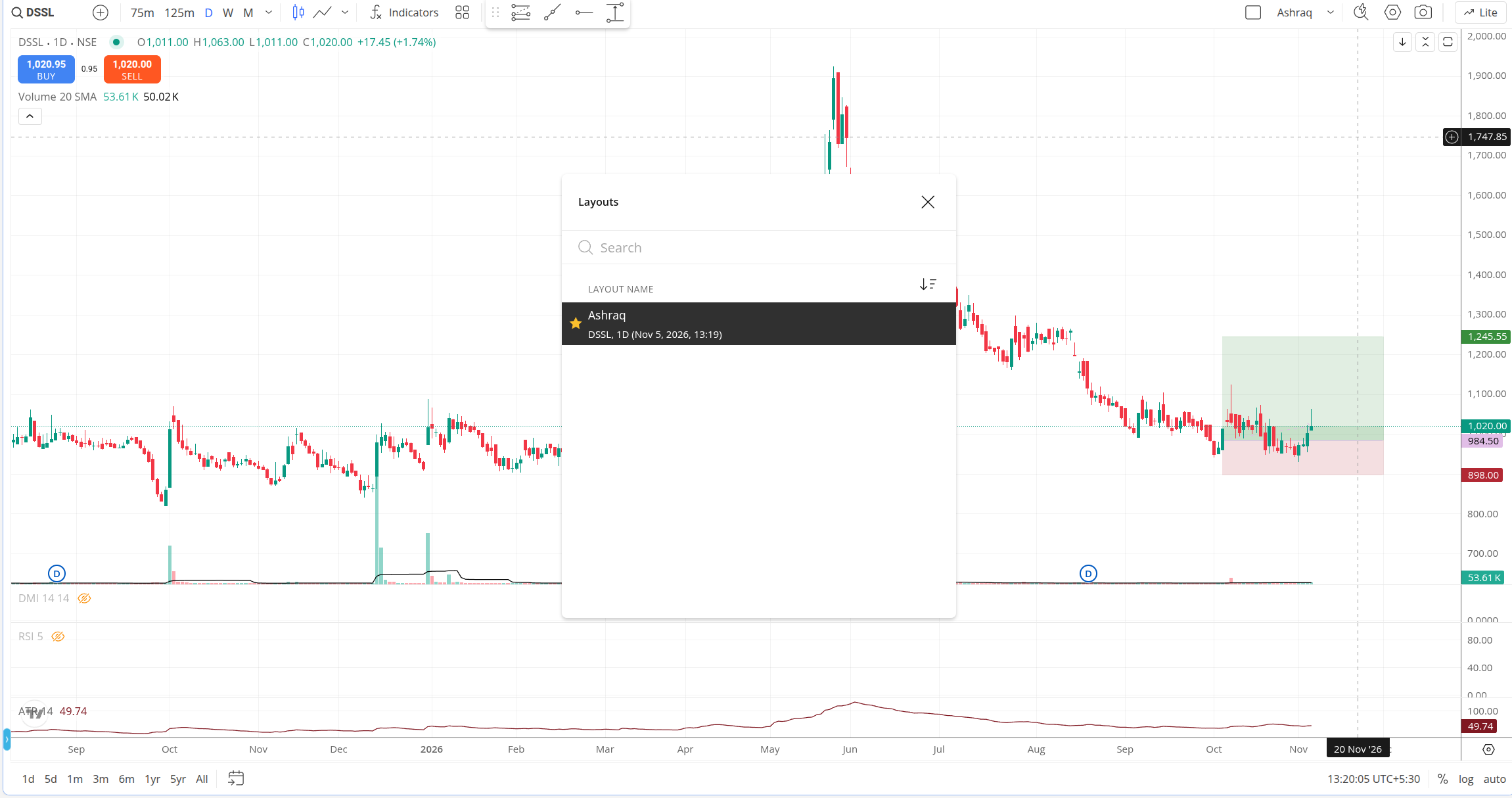
You can sync your chart layouts between Kite web and the Kite app. You can refer to this support article to understand how to save and access your chart layouts across devices.
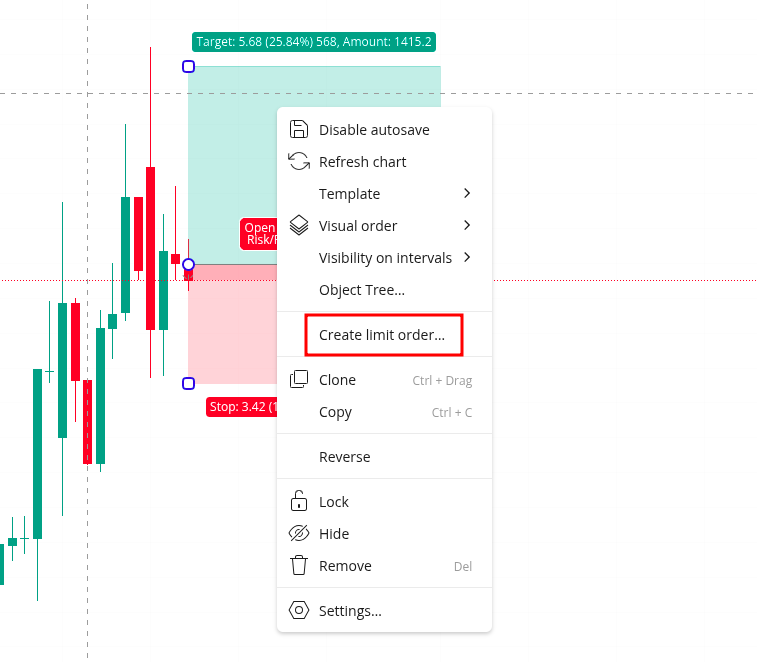
You can do this for now. Once you add a projection drawing, such as a Long Position, simply right-click on it and select the option to create an order based on the drawing. I’ve also attached a screenshot for reference.
We are currently working on our in-house charting platform. Once it goes live, custom indicator timeframes should be easier to support.
You can select Save as Default Layout on the charts to sync your layout across Kite web and the mobile app. You can refer to this article.
We are working on integrating target and stop-loss order options here. For now, you can use GTT OCO orders to place both target and stop-loss orders for your carry-forward positions.