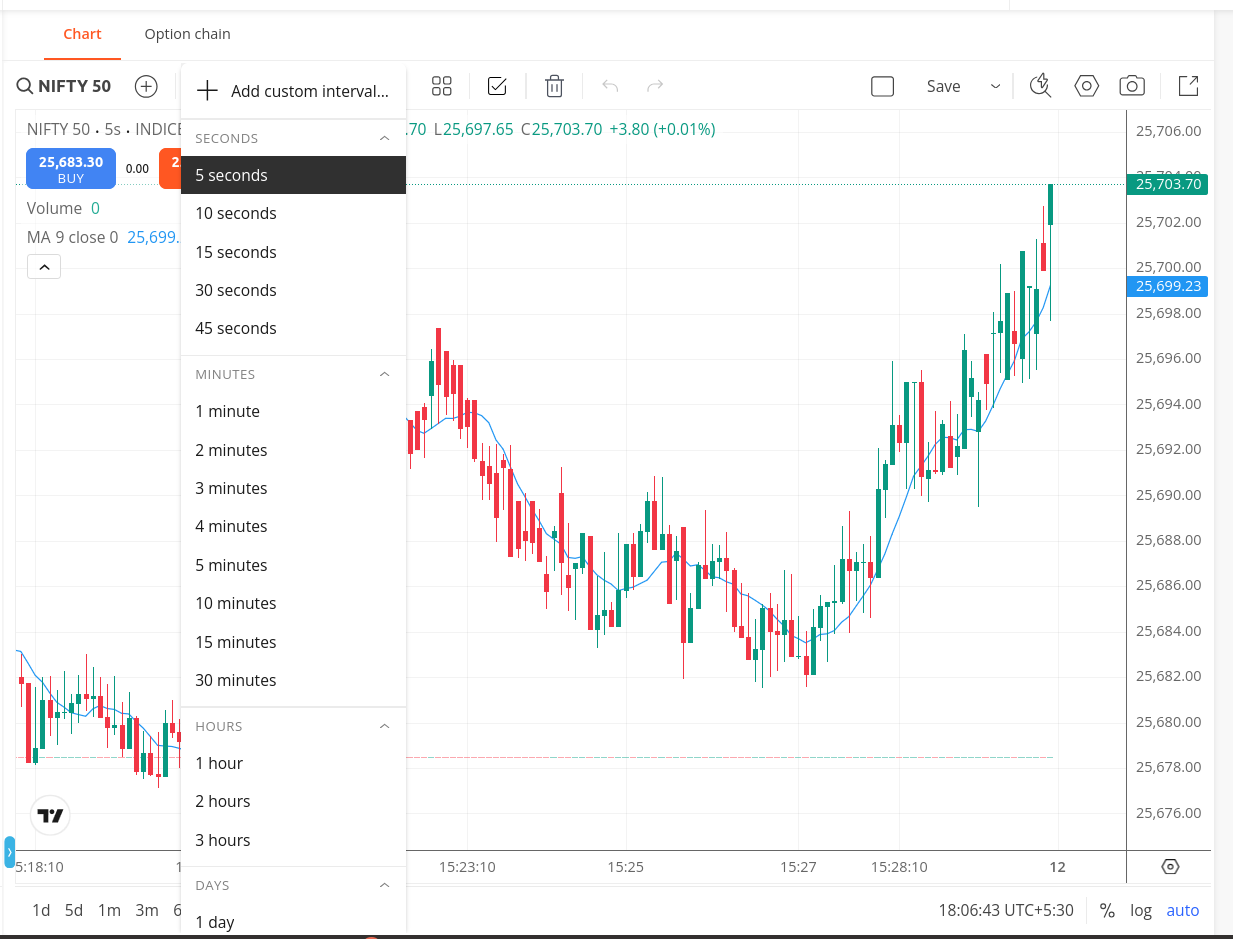
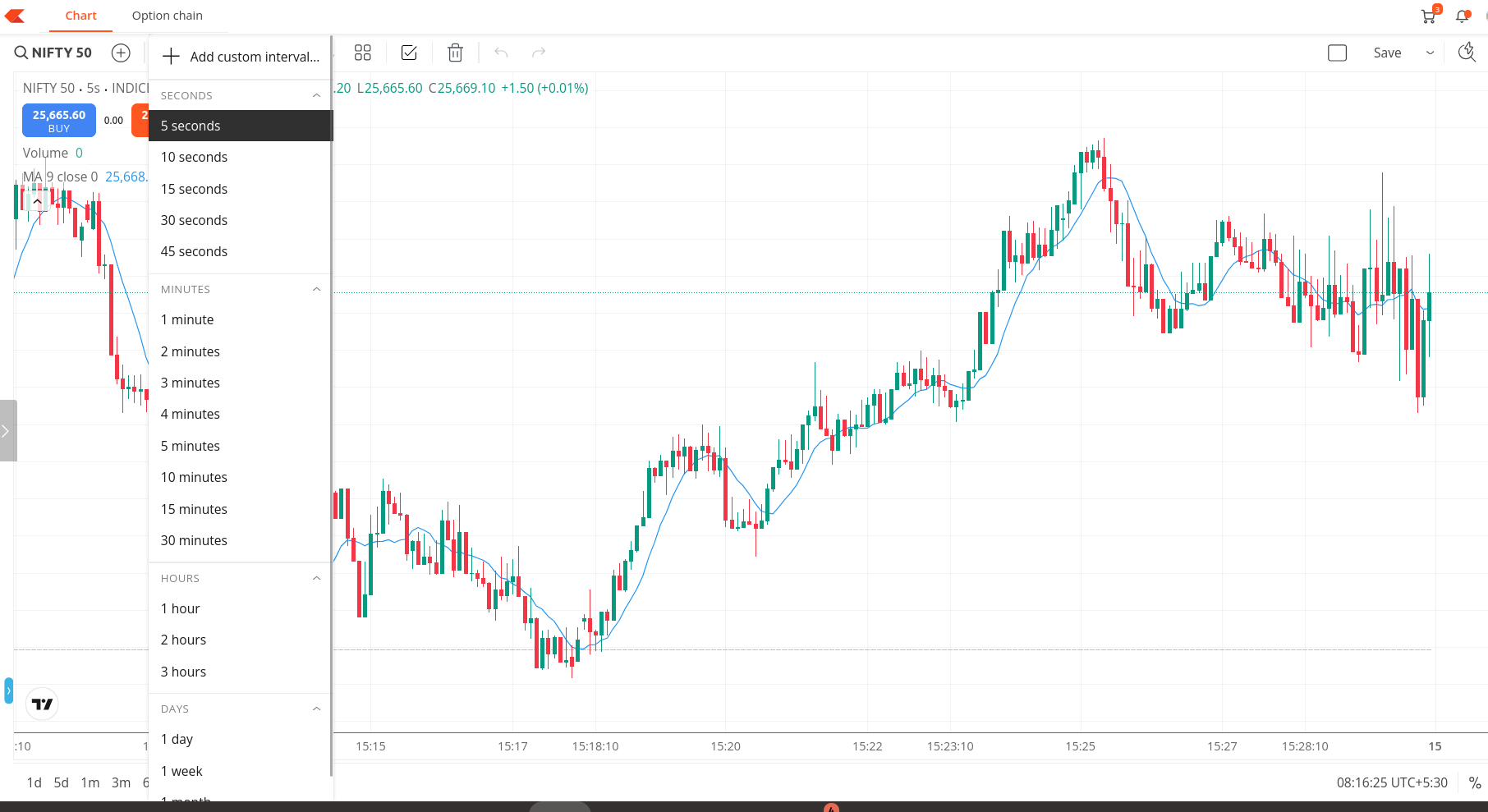
We’ve added seconds-level timeframes to TradingView charts on Kite. For scalpers and active intraday traders, seconds charts offer a closer look at rapid price action, helping identify early momentum, micro pullbacks, and tighter entry/exit points that can sharpen short-term trading decisions.
Available only on TradingView charts (not ChartIQ).
Works across all trading segments.
Works across the Kite web and app.
Seconds timeframes produce a significantly denser data footprint compared to standard timeframes per session. Given the storage and processing overhead involved, we’ve limited historical data to 2 trading days to ensure optimal chart performance and responsiveness.
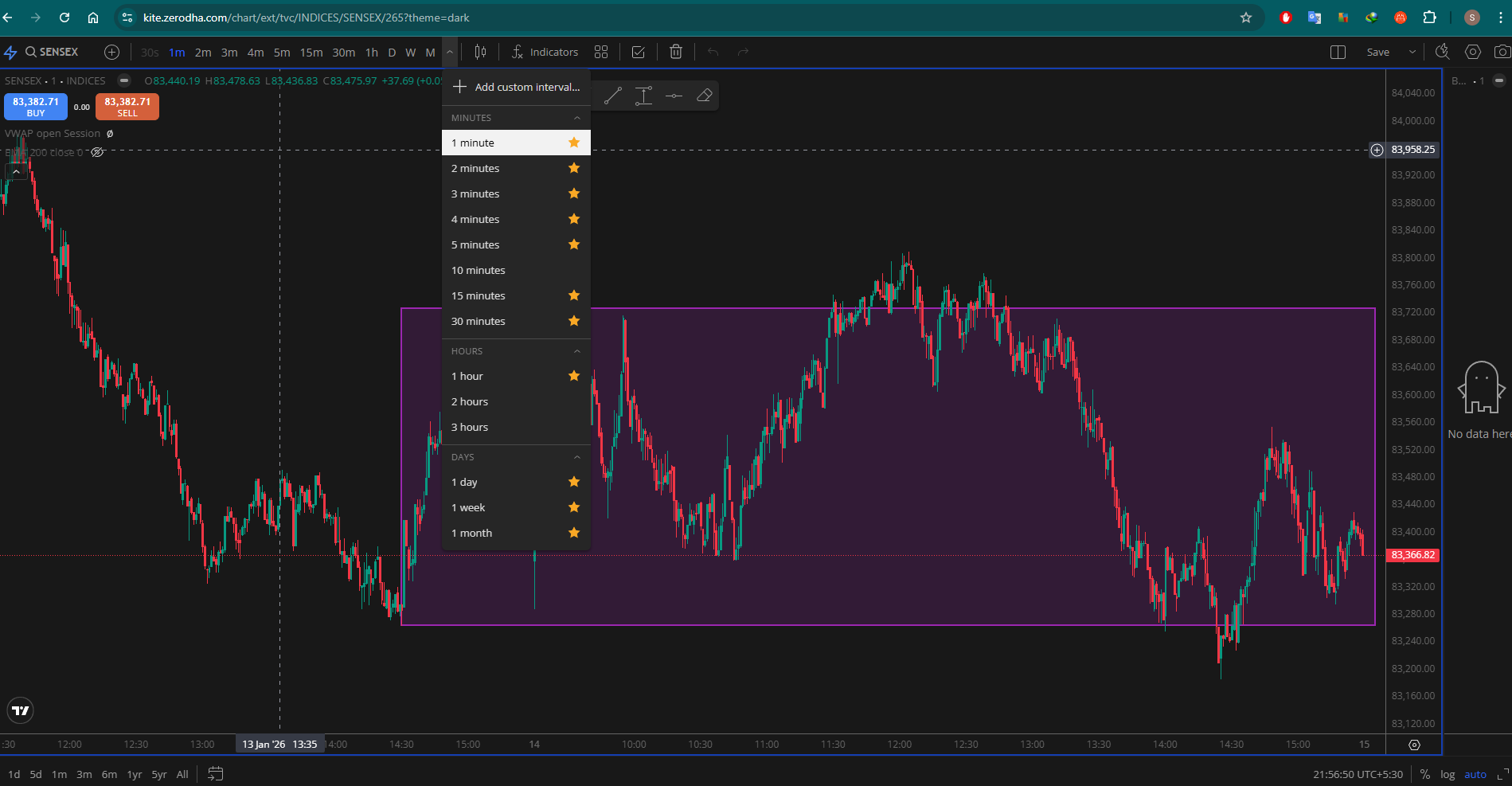
This feature is available on popout charts as well. The URL shared above is no longer used for popout charts and has been updated to a new one to support recent enhancements. Could you clarify whether you’re accessing this through a previously saved bookmark or via the popout option from the regular chart?
Hi, why aren’t shortcuts working for switching timeframe (TradingView) ?
Has this been changed in the latest update or is it just available on trading view?
Pressing 1 should bring up the timeframe window (with 1 minute for 1, but now it automatically opens the change symbol and searches for instruments.
Hi @DhanushK
Sorry for the bump, but could this be integrated soon as a quality update. It is really annoying having 4 charts up and having to manually click on each timeframe while working on multi-timeframe analysis. It would be way faster to only use keyboard (as a habit as well of programming and coding)
We understand the value this feature would add. Due to licensing limitations with TradingView’s broker integration package, certain features available on their standalone platform aren’t included in our charting interface. While this is on our wishlist, we don’t have an ETA to share at the moment.
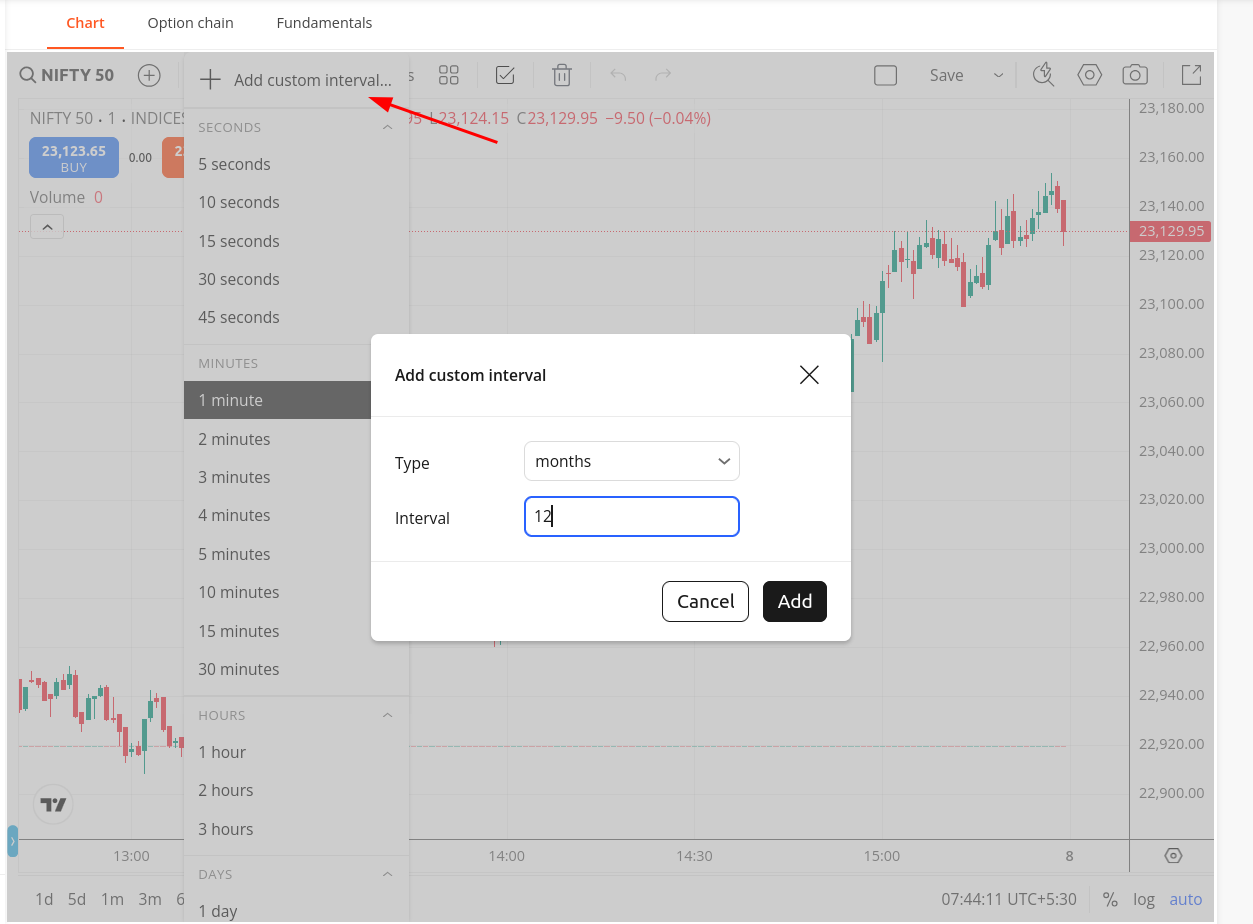
I use kite app on tablet. Interface is different from what you have shown here. There are pre defined time intervals from 1 minute to 1 month. There is option of custom range but it is only for minutes eg i can select 17 or 18 or 19 minutes etc. No option to select 2 or3 or 12 months. Your method is for kite app or only kite web ? Your method is for some shares or only nifty index ? do I need to select chartiq or trading view ?