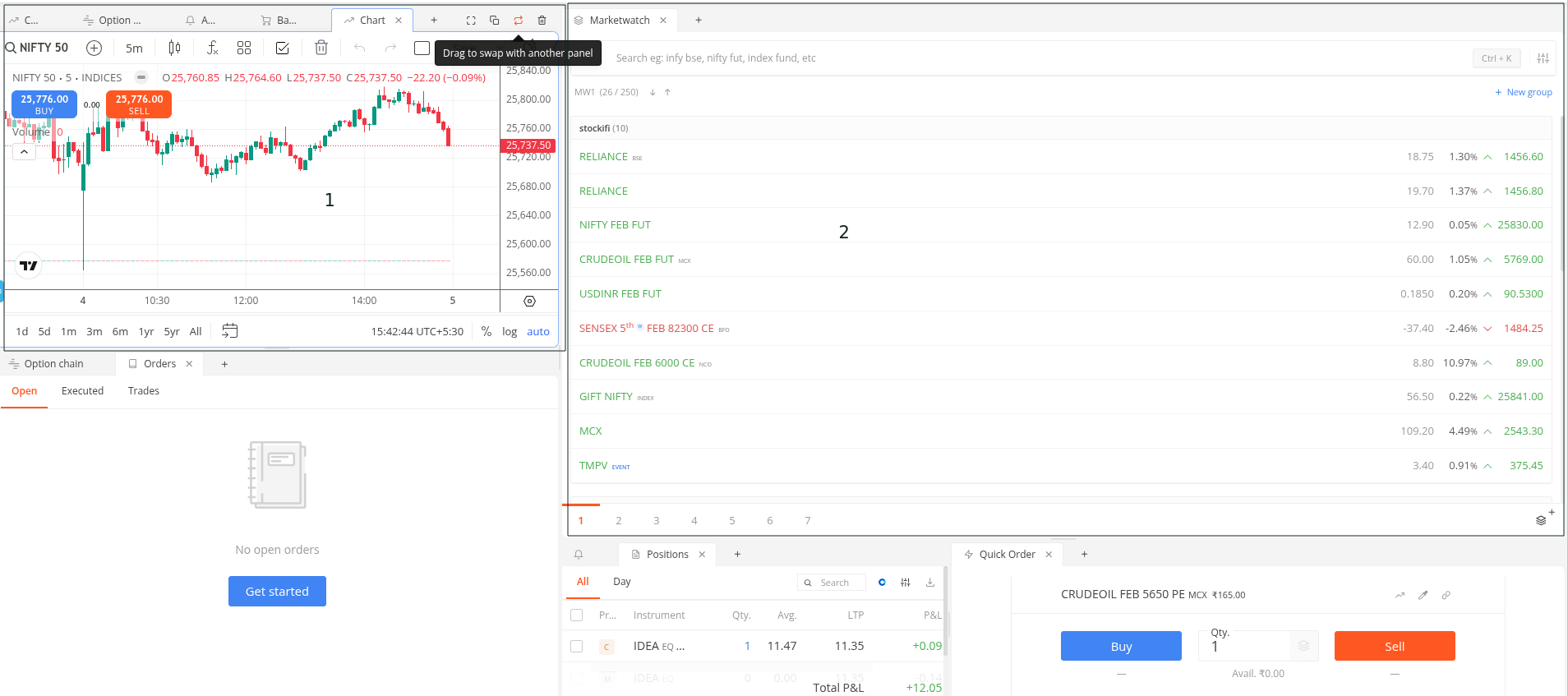
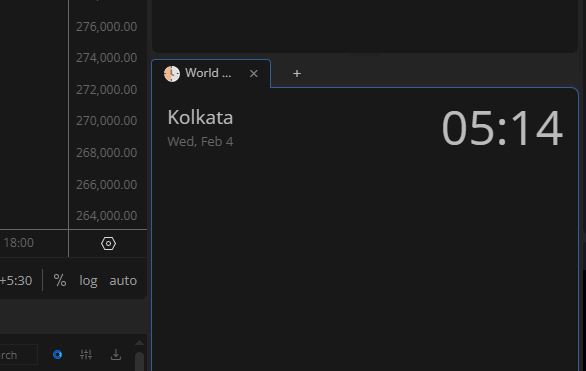
You can now customise Kite’s layout. Drag and place your marketwatch, charts, order book, and positions wherever you want on the screen. Open multiple pages at once: side by side, stacked, whatever works for you. You can also resize each panel based on your preference and screen size. If you have a larger monitor, no more wasted screen space. This is currently available on Kite Beta.
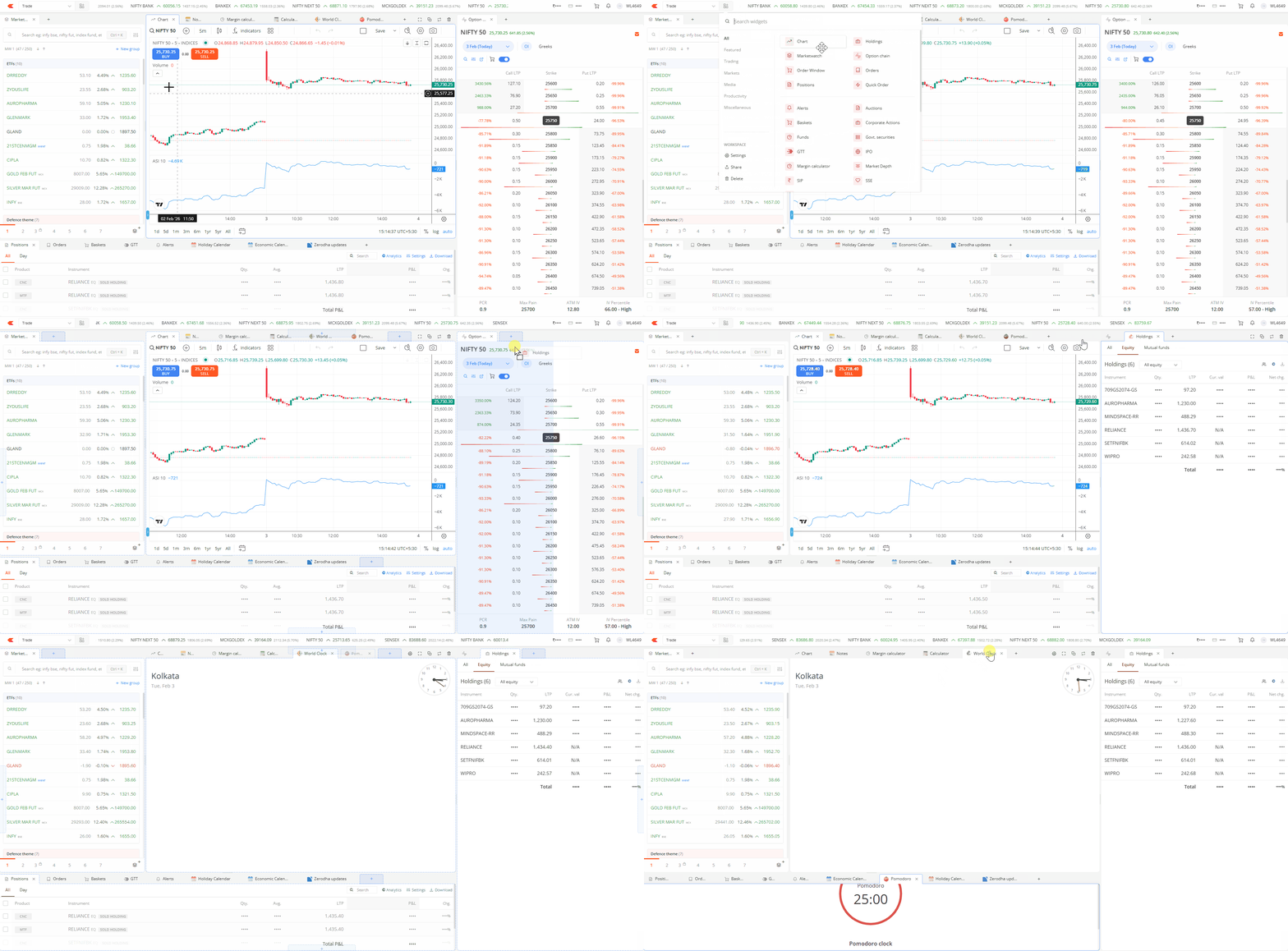
Earlier, for things like a margin calculator, a brokerage calculator, or an economic calendar, you had to leave Kite and visit the Zerodha website. Now, all of this is available inside Kite itself. No clutter either. You choose which widgets to open and keep only what you need on your screen.
We’ve also redesigned order book, positions, holdings, and option chain to work seamlessly as adjustable widgets.
Here’s a quick list of all the new widgets you can set up on the terminal mode:
New widgets:
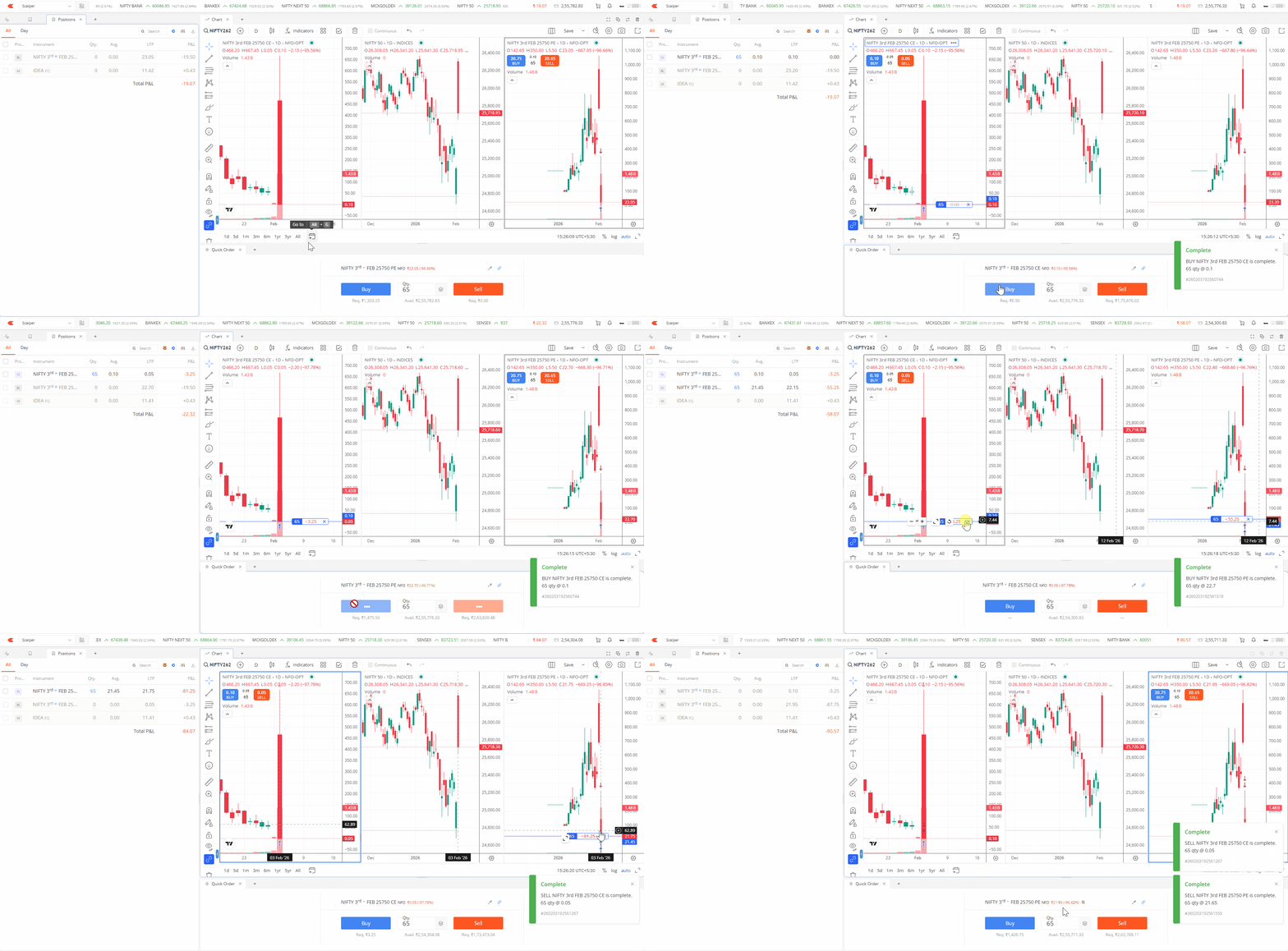
Quick Order:
For scalpers and active traders who need speed. Place market orders instantly without any confirmation pop-up. Product type and market protection can be configured in settings.
Top panel:
A live ticker with instruments of your choice, total P&L from positions, and available margin are displayed across pages. All of this can be turned off if you prefer a cleaner view.
You can click on the P&L to quickly access the positions page, or click on margin to view the complete margin breakdown in a dropdown.
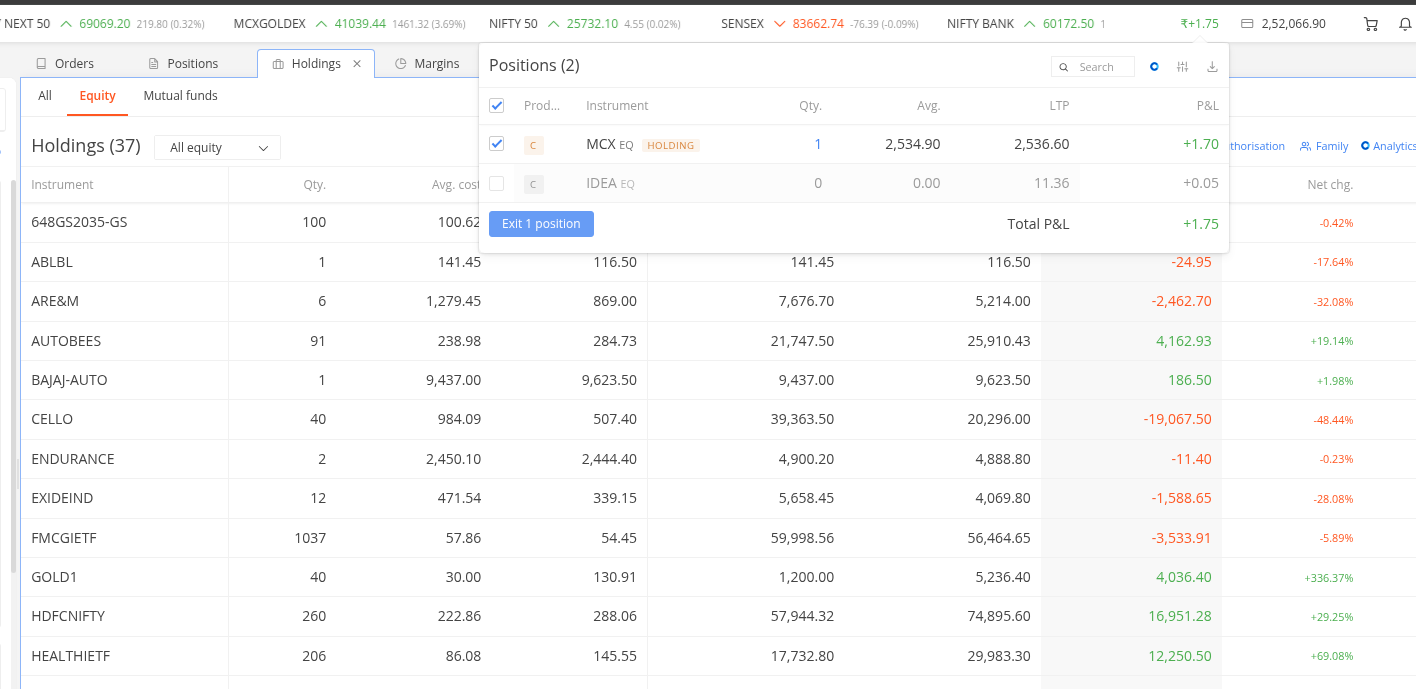
Apart from the top panel ticker, you can add an additional tickers widget with custom instrument lists. Helpful if you track different sets of stocks for different purposes.
Company Updates:
All critical filings and announcements made by companies to the exchange, available in one place. You can filter to see only updates related to stocks in your holdings.
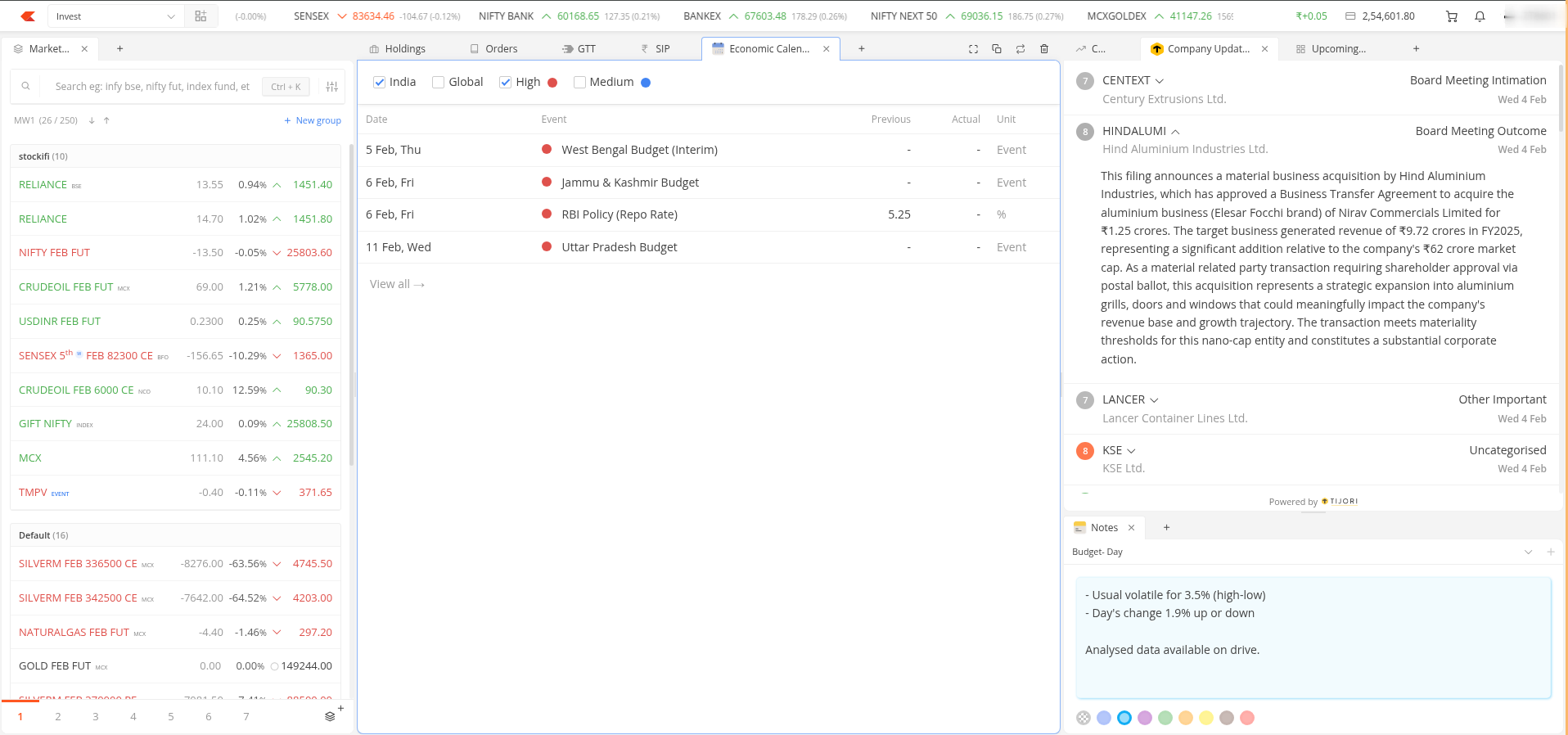
Economic Calendar:
Track major macroeconomic events like RBI policy announcements, US Fed meetings, GDP data releases, and more. Useful for traders who factor macro events into their trading decisions.
Notes:
Jot down observations, trade ideas, or lessons learned during your trading session. Everything stays within the platform, no need for external apps or paper.
YouTube:
Embed and watch market news or live streams alongside your trading screen. Useful for those who follow business channels while trading.
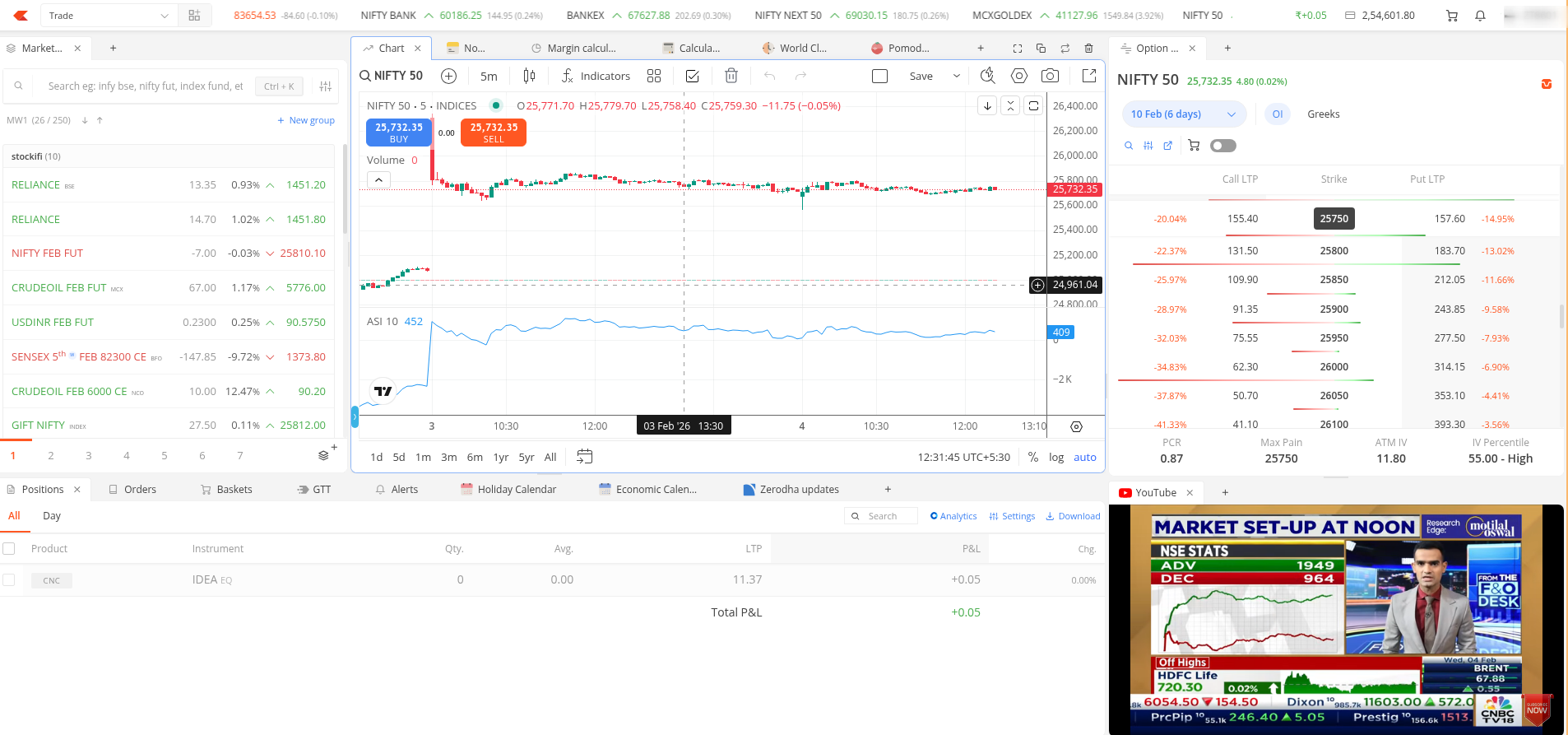
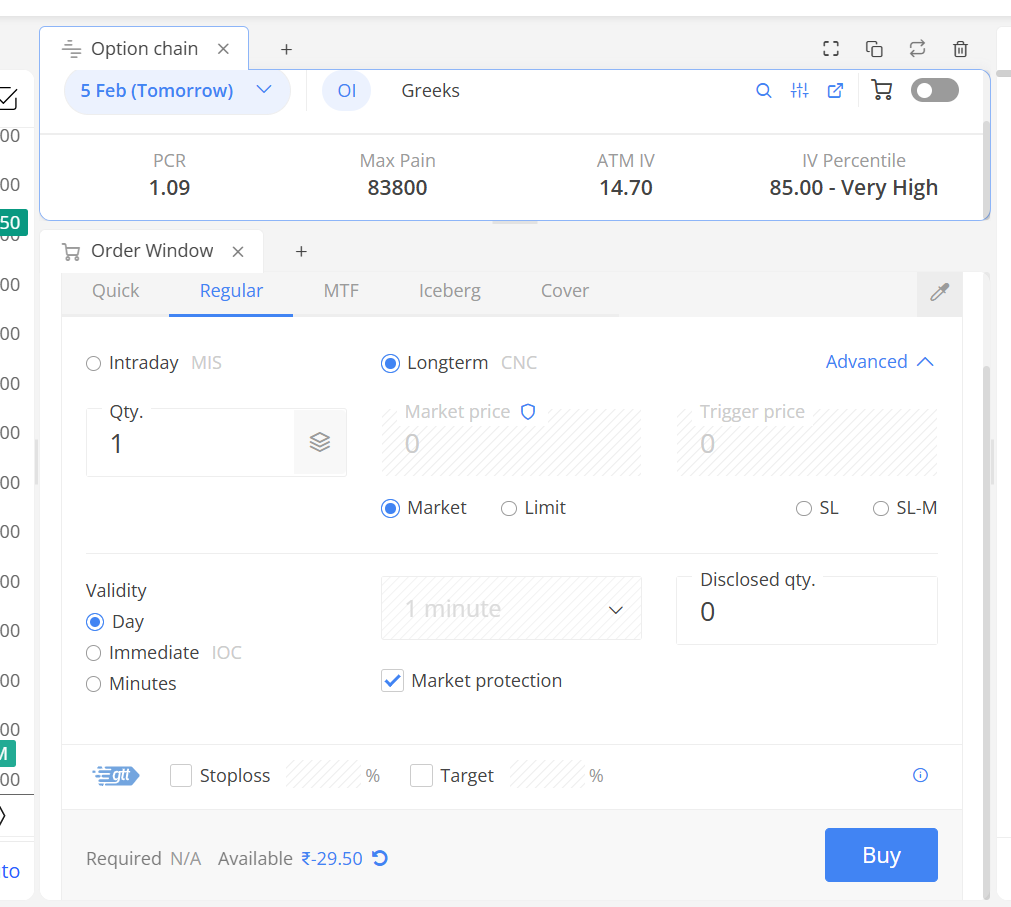
Order Window:
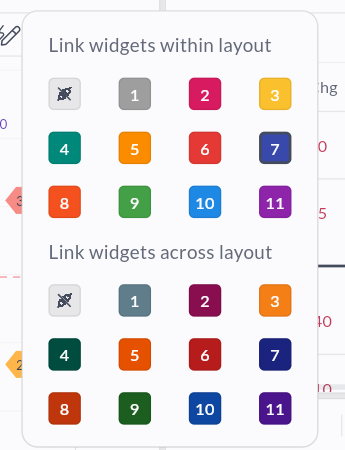
A sticky order window that stays on screen while you work. You can switch instruments, link it to charts, and place orders without leaving the page.
Margin and Brokerage Calculator:
Check required margins and calculate brokerage for any trade directly within Kite. No need to visit separate pages or switch tabs while planning your positions.
Market Depth:
Keep the market depth of any instrument sticky on your screen. Useful for tracking order flow and liquidity while analysing charts or managing positions.
Brokerage Calculator:
Calculate brokerage and other charges for your trades within the platform. No need to switch tabs or use external tools.
Calculator:
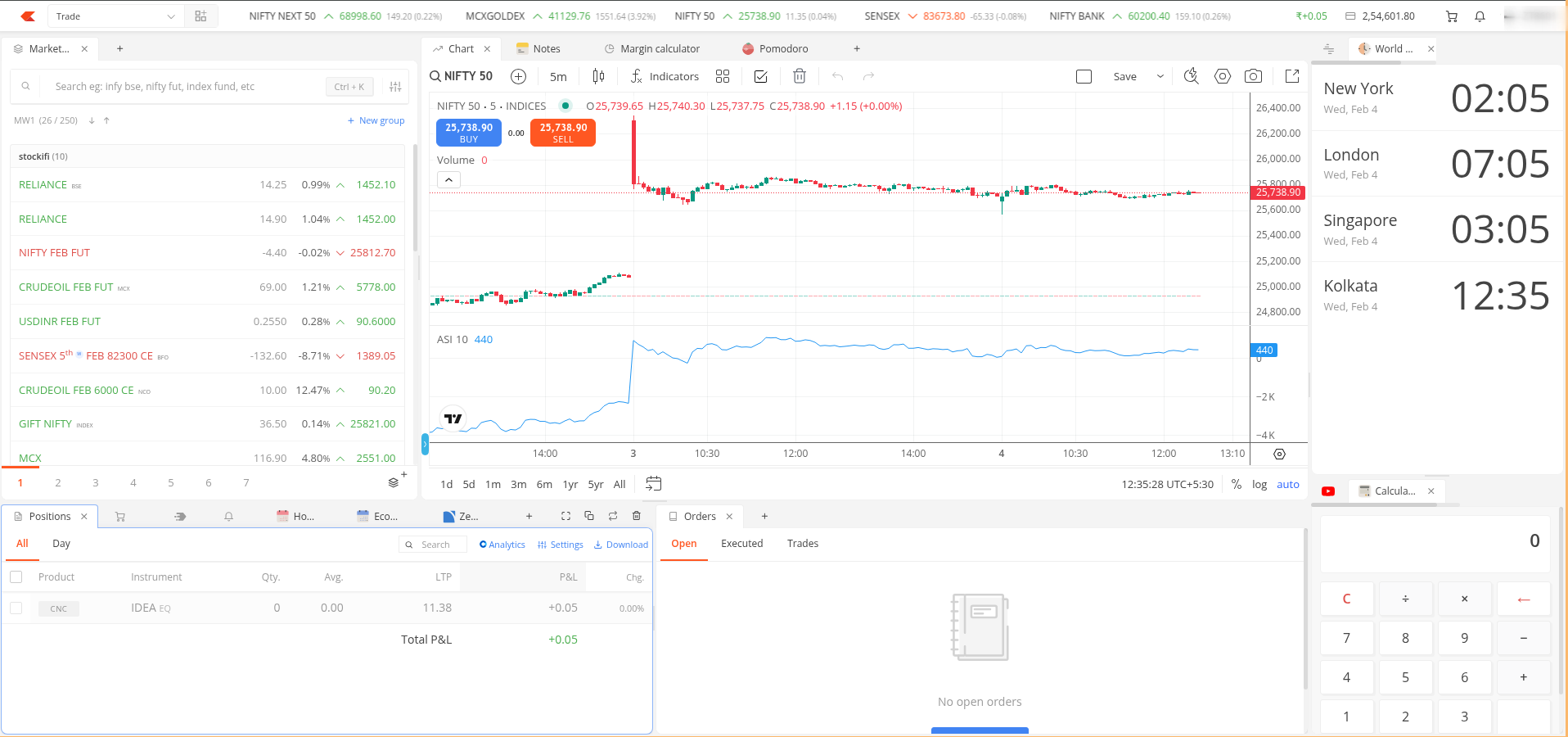
A simple calculator for quick calculations while trading. Handy for position sizing, averaging, or any on-the-fly math.
World Clock:
Track time across different countries. Particularly useful for those trading or tracking US and European markets, or for waiting on global data releases.
Holiday Calendar:
Check trading holidays for NSE, BSE, and MCX within Kite. No need to search online every time you want to confirm if markets are open.
Zerodha Updates:
Stay informed about new features, process changes, or important announcements from Zerodha. Everything you need to know, accessible within Kite.
Nithin’s Updates:
If you like staying updated on Nithin’s posts on markets and business, this widget lets you track all of them directly in Kite.
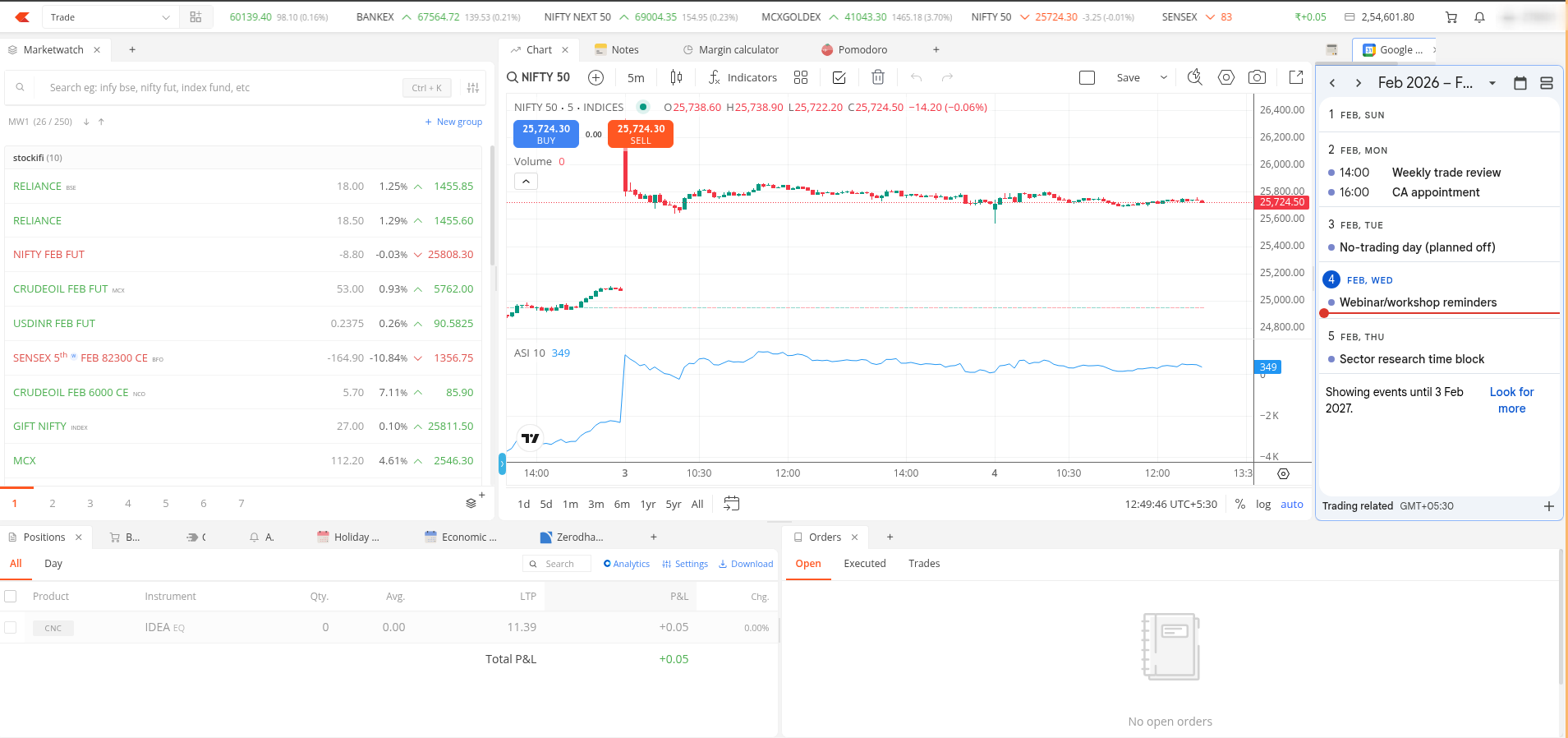
Google Calendar:
Embed your Google Calendar to view your schedule while trading. Never miss meetings or personal commitments while you’re on Kite.
Upcoming IPOs:
View all upcoming IPOs in one place. Useful for investors who actively participate in IPO applications.
Wallpaper:
Personalise your trading screen with an image of your choice. A small touch to make the platform feel more like your own.
Pomodoro Timer:
A time management tool for disciplined trading. Set focused trading intervals and breaks to avoid burnout and overtrading.
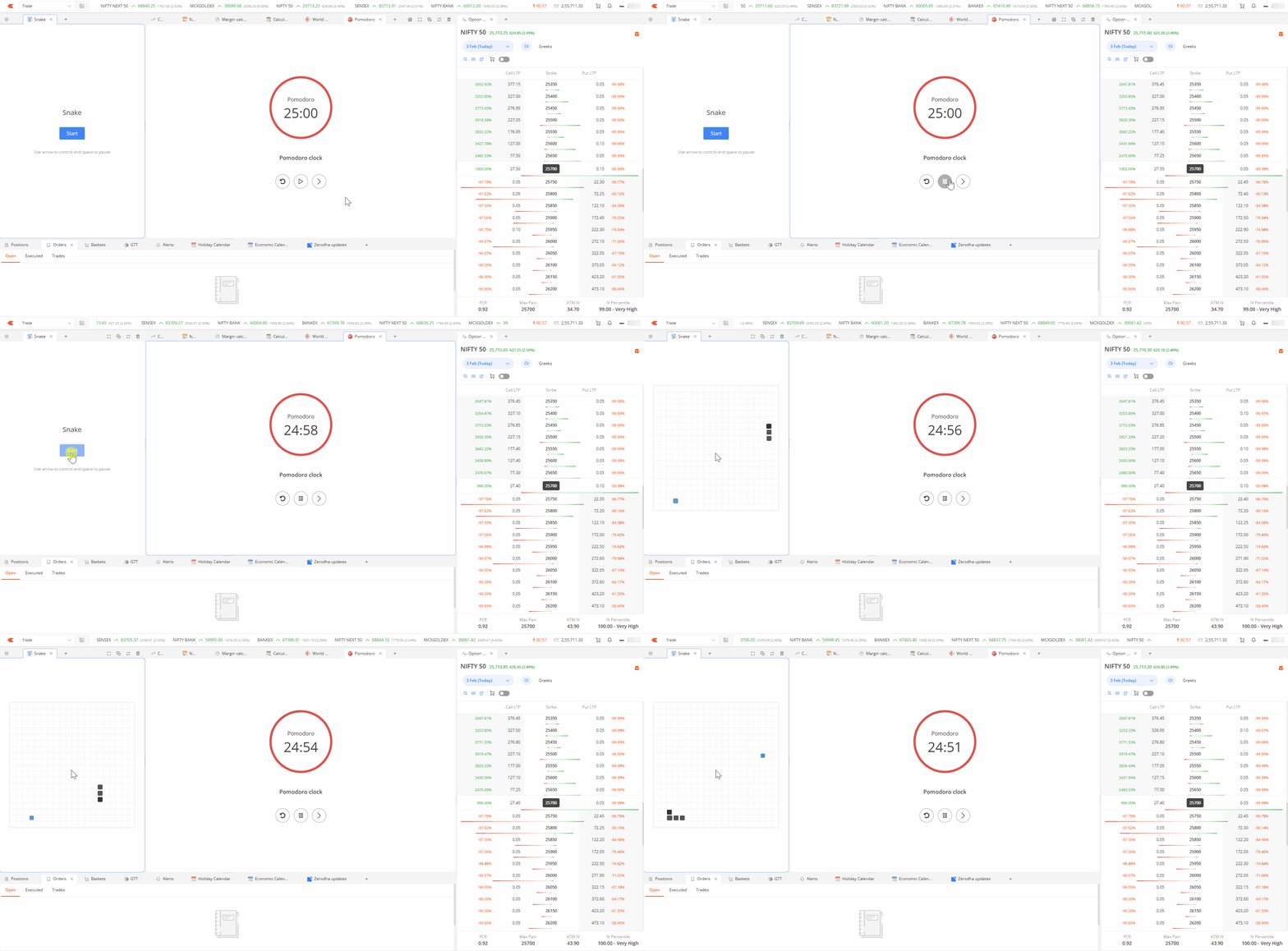
Flying Kite and Snake games:
Feeling stressed after a rough trading day? Take a short break with these simple games built into the platform.
Workspaces:
You can save up to 10 workspace layouts, switch between them instantly, and even share your setup with others. We’ve also included a few preset layouts to help you get started quickly.
Note:
- Currently, only TradingView charts are supported. ChartIQ isn’t available in Terminal Mode.
- Chart preferences handling across workspaces is still being worked on, and there are a few minor functions and fixes pending on our list. These will be addressed in upcoming updates.
Give it a try on Kite Beta and let us know what you think. If you’ve built a workspace you’re happy with, share a screenshot — knowing the types of setups users are creating will help us improve the product further.