When we can expect Terminal to be live?
2 Likes
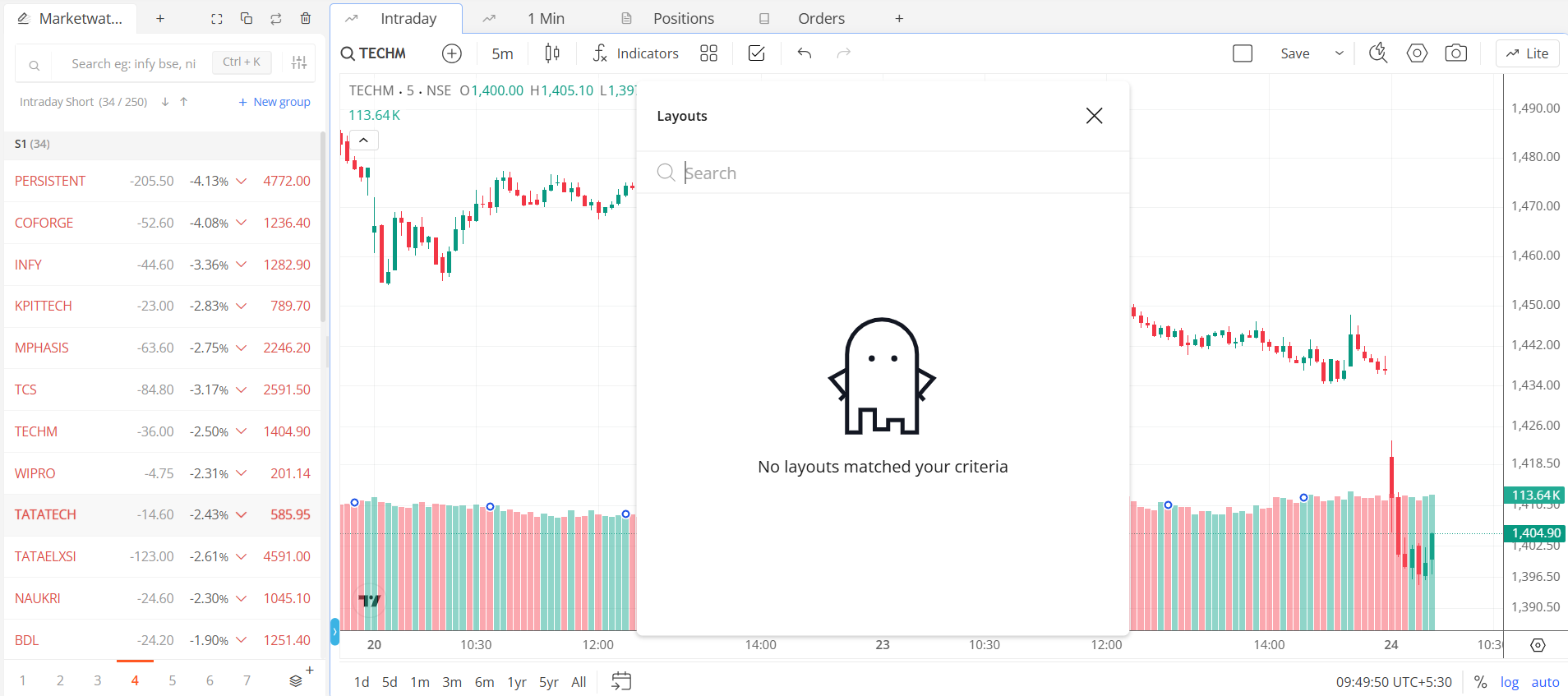
Why does the ticker stutter at regular intervals?
between 00:07 and 00:08 
2 Likes
Positions shows no positions: “Get started”. But I have a lot of positions.
1 Like
This issue will be resolved soon. In the meantime, please use the advanced chart type.
No chart layout save. Default layouts notworking. All saved layout vanished in Advanced mode also.
2 Likes
Bhai! @Arockiya_Raja
Fixing karnayka hein? Ya holiday pe hein? “Chart layout ka kuch karo” Hona bolaytho Chai ka paisa Phonepe karoonga. Thoda jaldi karo settlement Issue ka.
Could you DM me a screenshot of the position on kite.zerodha.com and share a screenshot of the kite-uat position page?
A couple of weeks. A few final polishing works are yet to be implemented in the next few days.
2 Likes
This will be fixed in a day or two with the new layout handling in terminal mode.
1 Like

When setting alerts, ↑ and ↓ works on price input to change the price. But mouse scroll doesn’t work on price input. Please fix
In basic chart mode,
-
Scrolling on the price label on the right side, which used to scale the chart vertically now scales the chart horizontally.
-
Alerts are needed in basic mode.
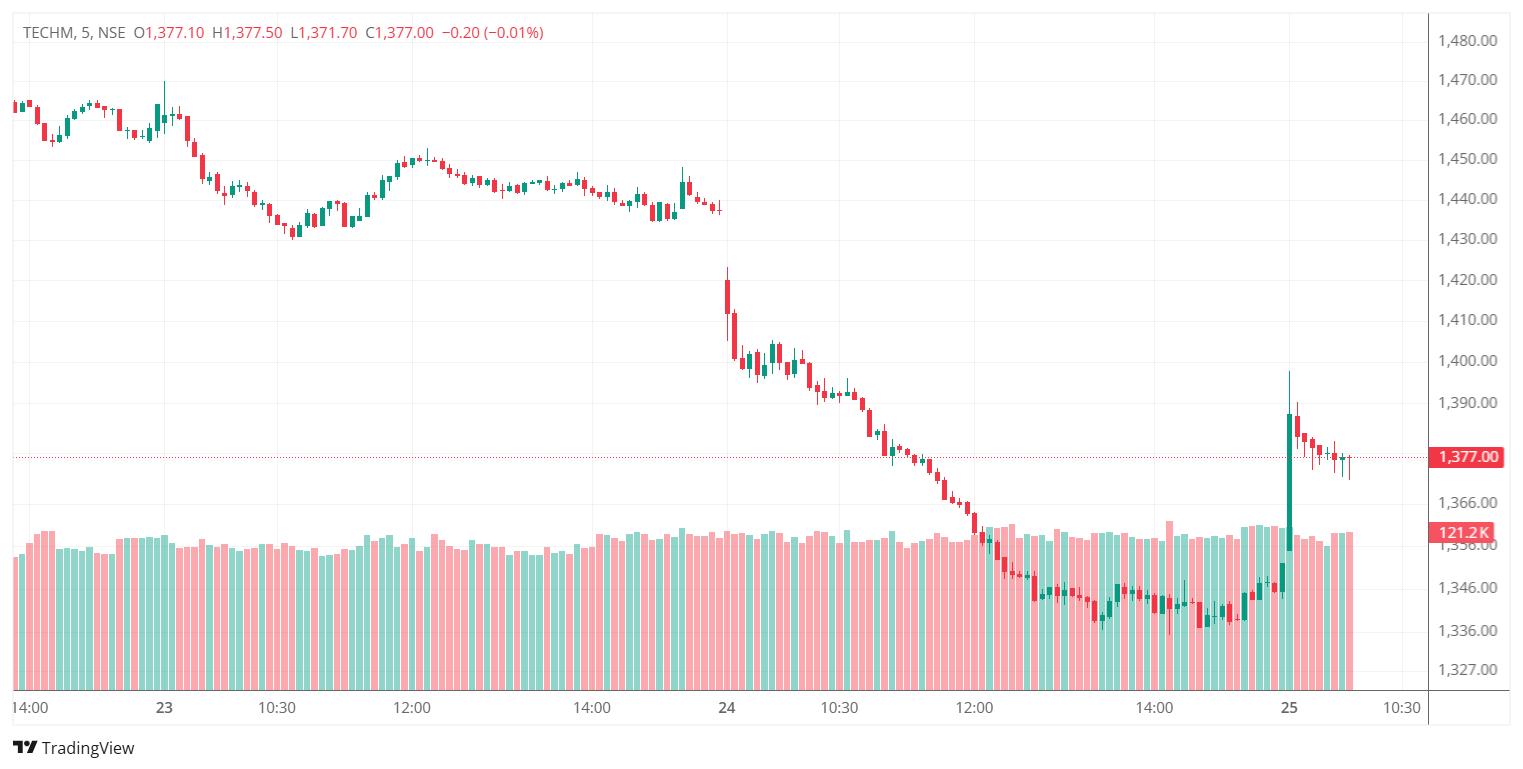
Setting chart into 5 min time frame & going to next tab then after coming back previous chart by default is going to Day time frame.
Sorry not able to upload video
This will be fixed in a day or two.
After refreshing (ctrl+shift+r), is it still the same?
Please remove the volume indicator and then add it back. Does this resolve the issue?
I had already tried all these things before reaching out to you but it’s still the same.
Can you introduce up and down key function in watchlist, right now the watchlist navigation is manual.
So if I have 100 stocks in my watchlist its 100 mouse click to go through that while it can be 100 page up and page down keys that will be very fast.
Same as per trading view. @Arockiya_Raja
To add to this point, why Zerodha is still relying on web based terminal. Why not have a full dedicated desktop terminal which is free from any external browser.
This can help trader’s a lot and this has been long standing demand from your customer.
Desktop based terminal are light, fast and saves a lot of RAM & energy.
Currently using chrome based is heavy on the processor & when opened with multiple tabs it takes a lot of RAM & processor speed, also web has limited functionality available which can be unlimited in desktop based terminal. @Arockiya_Raja