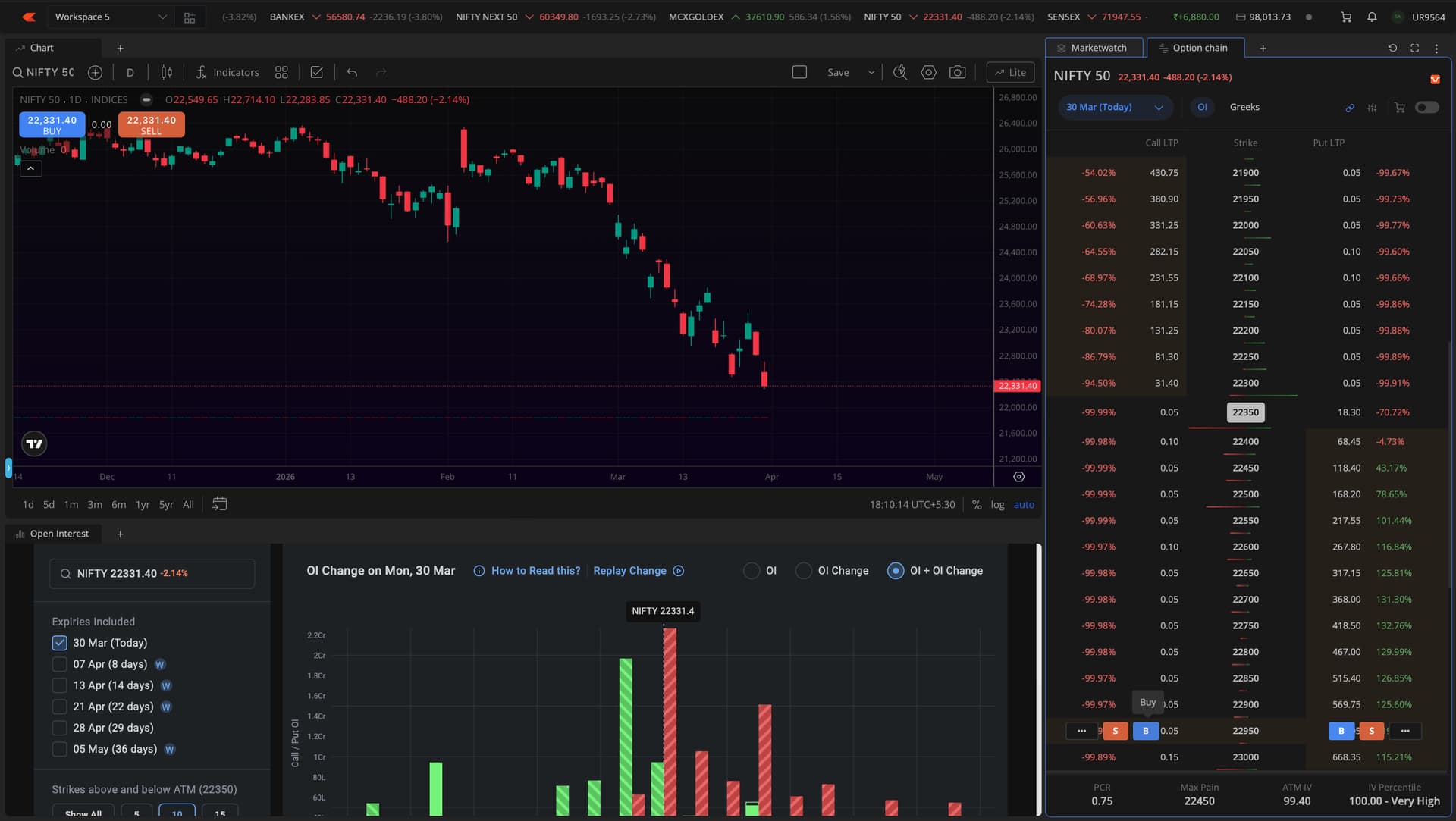
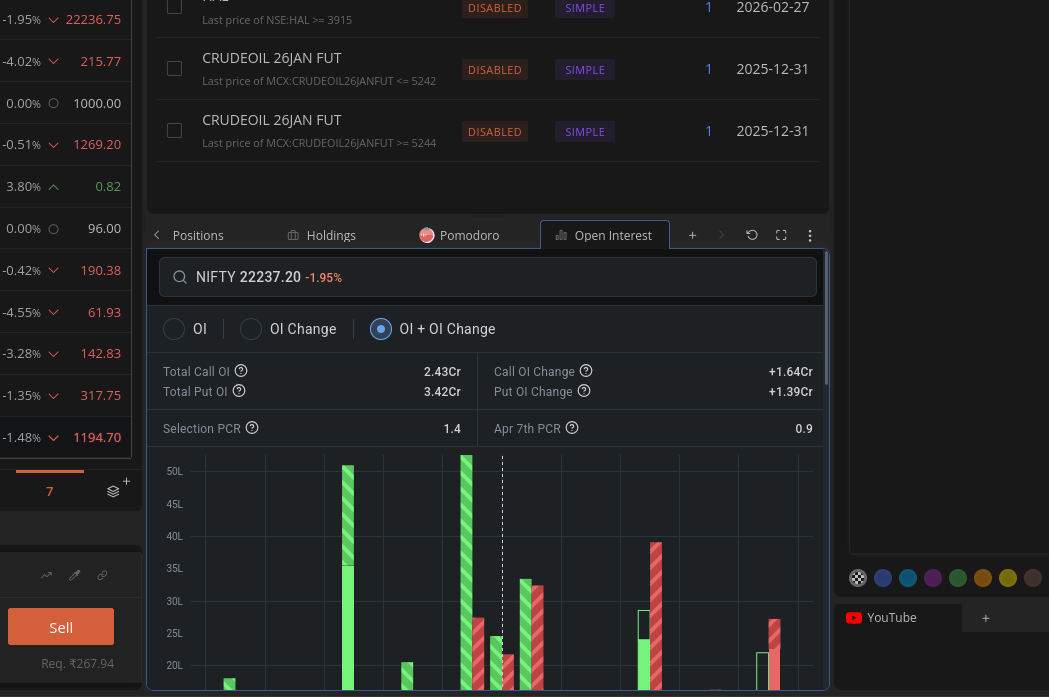
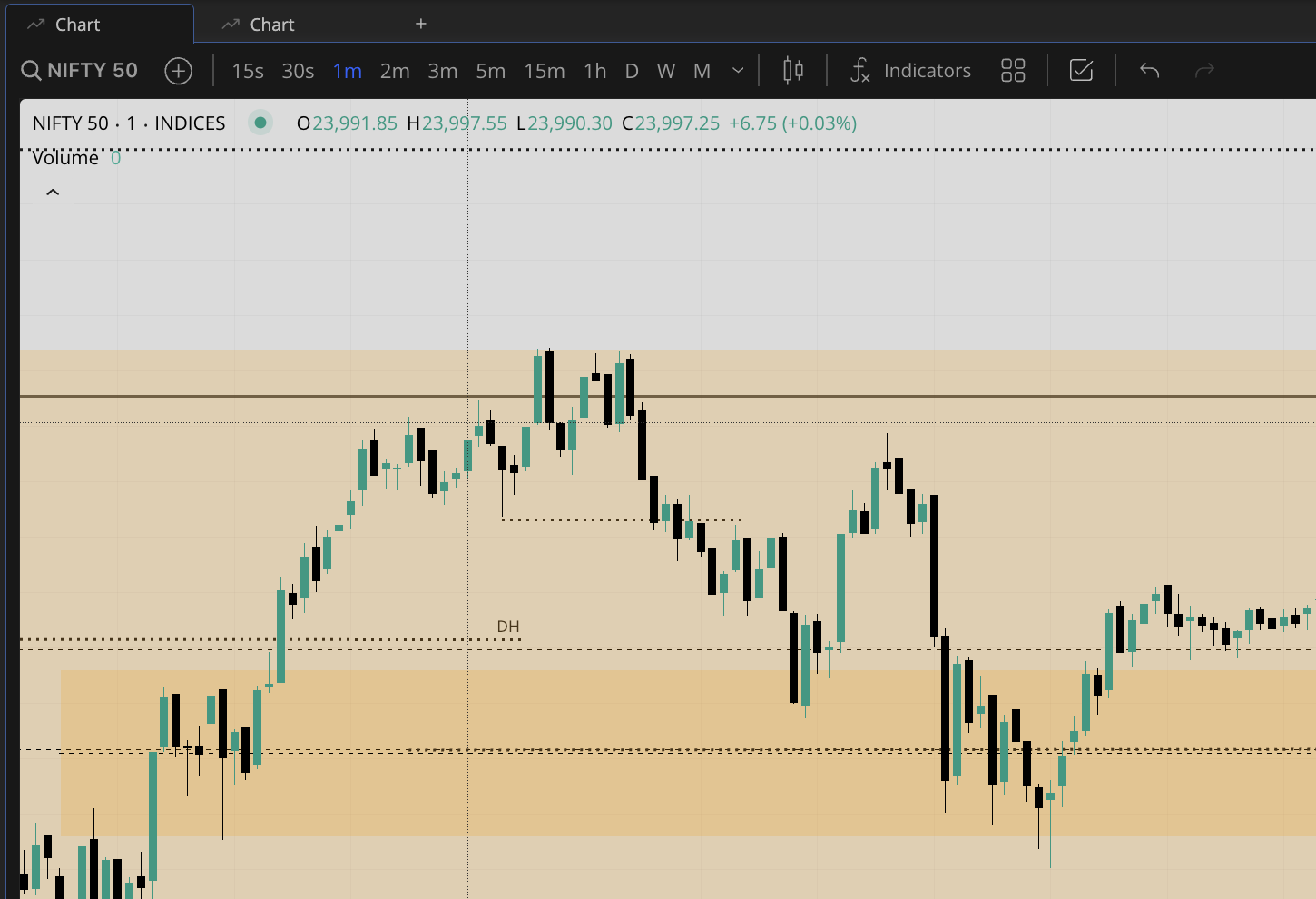
right now the terminal has only two sensible features: option chain and open interest when will other features like IV charts and many others will come
Also the pitch black mode when will it be live
right now the terminal has only two sensible features: option chain and open interest when will other features like IV charts and many others will come
Also the pitch black mode when will it be live
Yes, will look into this in the next patch.
On our to-do list.
Could you provide more information about this.
The new theme requires considerable effort. We will discuss about this.
while hovering cursor over candle charts in kite TV , it shows date only not day like monday , tuesday …
hi @siva and @Arockiya_Raja
please add shot cut for chart loading with up arrow and down arrow keys for chart loading from market watch
While the tab is not opened, (working on another tab), when I come back to the current tab, the price moment in the charts buffer quickly
Watch crude and natural gas. Is this normal? I am using Firefox
all the time.
shared, another vid and details
the browser is safari and yes you are right its doesn’t become that much bright instantly rather it become bright when I try to adjust the widget column to a certain size at a certain proportion its becomes extreme bright white
@Arockiya_Raja Is there any plan to sync the drawing saving in Terminal mode with Mobile App. Default mode, reflect but not the terminal mode. If yes, how soon we can expect.
This is big concern.
Yes, this should be synced. We are discussing the best way to sync this without disrupting the default workspace chart settings.
Everthign is ok and excellent…Need small Improve ment.In panel , we ad 2 chart layouts , tryign to swith one by one it keep reloading…for example i open 2 chart layouts…one move 2nd one and come to first , it autometicaly reloaded…failed to keep…please update this remain everthign top notch. Tq
@Arockiya_Raja Currently, checking expiry requires extra clicks, which slows down trading and can lead to mistakes. Platforms like Angel One already show expiry directly in the ticker, making it much easier to scan and act quickly. A simple expiry label alongside the instrument name would be a valuable usability improvement.

If we keep the invisible tab active, the platform will become bloated and slow. It is better to maintain a separate chart in a panel or use multiple chart layouts.
Thanks for your feedback, and it is noted. We will review this.
@Arockiya_Raja
Hi, i went thrugh the thread but didn’t seem to find this inconvenience mentioned.
In scalper workspace, because the “Link chart” appears with option chain and scalper order.
The issue is it creates a 3 chart layout, but I find that is a bit off.
A better way would be a 4-chart layout which i tried, but then top-right and bottom-left get linked.
I would prefer have 4 charts, spot & futures, and the ATM CE+PE.
Then the top-right + bottom-right could be linked.
Just have a look with 4-chart layout and see how it bounces, because in 4-chart, the spot say nifty is 24000 and option price is 250, the chart axis won’t align.
Thanks.
From last couple of days Kite using lot of resources i.e. RAM and CPU.
Does anyone facing same issue?
BTW terminal mode is THE BEST!!! 
Hi i am facing an issue daily 2-3times. Sometimes when i click on any widget, all the widgets go into sort of edit mode like they get blue ant borders and then i cant click on any scrip or position. Nothing happens only solution is to refresh the page.