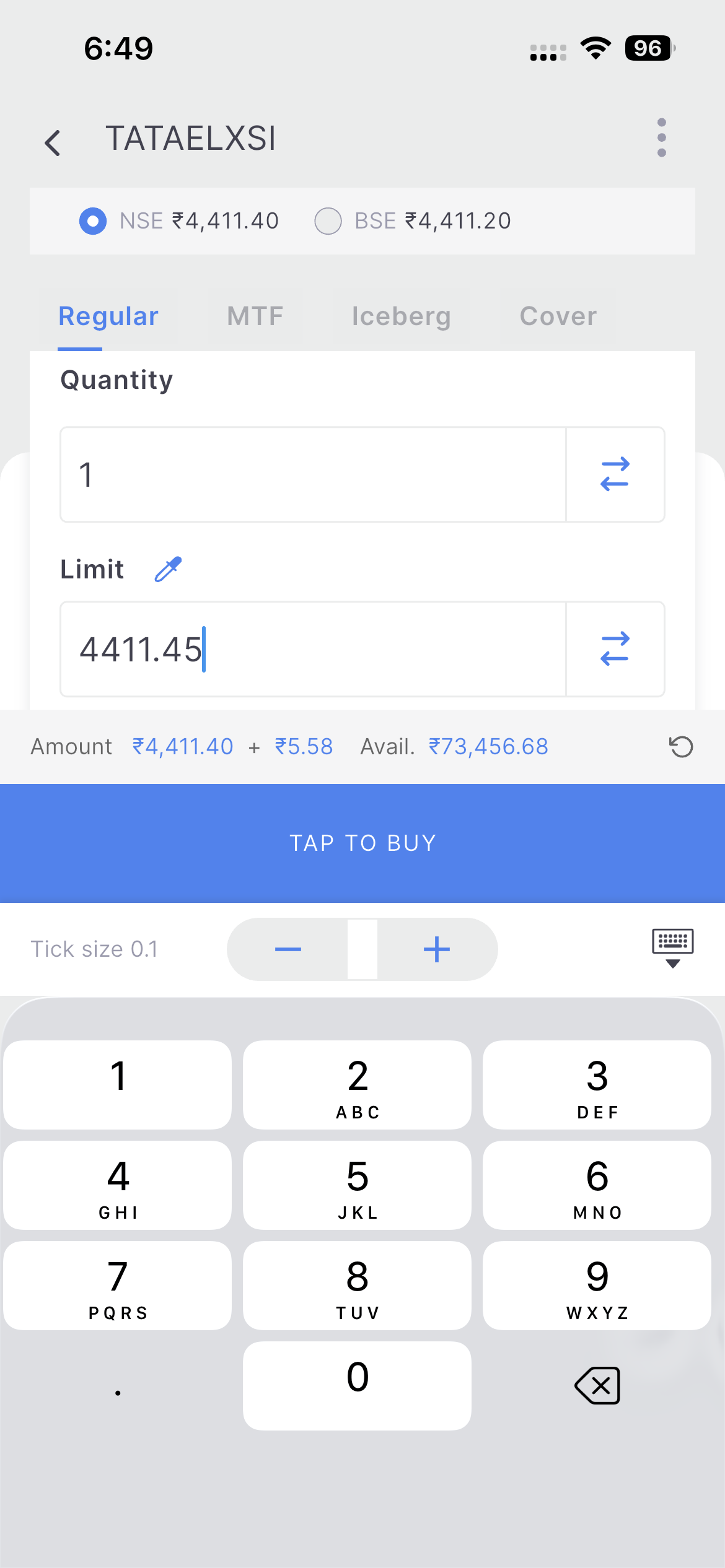
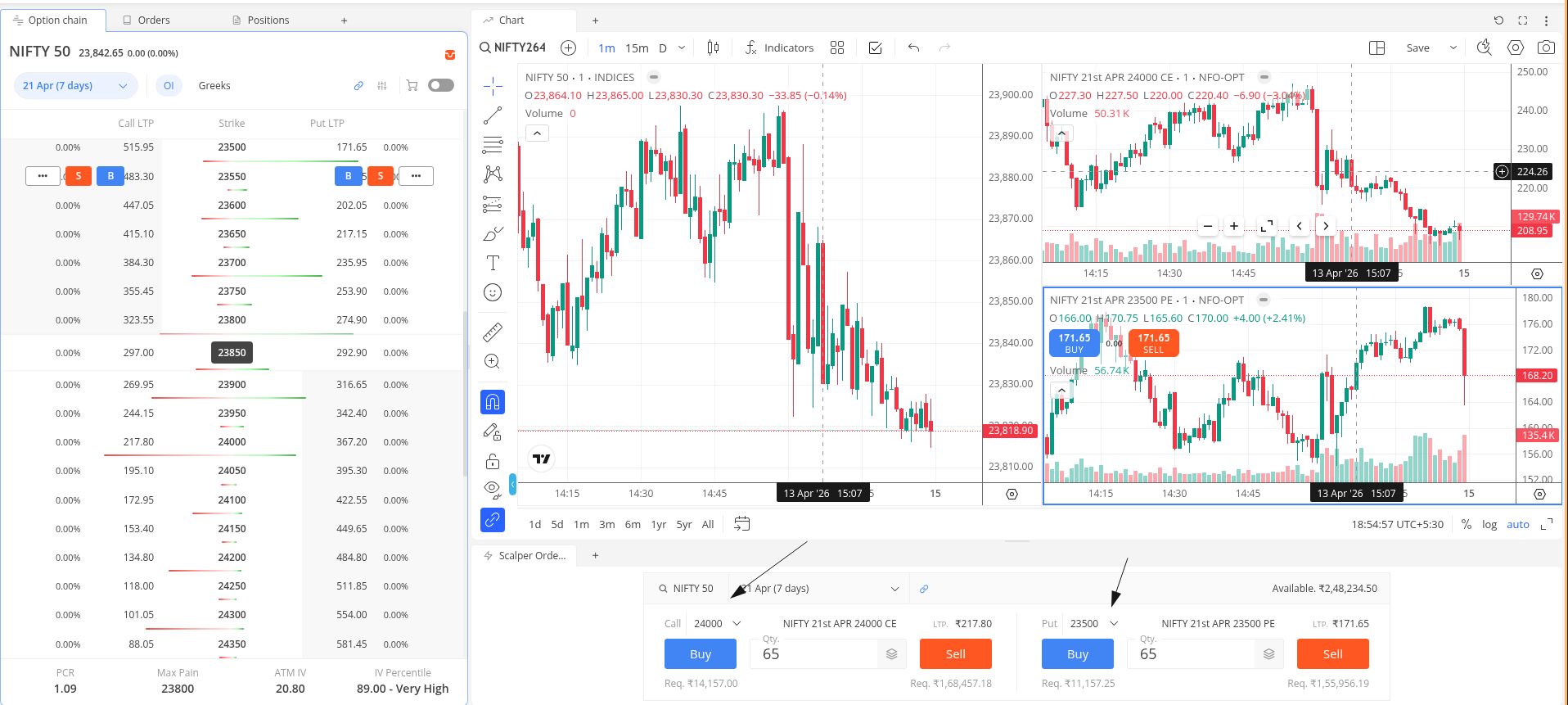
Yes, I’m facing the same issue. When widgets are resized to smaller dimensions, they don’t adapt properly. The open interest widget looks fine on a larger screen, but its usability degrades significantly when reduced to a smaller view.
The Greeks are displayed automatically when the widget has enough width. In a narrower responsive layout, showing them forcefully would add a scrollbar, so we are keeping it adaptive.
The OI widget’s responsive view can be improved, I believe. We will look into this.
Currently, the scalper order window widget links CE to the 2nd box and PE to the 3rd box of the chart by default. No provision to customise it. Your feedback has been noted.
By default, the scalper workspace opens with the ATM strikes.
It works with a manually arranged workspace as well. Could you DM your client ID? I will arrange a callback to assist with this.
if you look at the mobile app option chain widget with greeks it has this nice scroll which keeps the same greek on call and put side in view when scrolled.
i am expecting similar on web as well.
the scalper order window, instead of having it horizontally if i want to put it in a vertical pane i cant, i want to be able to have the call and put windows one below other
Cant we have day change in Position tab also? the way we have in holding tab.
Its very difficult to track the day movement when you are holding F&O overnight positions in 15-20 different trades.
Appreciate Very Much for all your efforts in developing an Excellent Trading Terminal.
The beauty is, given freedom to traders to build their Terminal according to their preferences.
I have few requirements as listed below:
-
Provide one blank work space in Widgets as “Default” . The reason for this is , trader can drag any POP UP like Order Window from OPTION CHAIN to this Default Blank Work space.
-
Enable ORDER WINDOW Widget to drag and pull it to any area in the workspace and also enable the Order Depth to display on top or on Right Side of the Order window, now it is displaying on the Order Window and hiding the contents of the Order window
Currently, you can view the day’s change (M2M) on the info screen.
Noted, we will review this.
If possible, could you share more details about this feature request? We will review it better once we understand the exact requirement.
This is not practical when you have too many positions
as noted earlier on the same topic, 3 charts is kind of awkward.
instead use 4 charts, one for spot and one for futures on the left. on the right, top CE and bottom PE.
reposting as you haven’t acknowledged earlier.
We will review displaying this as a column on the position page table.
We reviewed this. The Up/Down key with C addresses a similar requirement, so this may not be feasible for now.
Currently, there is no provision to customise this. This is slightly tricky to handle within the TradingView library, but we will review the feasibility.
Didnt get you, is there a feature available? Pls elaborate
Please check this.
I thought you were talking about the day change feature in position tab, so you guys will see if a column can be inserted in position tab right?
Yes, this is the reply to that particular point.
Thanks!
Also is there a way we can put a moving SL like based on ATR, EMA, SMA, day close etc.?
Not available on kite. On a streak, you may set an alert based on these indicators.
For SL its not practical to rely on alerts.