This is amazing, Its always a treat to use the terminal whether Kite 1.0, 2.0, 3.0 and now this. The team is excellent and provide the UI very simple and easy to use without much clutter. However, as a trader can we have following more enhance ment in this version:
Key Board shortcut (Similar to ODIN, Greek) so that user can punch order without using mouse. (Most awaited requirement for a full time trader)
Position builder which is already there in Sensibull, can we have same in a separate window.
Option chain (with live feeds and greeks) to be exported in excel so that each trader can do their own calculation before placing the trade
Rolling straddle chart with basic indicator VWAP and SMA will suffice to guage the volatility (Already there in Sensibull) need to integrate here.
Would love to know if it sound reasonable from my end.
Awesome…thank you…
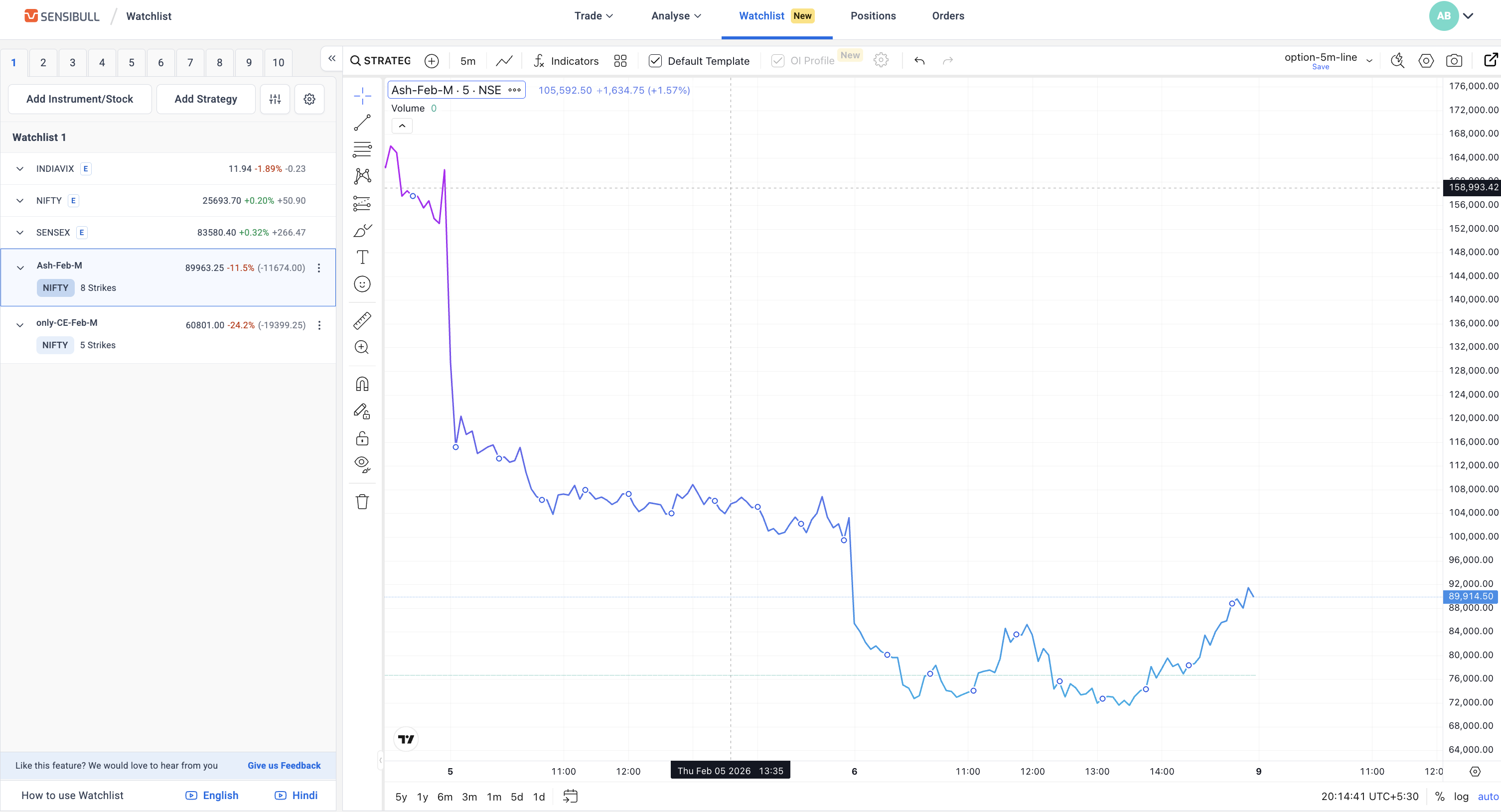
Is it possible to track all/combined positions as a chart? I currently use Sensibull → Watchlist and add all my positions i want to track
+1000 for this feature.
I would love to track my positions value as a chart. Currently I use Sensibull → watchlist and add my option positions and realtime track the value
Looks Amazing, now i can lose money in style;
The default “trade” workspace is very polished and very trader friendly, can really see a good amount of user research was poured into crafting this.
Observations and questions
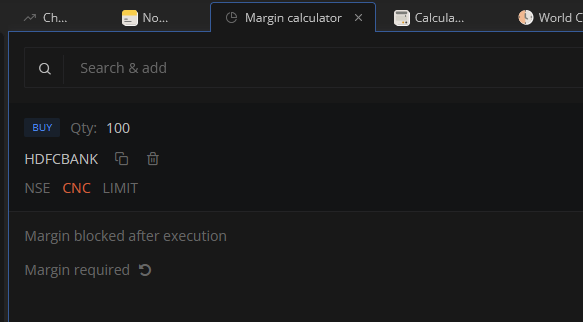
If i click on CNC product on margin calculator section, it takes me to the dashboard instead of changing CNC to MIS
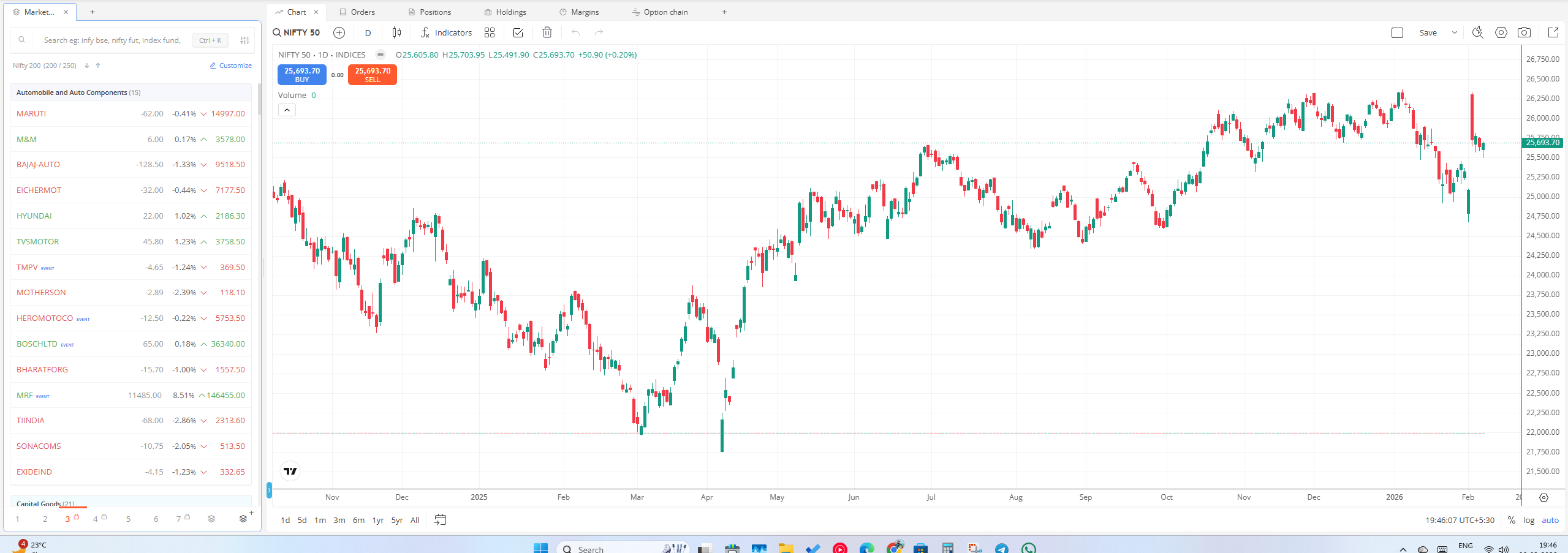
Is it possible to sync the option chain panel with the chart that’s currently in focus?
We added company updates widget, where we will show any important updates released by companies which we think can have material impact.
For any other updates one can subscribe to Tijori alerts which will come directly on WhatsApp within seconds after filing at exchanges.
Hello Zerodha Team, I checked new Kite Beta Terminal and noticed that ChartIQ charting is not available, the new terminal layout is excellent, ChartIQ has certain very good features. and totaly rely on for intraday analysis and execution. Its absence in Terminal Mode limits flexibility, especially for users who prefer ChartIQ over TradingView.i like to request that ChartIQ charts to be added as an option within the Kite Beta Terminal between TradingView and ChartIQ, similar to the regular Kite interface.This addition would make the Terminal Mode far more complete and beneficial for active traders.Thank you for continuously improving Kite and for considering this request. Looking forward to future updates.
Yes, order window is a widget now, you can add it where ever you want and how many you want.
Alternatively one can use basket, or can select positions which one want to exit and click exit all , all selected will go at once.