Dynamic sorting is on our to-do list.
Your feedback has been noted.
Dynamic sorting is on our to-do list.
Your feedback has been noted.
SSO not working across windows… asking to login again for popups like analyze , or b/w multiple windows…
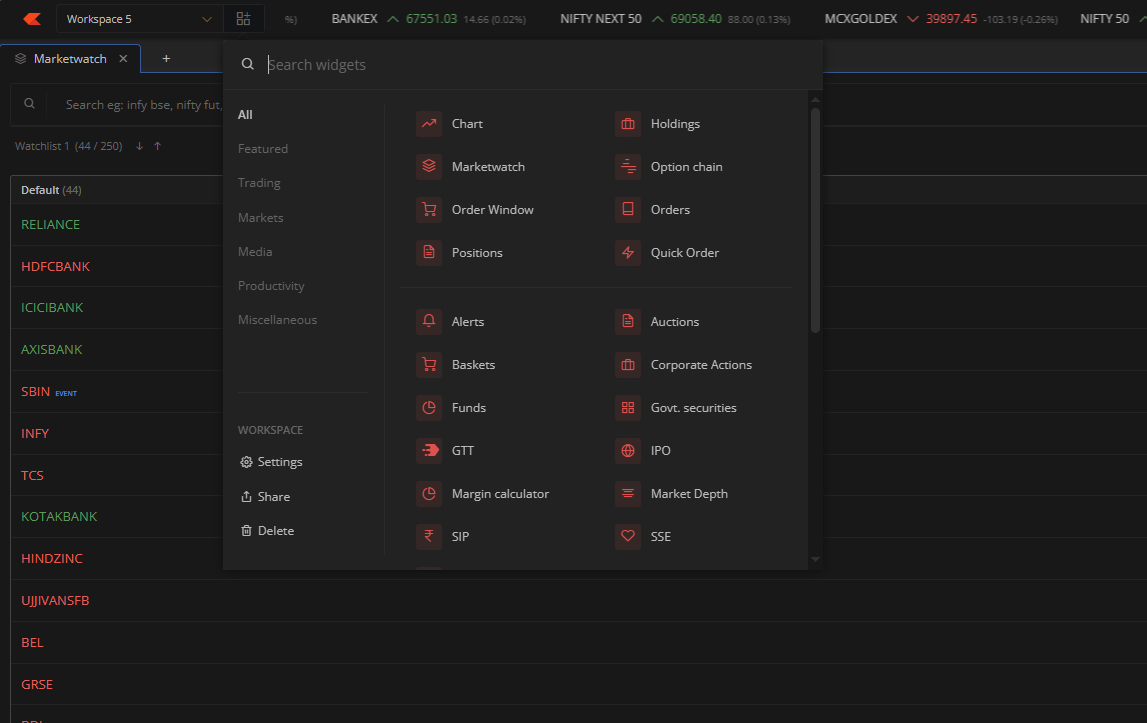
add F&O stock ,option feature list in search widgets,so that all fno stock will appear with lognbuild up,shortcovering , highest OI etc and make trade there it self
These are beta-specific issues. Login handshakes will be fine once this is pushed to live.
Could you share the screenshot of this? Seems to be working fine at our end.
Yeah, happening in few cases, known thing, will be sorted before going live.
Please integrate sensibull features as widgets like straddle charts, position analysis, builder
Required Margin is N/A ?
Noted already.
Known thing, will be sorted before going live.
Any plans to integrate Tijori , or streak directly into the terminal. Sensibull would also be good since its free for Zerodha users. Not mind paying or subscribing. Fundamental analysis and technical analysis in one place would be awesome !
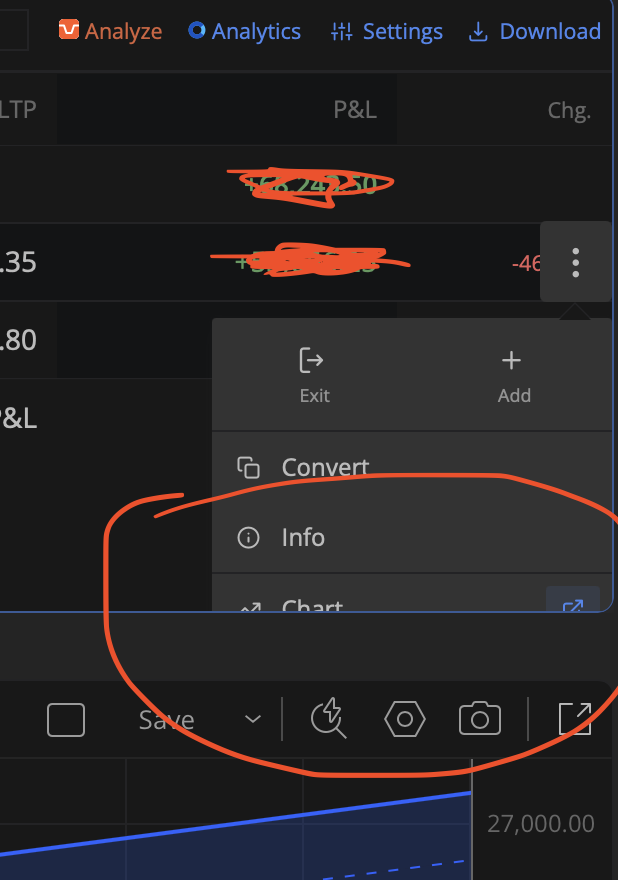
The feature look amazing. Few things which I would like tosee in this are , Setting TP and SL same as Tradingview. Second Add a widget for news too… regular trading view news can be integrated here. Same a widget for High gainers or Loosers widget .
First of all, thank you for building such a stable and trader-friendly platform. The overall experience, reliability, and speed are excellent.
I wanted to share a few feature requests that could significantly improve execution efficiency for active traders and bring the terminal closer to global chart-trading standards.
1) Native Bracket / 3-Leg Orders
It would be extremely helpful if we could place Entry, Stop Loss, and Target in a single action.
An OCO-style system where hitting one leg automatically cancels the other would:
Currently we must place these separately, which is slower during fast markets.
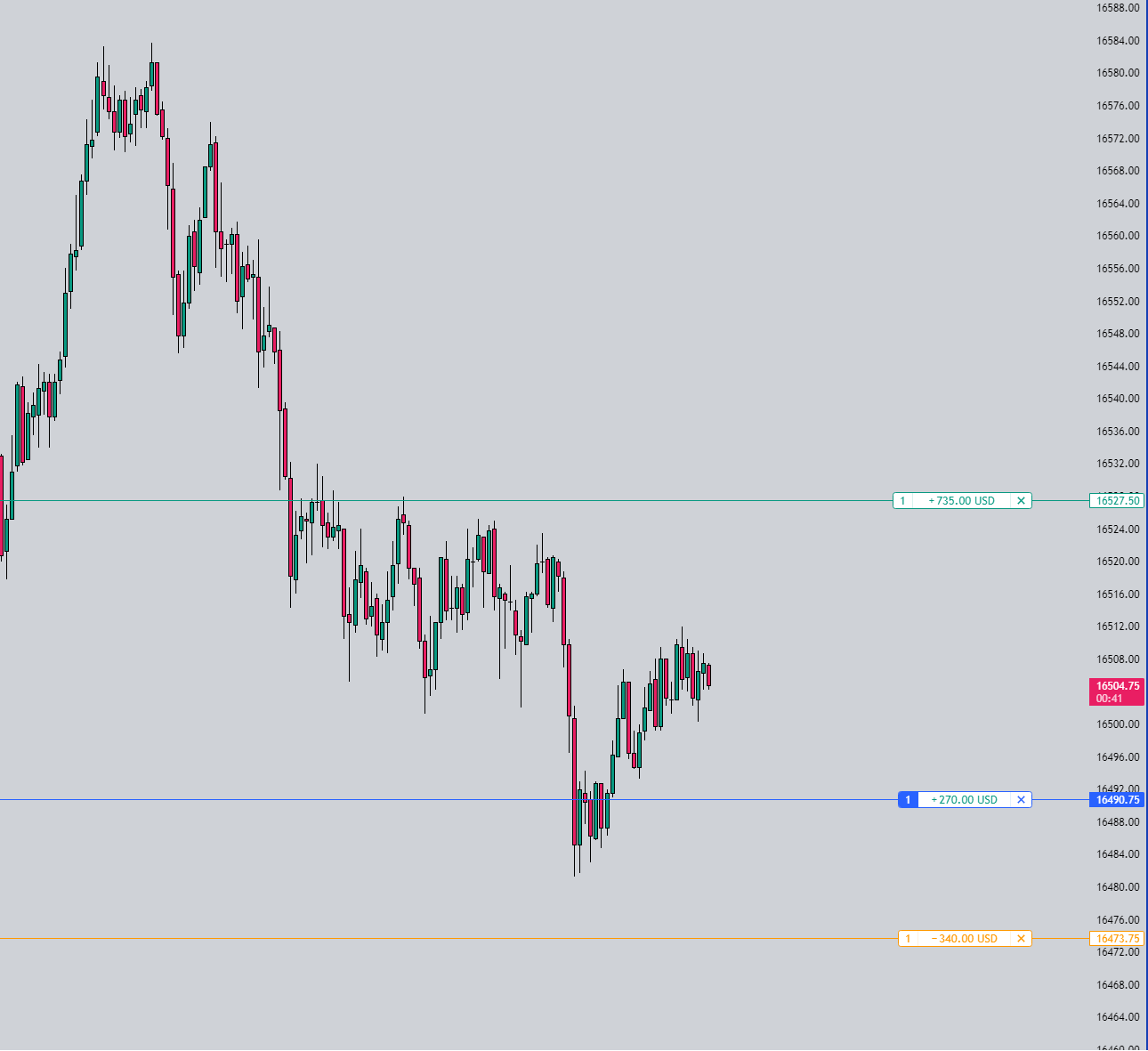
2) Trade Directly from Chart (Drag & Place)
A feature to place orders by drawing or dragging lines on the chart would be a massive upgrade.
Example workflow:
If quantity could be auto-calculated from risk %, that would be even more powerful.
This would make chart-based execution far more intuitive and reduce dependency on manual price typing.
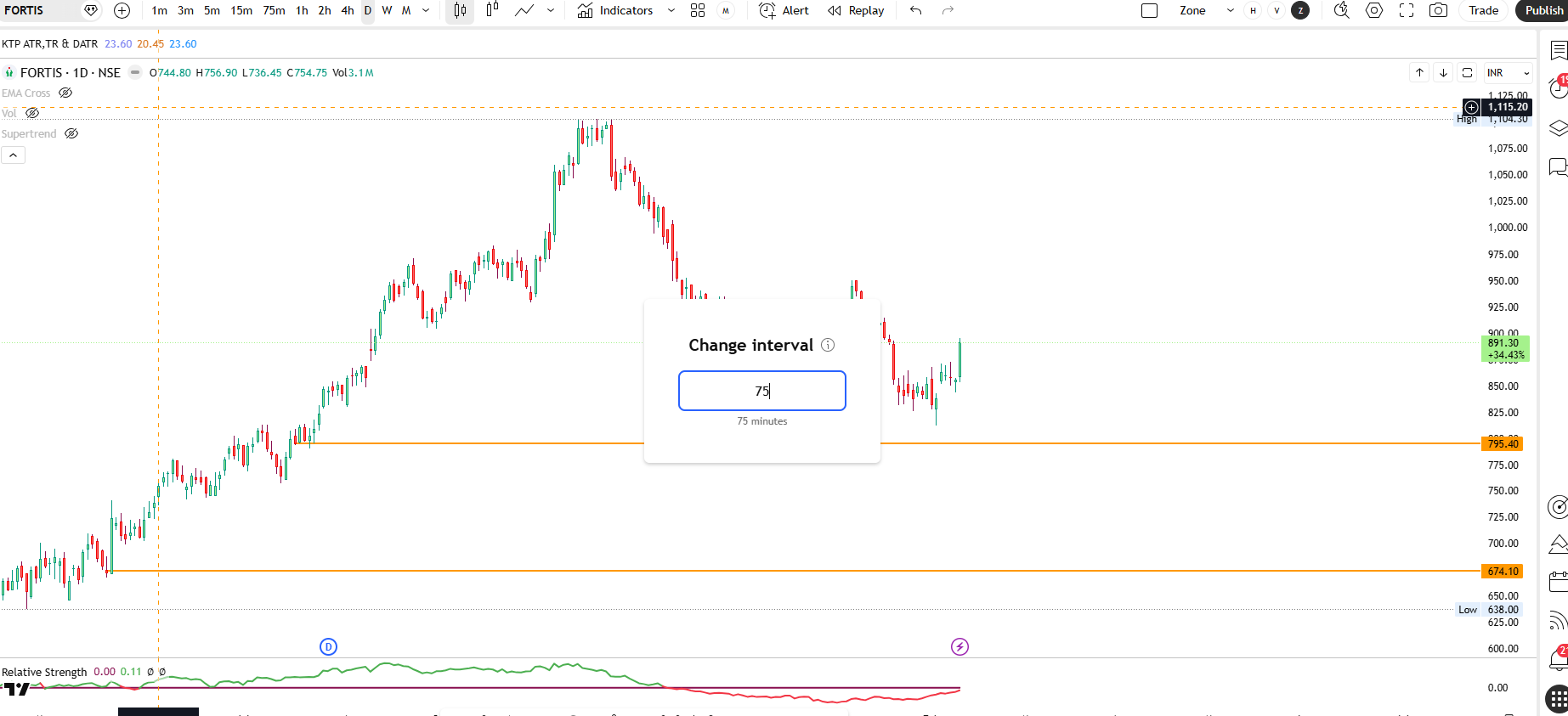
3) Quick Custom Timeframe Input
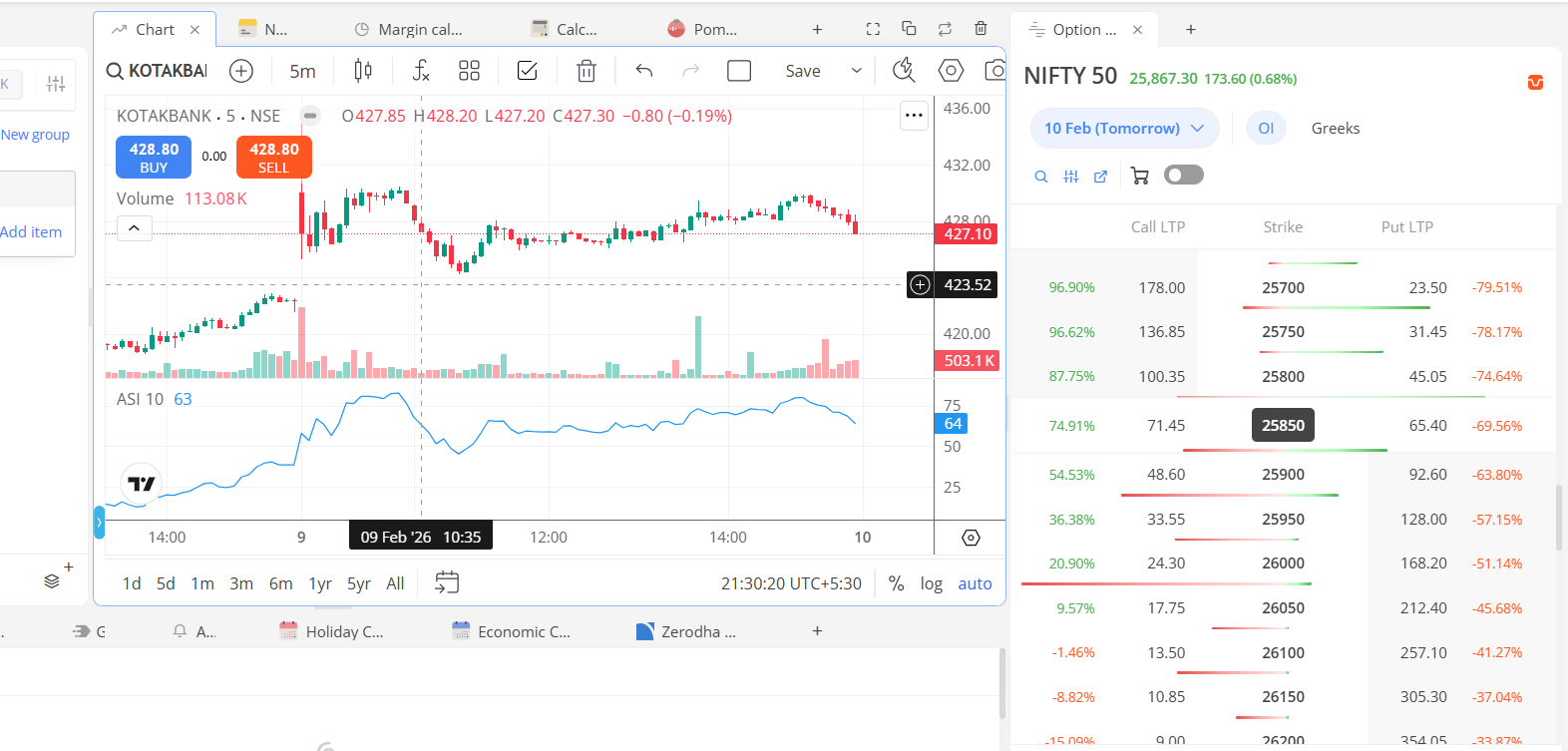
At present, switching to a custom timeframe requires adding and pinning it first.
It would be great if traders could simply type a number (for example, 75 for a 75-minute candle) and instantly switch, similar to global charting platforms.
This small change would greatly improve usability for multi-timeframe traders.
These enhancements would especially benefit intraday and scalping participants who rely on speed and precision.
Thanks again for continuously improving the platform and for considering user feedback.
In list of things to do.
Working on it.
There is no proper one source for genuine news, we are planning to do something around this in long term.
In our todo.
Only once user need to pin, it will stay there.
Hi @Arockiya_Raja, it’s a very UI related feedback if possible please use vector icons for all consistenly instead of emojis for the widget favicons? Don’t know why but the emoji’s are making it feel kindof cheap.
seems you concentrated more towards calculator, economic calendar, holidays, updates etc… should have brought sensibull strategy builder, open-interest widgets. i don’t find any standout feature when compared with 915 terminal.
Yes. However, to change it, one needs to click in that pinned place. But in TradingView, without pinning or clicking, one can simply type 75 or the desired minute or hour. Something like this
Also, while on a watchlist, simply pressing the down / up arrow on the keyboard does not change the script. This simple thing can be helpful for someone like me who is not a mouse person and relies heavily on the keyboard ( & trackpad gesture )