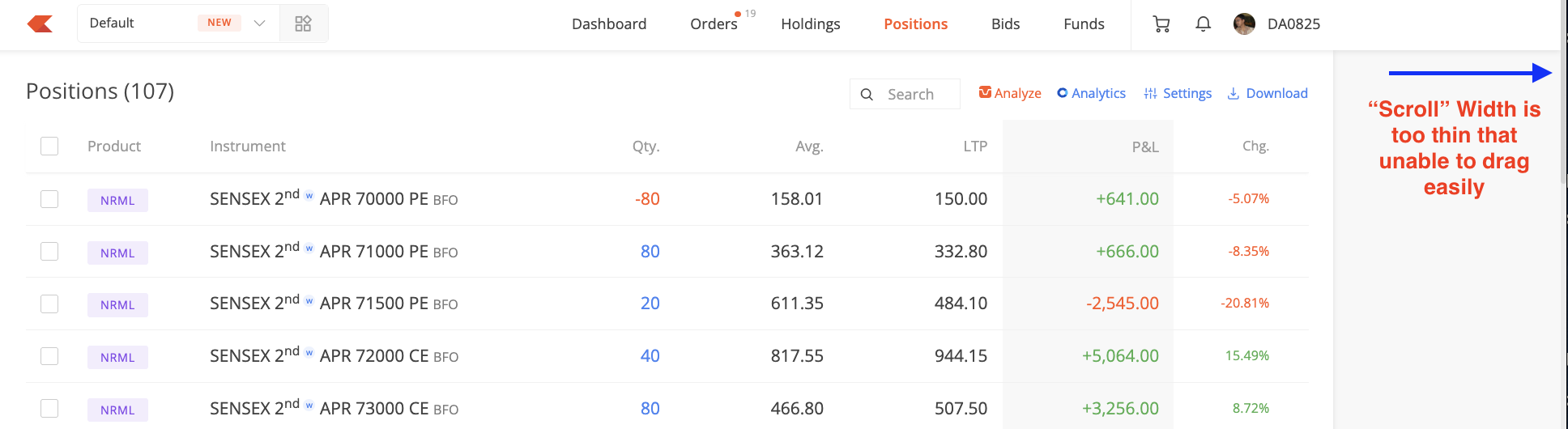
In KITE web scrollbar is very thin & is not properly coming in mouse pointer. In time of quick market moves, I having large position facing issue to drag & see all the positions quickly.
Requesting you to if possible increase scroll width for better user experience.
Its not so wide as you are seeing. It just for reference that the width needs to be increase for better user experience. Anyways zerodha don’t understand real HFT traders problem and they don’t care of user feedback.
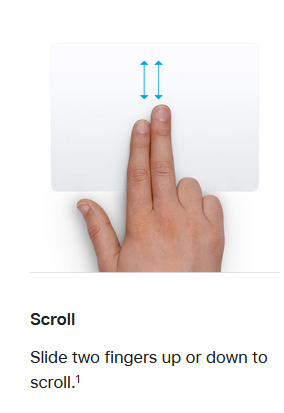
If using the built-in trackpad on a Mac,
facing any challenges to scroll using the 2-finger gesture? (if not working, maybe it is disabled in the OS settings?)
Although scrollbars are rarely used as they are so much less convenient than a mouse wheel or touch pad but if you must, you can install an extension like Stylebot to alter the visuals of any website. For kite you can paste this code to make the scrollbar wider.
::-webkit-scrollbar {
	width: 10px; /* you can adjust width here */
}
::-webkit-scrollbar-thumb {
	background: #666; /* optional but if you want to change the color of scrollbar you can change this value */
}