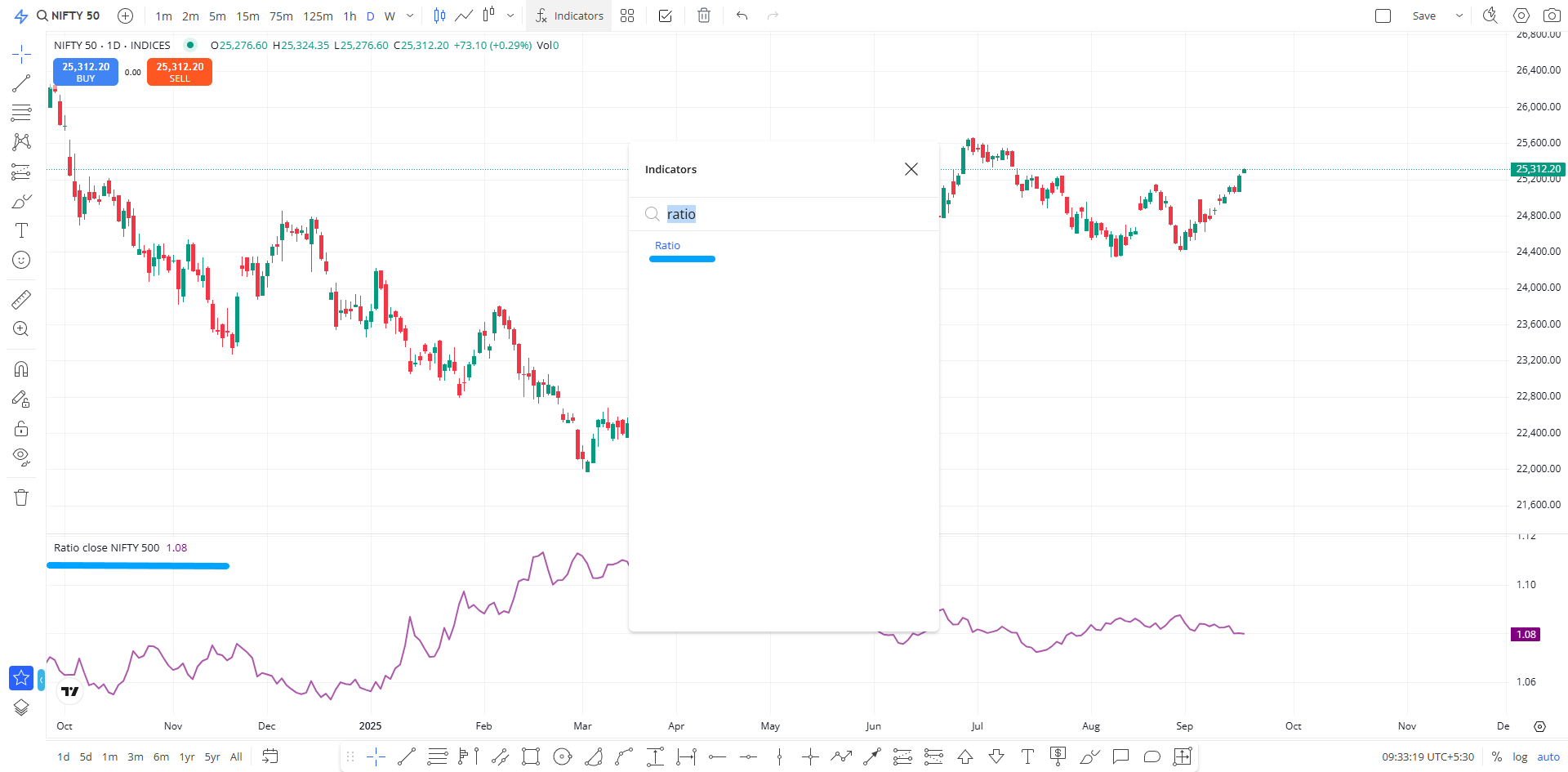
We’ve upgraded the TradingView (TV) version with a few minor improvements.
Key Updates in this Version
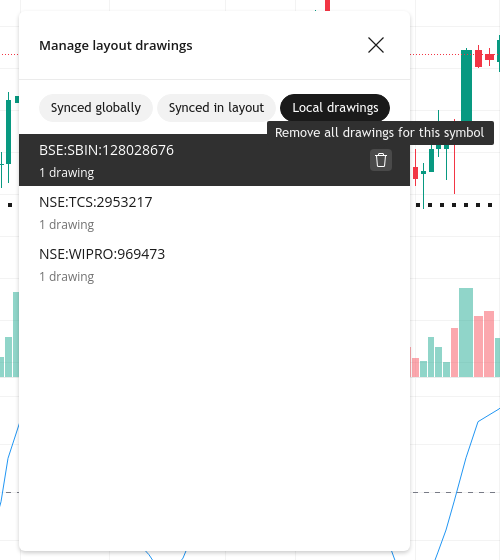
- Drawing Storage Management
Earlier, once the drawing storage hit the maximum limit, the only option was to clear everything or delete templates without knowing where the drawings were applied. Now, you can view the list of instruments with saved drawings directly in the default layout.
To access: Click the Quick Search button → search for Manage Layout Drawing → select it to see the instrument list. From here, you can delete drawings selectively without affecting others.

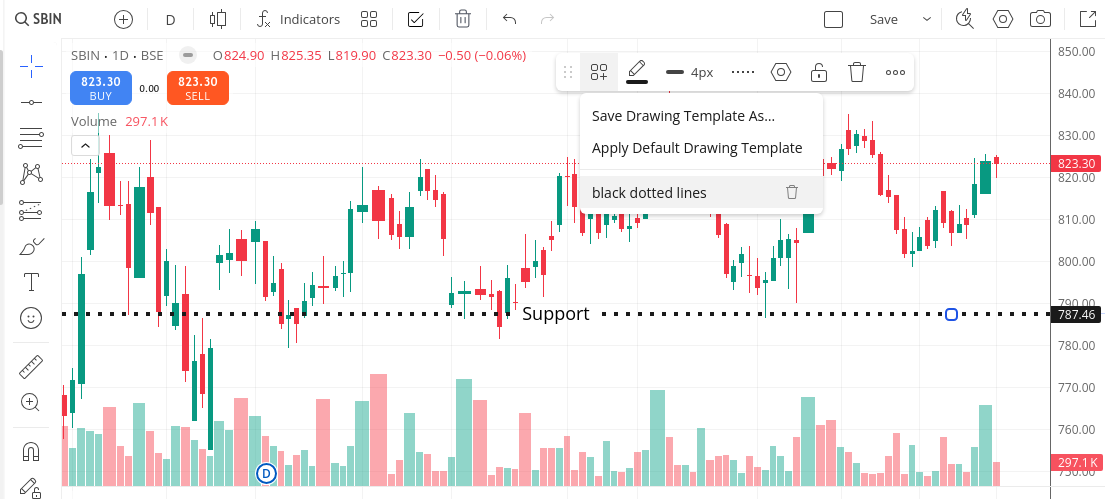
- Drawing Templates
You can now save and reuse drawing templates easily. For example, you can create a template for a horizontal line with your preferred settings and apply it anytime without reconfiguring.
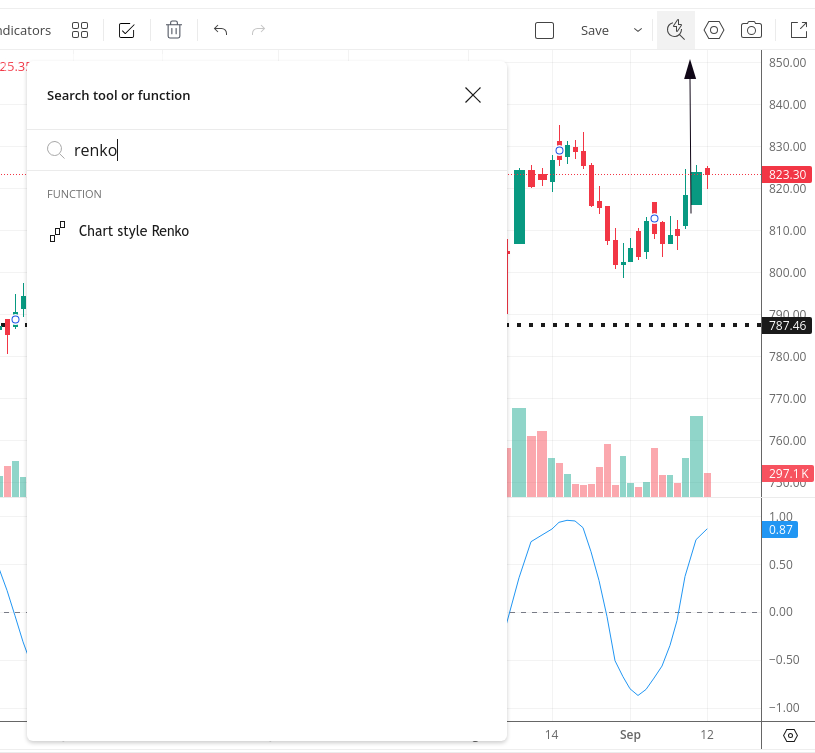
- Quick Search
A new quick search option helps instantly find and use any chart feature, without browsing through multiple menus.
(This feature will be available on the app in the upcoming release.)
- Minor Enhancements
- Two new chart styles: Volume Candle and HLC Bars.
- Better grouping of chart types.
- One new indicator: Rank Correlation Index.
- Re-grouping of certain drawings, updated icons, and small UI refinements for better usability.
This upgrade opens the way for chart page enhancements on the app, including Trade from Chart.