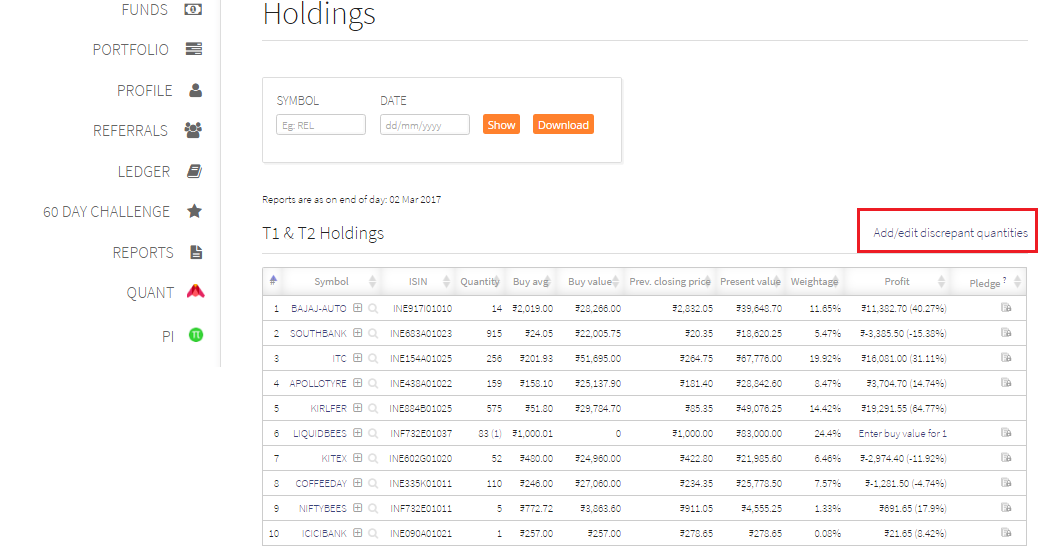
If you get the allotment, you need to add the price and the quantity manually in order for you to be able to see the stocks in Kite/Pi/Q. Once the allotment happens, Zerodha has no way of determining the price at which the allotment happened. To manually add the price you need to go to Q>Porfolio>Holdings and click on “Add/edit discrepant quantities”.
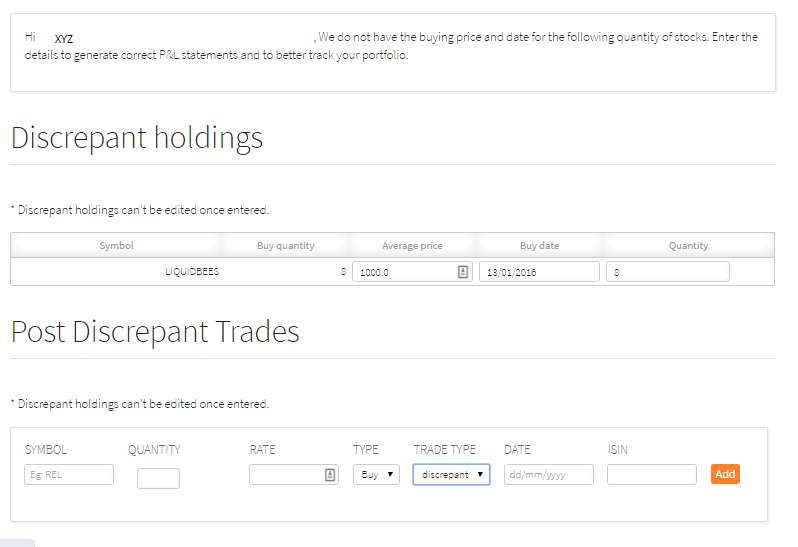
Enter the necessary details and click on add. Your holdings will get updated with this buy price on Q, Kite, and Pi from the next day.