Like zerodha IQ chart…we can place our order and modify through chart…drag and drop feature…
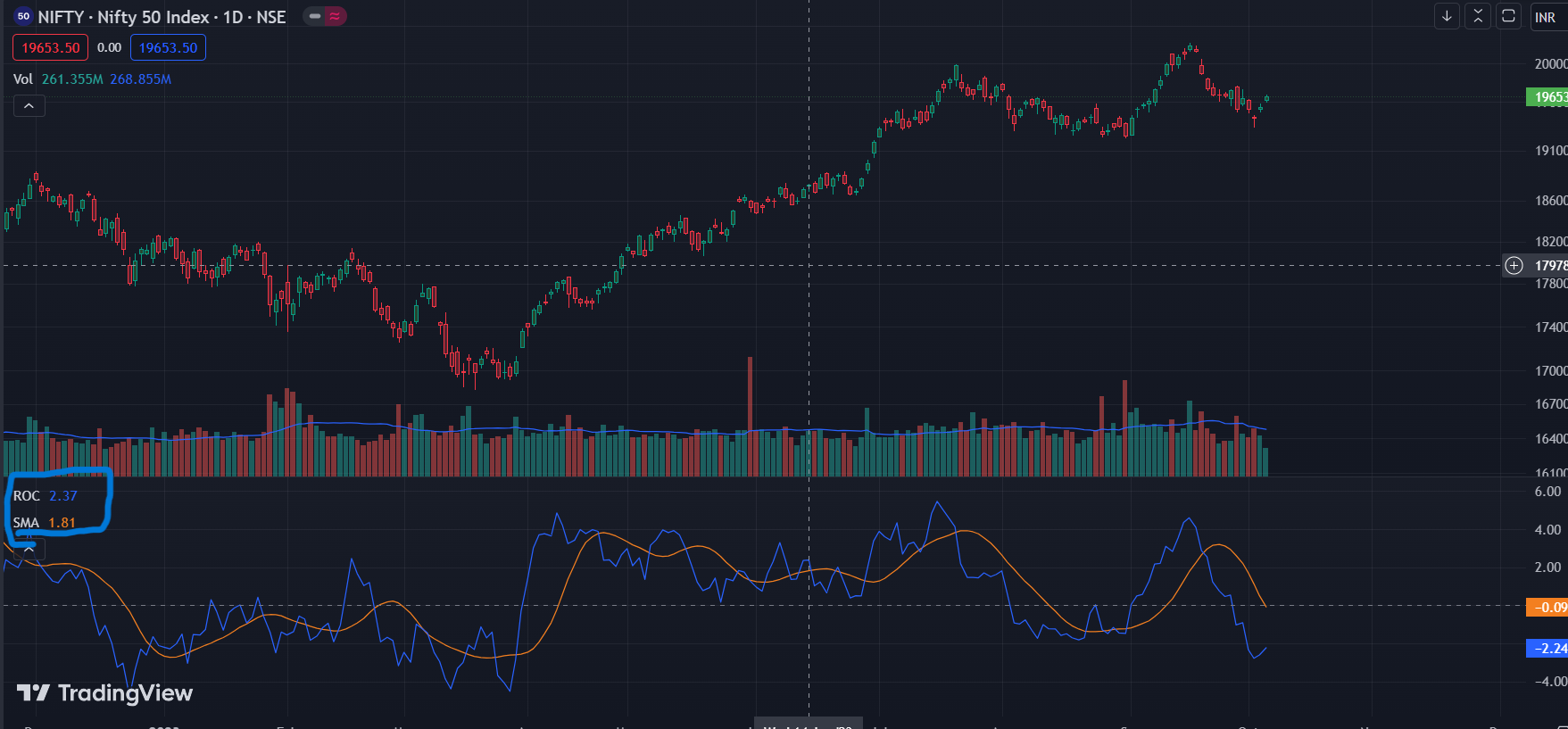
see in this photo the value on SMA is taken on ROC; however, dragging takes the data from the symbol, not the indicator. Same can be done in ChartIQ too.
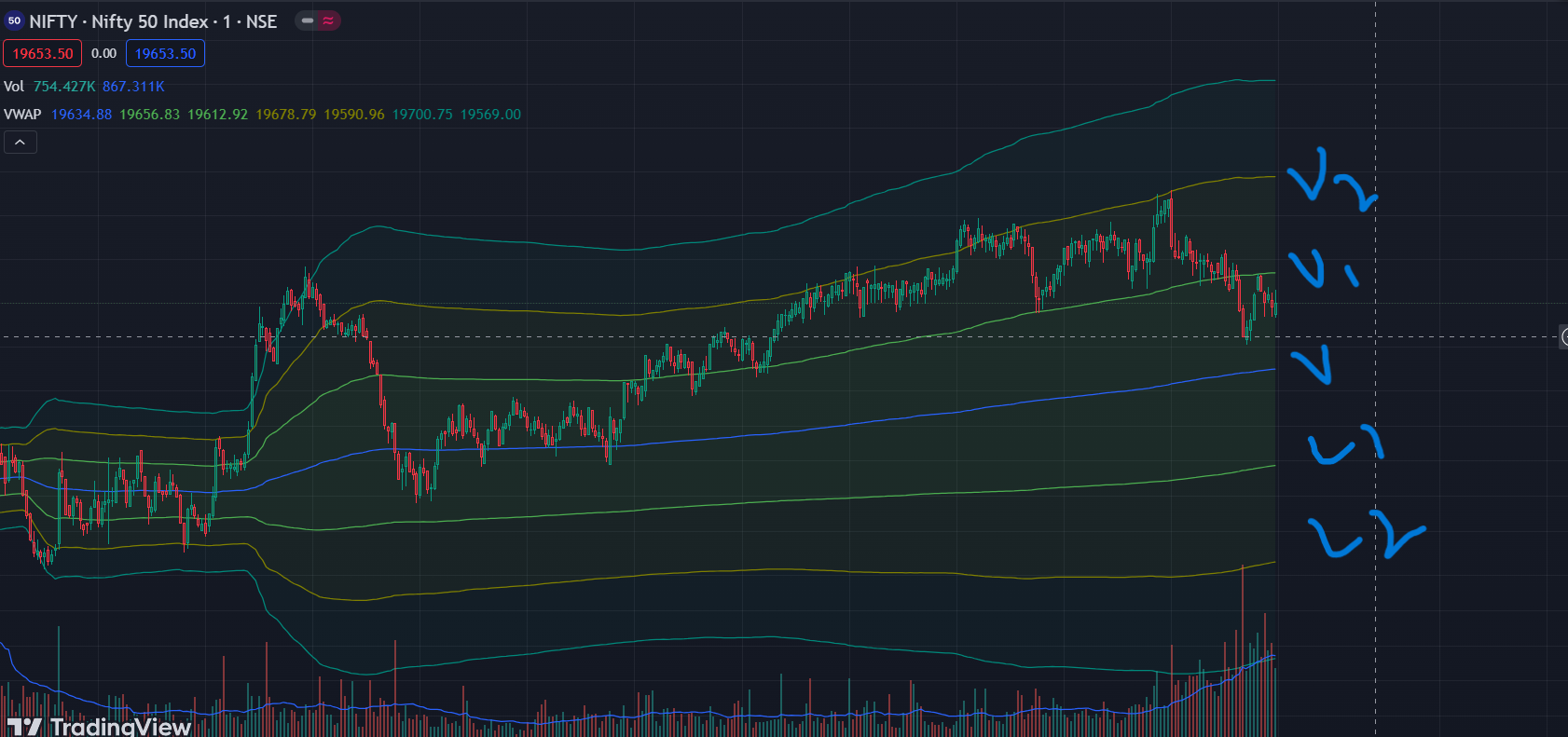
this is not a community scrpt but the normal VWAP indicator that has an option for bands Ssme is available in ChartIQ too
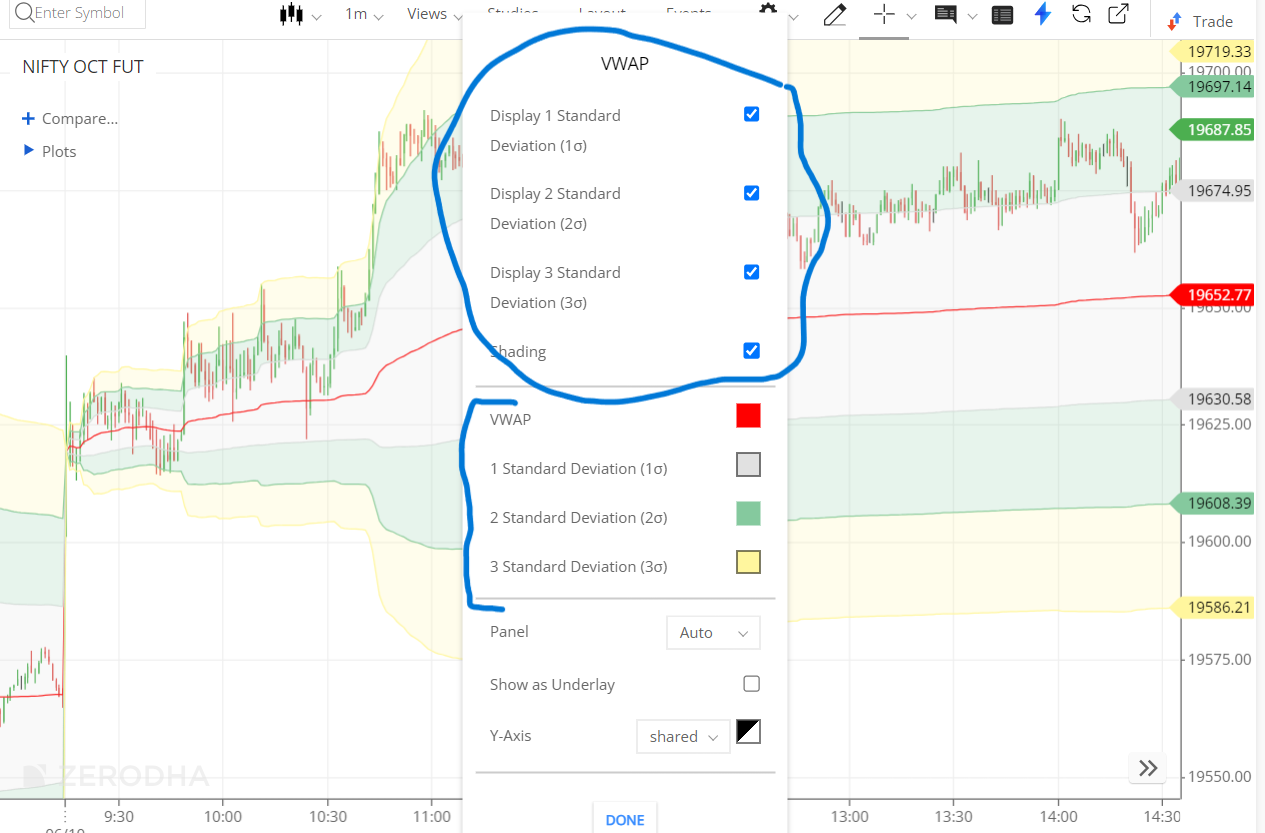
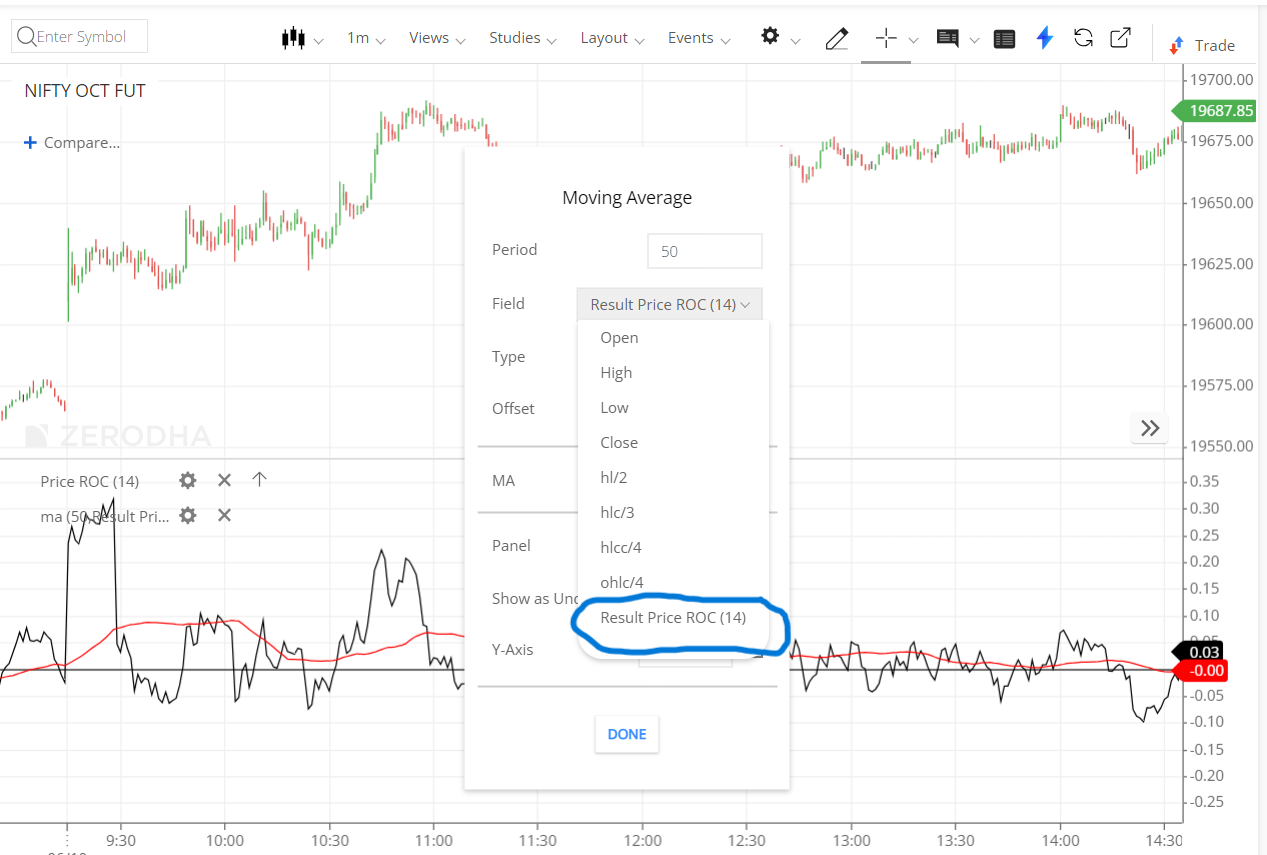
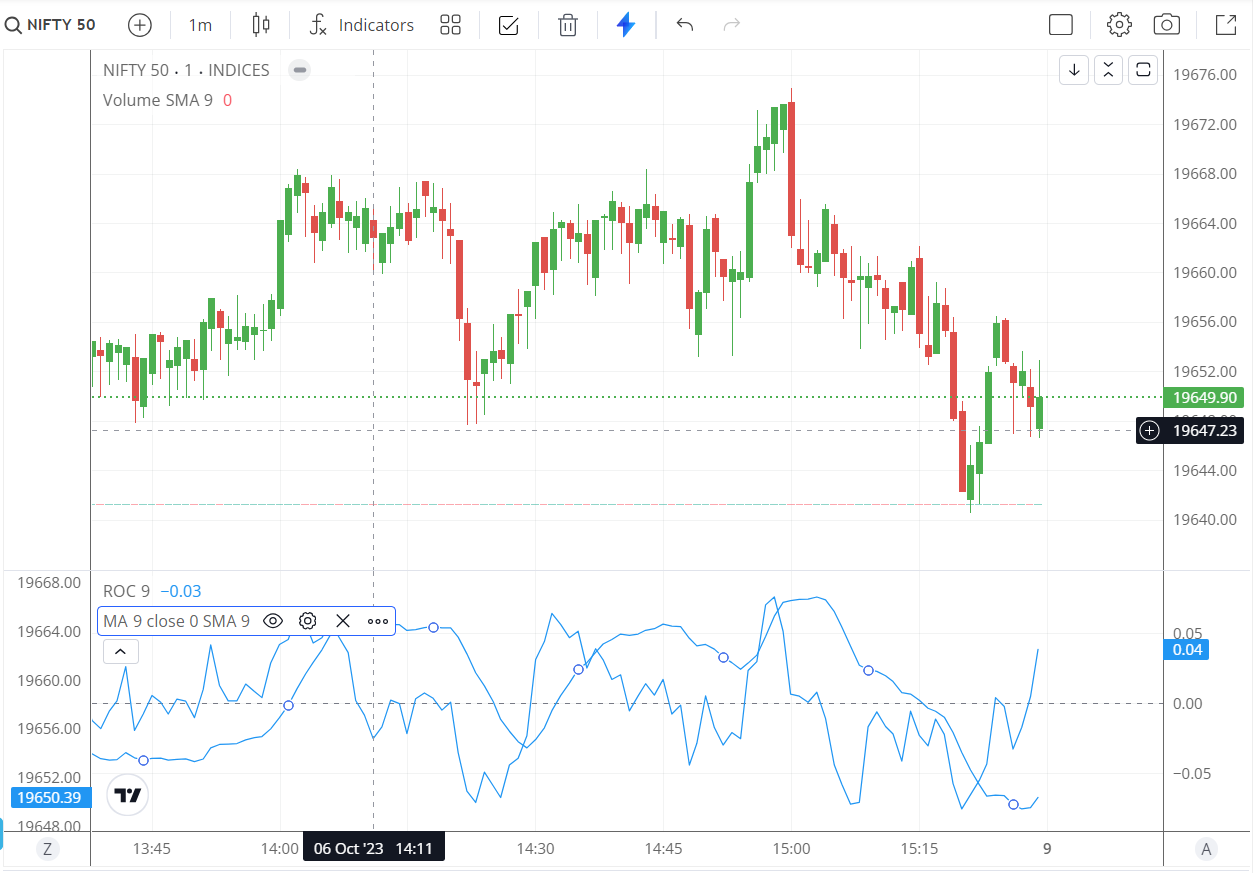
To show the differences @Arockiya_Raja
hi
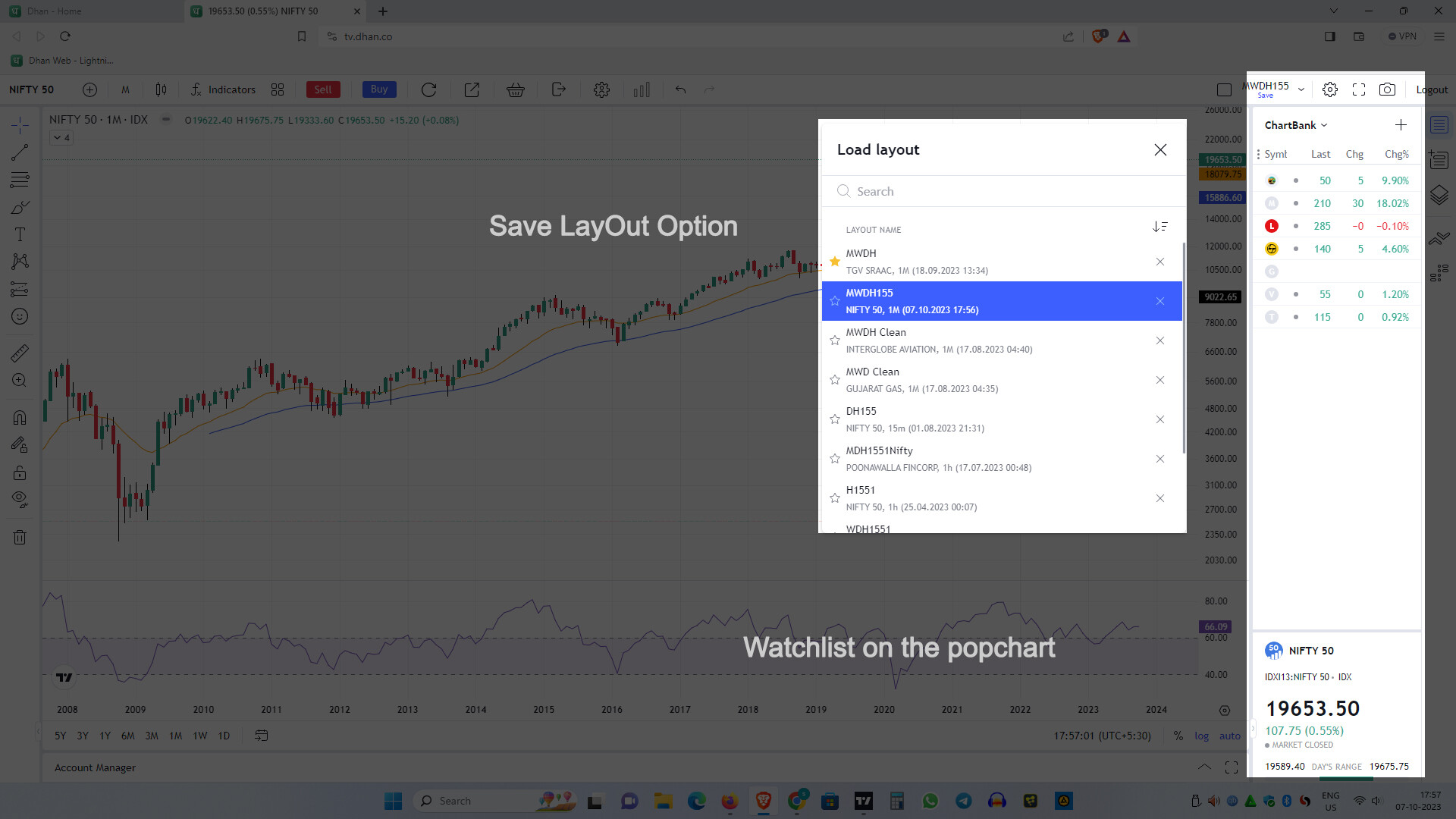
i don’t find any saving layout option in tradingview beta (its in the old version),
and please provide watchlist for pop charts(full screen charts)
this are very hand to review charts …
than you very much
2 Likes
Got it, will look for the feasibility.
This is answered here.
1 Like
Thanks for your feedback. The popout chart revamp is on our to-do list.
1 Like
hi
layouts are not only saving drawings and settings,
if i want save 4 or 6 or 8 any number of chart window layout with indicators and setting we save as a templete , then when i want to 4 or any number of chart layout just load the layout and do the number of stock study on the same layout its self its very handy …
Sure. I tried relogin and used multiple devices. But nothing worked. DM you the ticket id
Thankyou for the reply @Arockiya_Raja
The issues can’t be enlisted at this point. There are far too many.
I am sure gradually you guys will iron out issues.
My suggestion is that
-
You should always use the latest version of TV.
-
Do your things on top of TV, and not integrated.
On top seperate development will help you guys to remain up to date always and users will get the latest features.
This is very important from the user perspective and you have to figure out this. -
TFC with Full Glory ( BO, CO, GTT, IB and all that zazz) should come soon.
Now my personal request :-
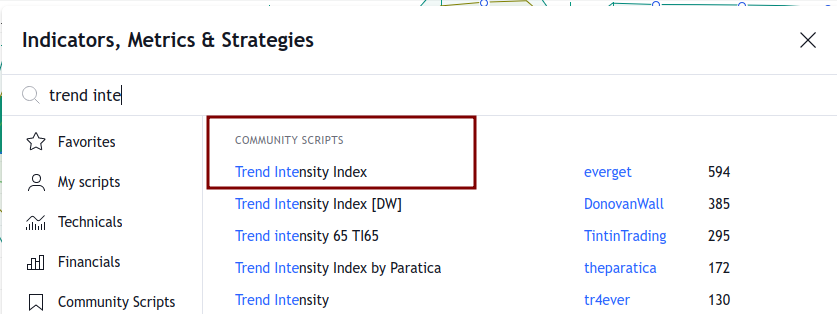
Pls include " trend intensity index indicator" - its not a community script.
Small players like even the “gochart” has it included in their TV version.
Thanks to development team.
1 Like
Thank you…
Please allow for custom Candles colours option in next upcoming update along with seconds interval based charts.
Dhan has this both saved chart layout as well as Indicator template set.
Saved chart layout is very handy thing.
1 Like
@Arockiya_Raja Can you please auto hide Drawing toolbaar, by default?
Whenever one switches from Dashboard, orders, Holdings etc tab and go back to charts.
That auto opened drawing toolbar section is very irritating.
If anyone need it, one can click and show it.
Or give an option to set it default as per liking.
Certain indicator settings are provided only on the TradingView website, and TV do not provide them for broker integration. The same applies to “indicator on an indicator” features too.
Each piece of software has the potential to contain bugs. Charting libraries release updates every month or fortnight for minor changes. Updating every time can lead to unnecessary work and might even disturb the system’s stability. The better way is to update whenever there is a major update that adds value to the platform.
1 Like
yes. this should be possible, will update here.
This is not possible with this update.
I will review this again and provide an update.
We planned to maintain the same behaviour as in TV v1. It appears this was overlooked; we’ll address this in the next patch.
In mobile app, the dark and light theme layout should be like previous version.
E.g if dark mode is selected, chart background should auomatically be dark themed like before.
It saves battery in amoled screens as well as easier on eyes in mobile.
Right now on web, theme is light.
On mobile, theme is dark. So even though chart border toolbar etc is dark, chart background is still light themed only in mobile.
Please look into it.
please add the multiple layouts save. (for 1 stock/index we could choose from multiple layouts from drop down). it is available in version 1 but not in this beta. it will be super helpful if you guys add he drop down just like (or same as) Version 1.
Thanks.
Seperate, proper dark and light theme mode for mobile and web like before,
incorporating charts background is needed.
It should be fixed as soon as possible.
In the previous version, we did not have a default layout feature, which allowed us to select the desired app/web theme for the chart. The themes are saved within the layout, and once the default layout is saved, it will be applied consistently across all devices. Please note that the app theme cannot override the layout settings. I will check if anything can be done.
Hi!
Dhan provides a layout for dark and light theme for Tradingview chart background.
Please see possibilities as current light charts with dark/black theme and borders,
in mobile doesn’t gel well.
Aesthetically, the dark and light colour differences on borders looks distracting.
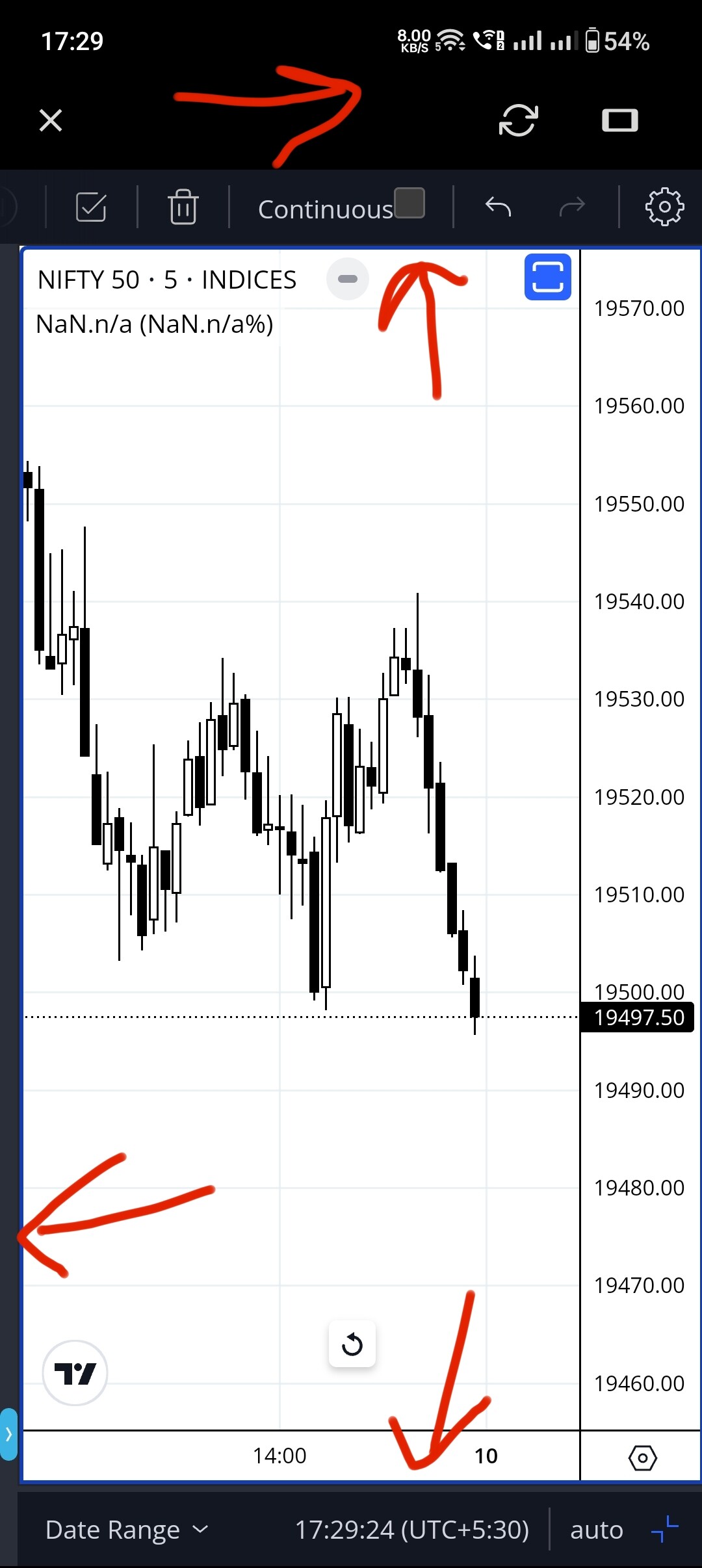
On multi monitors too, white backgrounds affect eyes.
Previous version in this department was so nice.
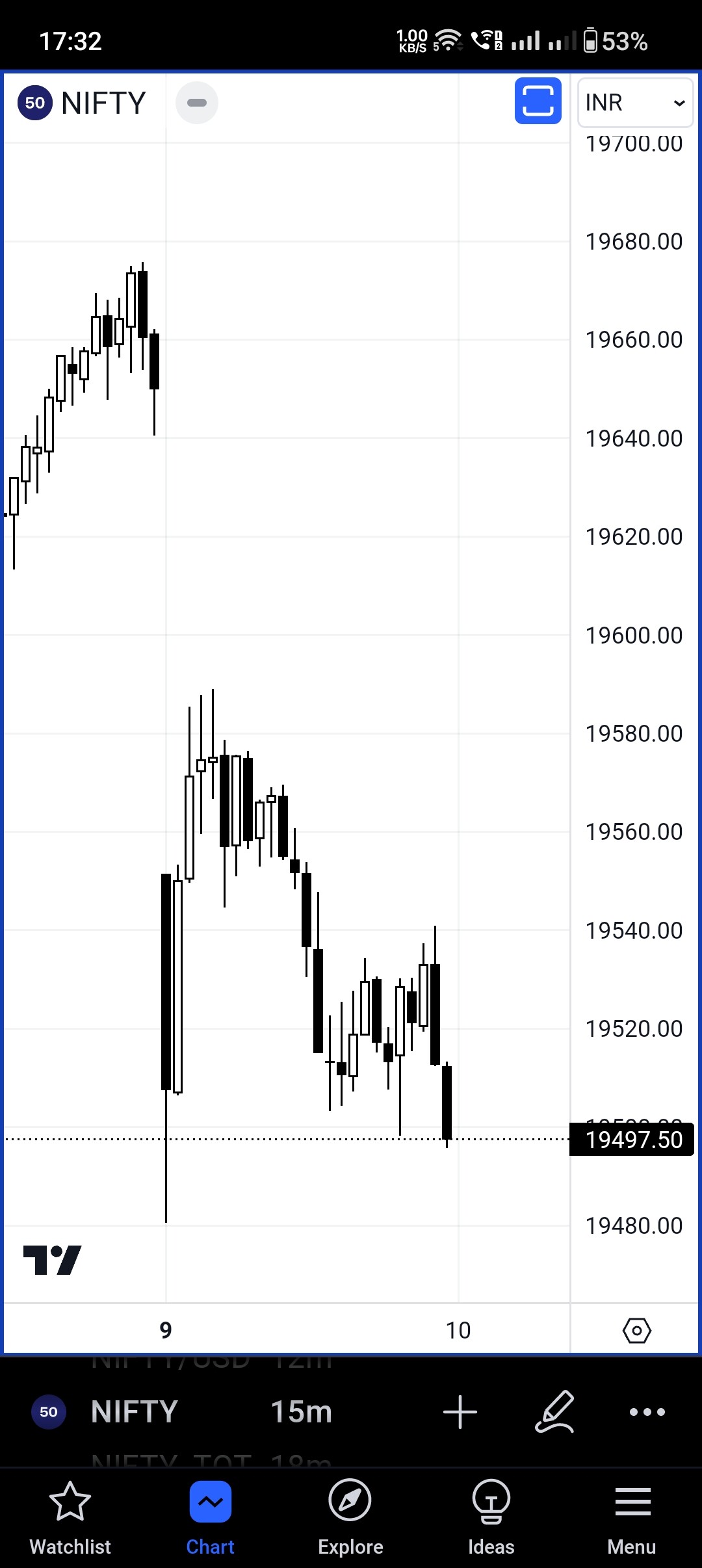
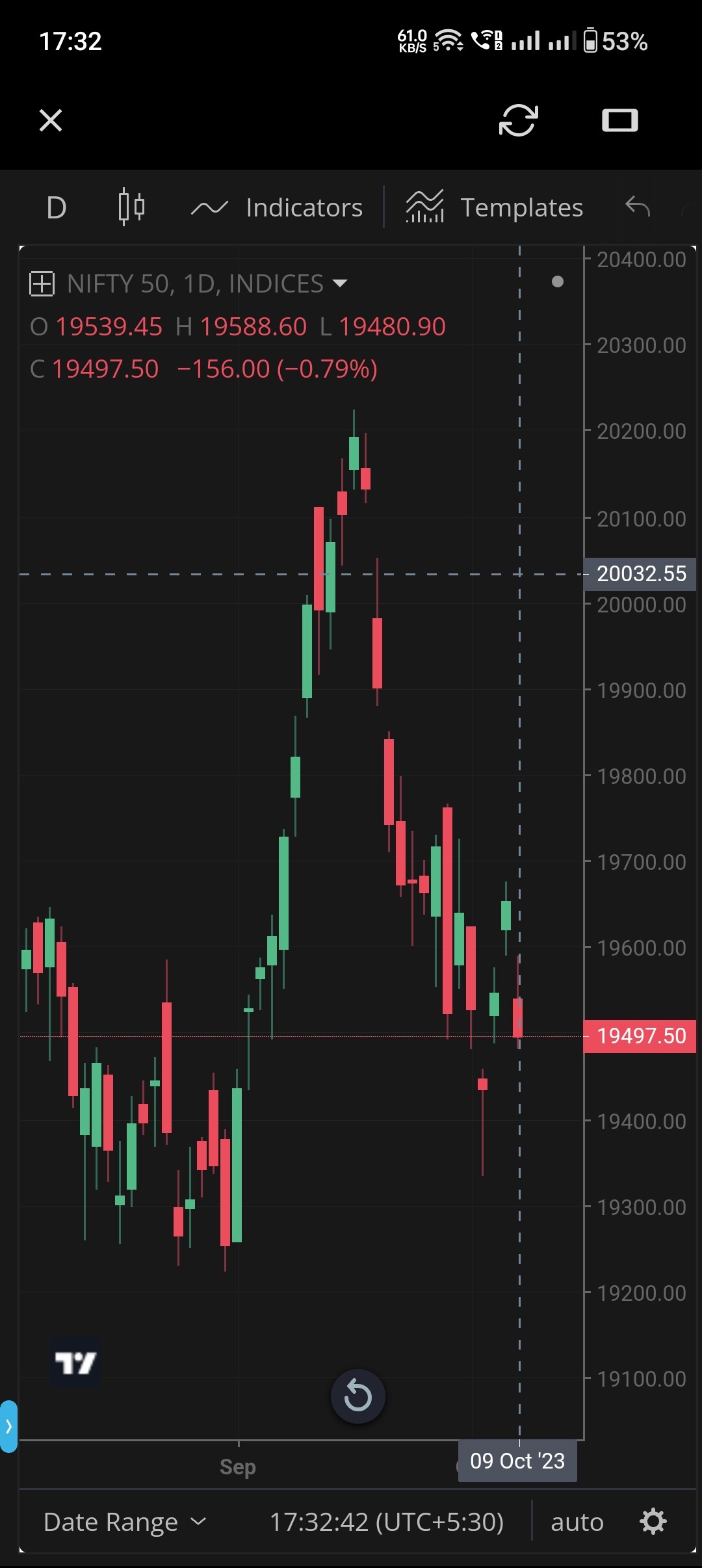
Charts should look like these.
Tradingview official app
And
Tradingview on Kite before with dark theme/black mode.
hi
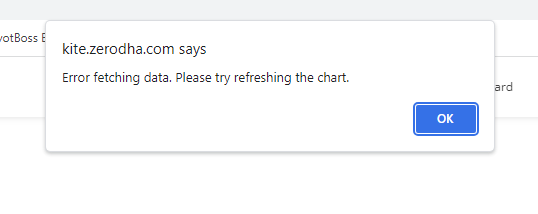
every time i opend beta charts i am getting this message … it’s loading slow