Can use limit order then if one is particular about price, this market protection is only for users who place market orders but to avoid big slippages.
In your case you can directly give 100.25 as price when price is 100.
Thankyou for the prompt reply @siva
Your reply is not a solution. Also many a times I say here that zerodha has to share traders prespective, and NOT impose their ruling on us
I will tell you why your solution doesn’t work.
In zerodha order window, the price is not running live. It has to run live, market or limit order, many a times I have requested that this should be enabled.
Your competitors have iLTP running live on limit order window.
Why running live price on a limit order works?
Because as a scalper ( option buyers mostly) have to BOARD A RUNNING BUS. ALSO THEY JUMP OUT OF IT.
That’s why option buying is called dangerous and many get hurt, if they don’t master the getting in/ out on the live running thing.
In your terminal by the time you fill in limit price the price move far away.
Sorry for the bad analogy. But it is what it is.
Edit1: spell check
1 Like
We are working to rectify this. In the meantime, we suggest closing the side panel and reopening it to view the updated order status.
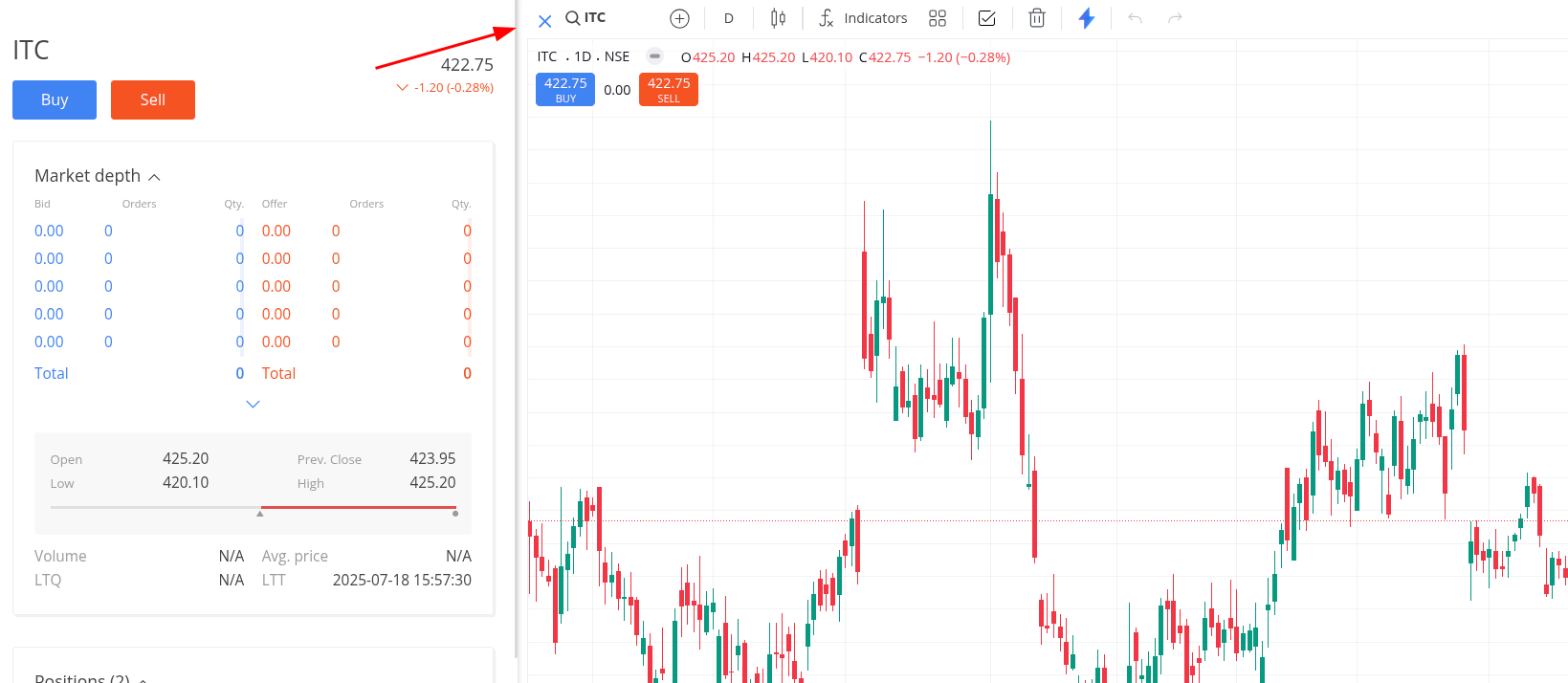
Can you please add screenshot where it is not updating?
1 Like
Ok, will update a video here on Monday.
Chain of events - saw the issue, clicked open orders (no effect), closed browser, (no effect), relogined again (no effect), made the video and shared.
Also earlier it didn’t ask to relogin again if I closed all the tabs open in one monitor and then reopened closed tabs from other tabs open in another monitor but sometimes it does, using chrome cannary btw.
@siva
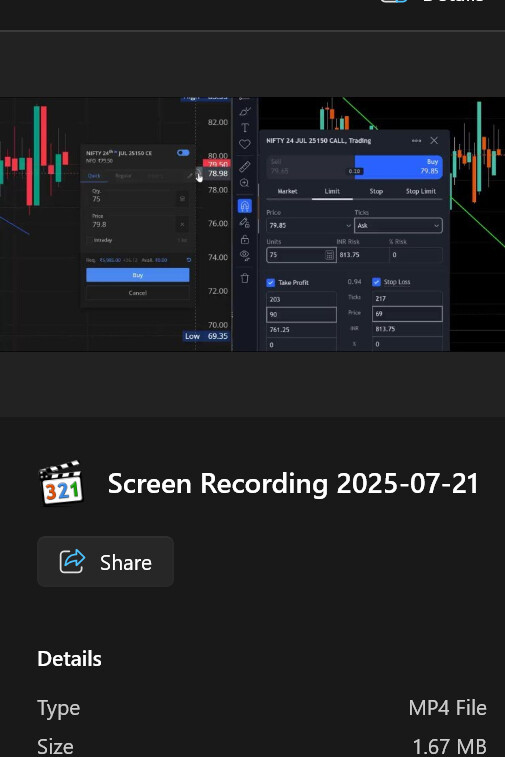
As promised, here is the clip.
Also when tried to upload the 1.67 mb video clip, which is ways lesser then forum limits of 4 MB, it says this (screenshot)

Yes, my file is 1.67 mb (screen shot)
We couldn’t reproduce this behaviour on the stable Chrome version. Please try the stable version.
Status updates now show when the order book section is collapsed and expanded or the side panel is reopened. This will be addressed by this weekend.
We show only LTP for now, if you are asking to update bid /ask that is not available as of now, user can select from depth though.
@siva It is not bid ask, just LTP. (Yours moves too, but only in market order window)
And it is not that difficult. It does move when you select market order.
You have to just make it available for Limit orders also.
You can see on the header the price is moving, and that is LTP, what you are asking is ask price which is shown in market depth, we don’t have that provision yet, we need to provide another field for that and which will clutter order form also.
@siva Then give running LTP.
Because when you punch market order, then also you see running LTP and not bid /ask.
Either way, there should be a LIVE RUNNING LTP or bid/ask AND the spread info on order form.
That’s the way others are giving, they also have depth ladders, but that’s not how you can trade in Indian option buying scene.
We already give running LTP on header, can you share screenshot where you are referring?
@siva Just see my video clip sent you above or a new from OG TV here, your LTP is running in header, but not in the limit order price box.
Why you want users to key in LTP when punching limit orders? When the efficient and fastest way is just use the running LTP and punch it at will.
That’s how other brokers have figured out and listened to our suggestions.
That’s how it is even in the OG TV ( see my screen recording of OG TV running price clip)
Or if you have any other better efficient way to punch limit order. Pls do suggest. I am all in for any better / efficient / faster minimum click maximum task methodology of punching orders for scalping.
Stock LTP is at 100, imagine a running LTP in limit column field, User want to keep a limit buy of 90, how that can be done if LTP is running in limit field??
That’s why I said another filed is required, and for that more settings should be given, not possible with current order form.
If you want to pick running LTP , open depth and click on ask side depth to select what price you want.
Use market order with market protection enabled for quick entry and exit.
That how you do it (see clip)
Another field not required. ( see in clip)
5% , 3% seriously.
Loosing a battle without even before you saddle up.
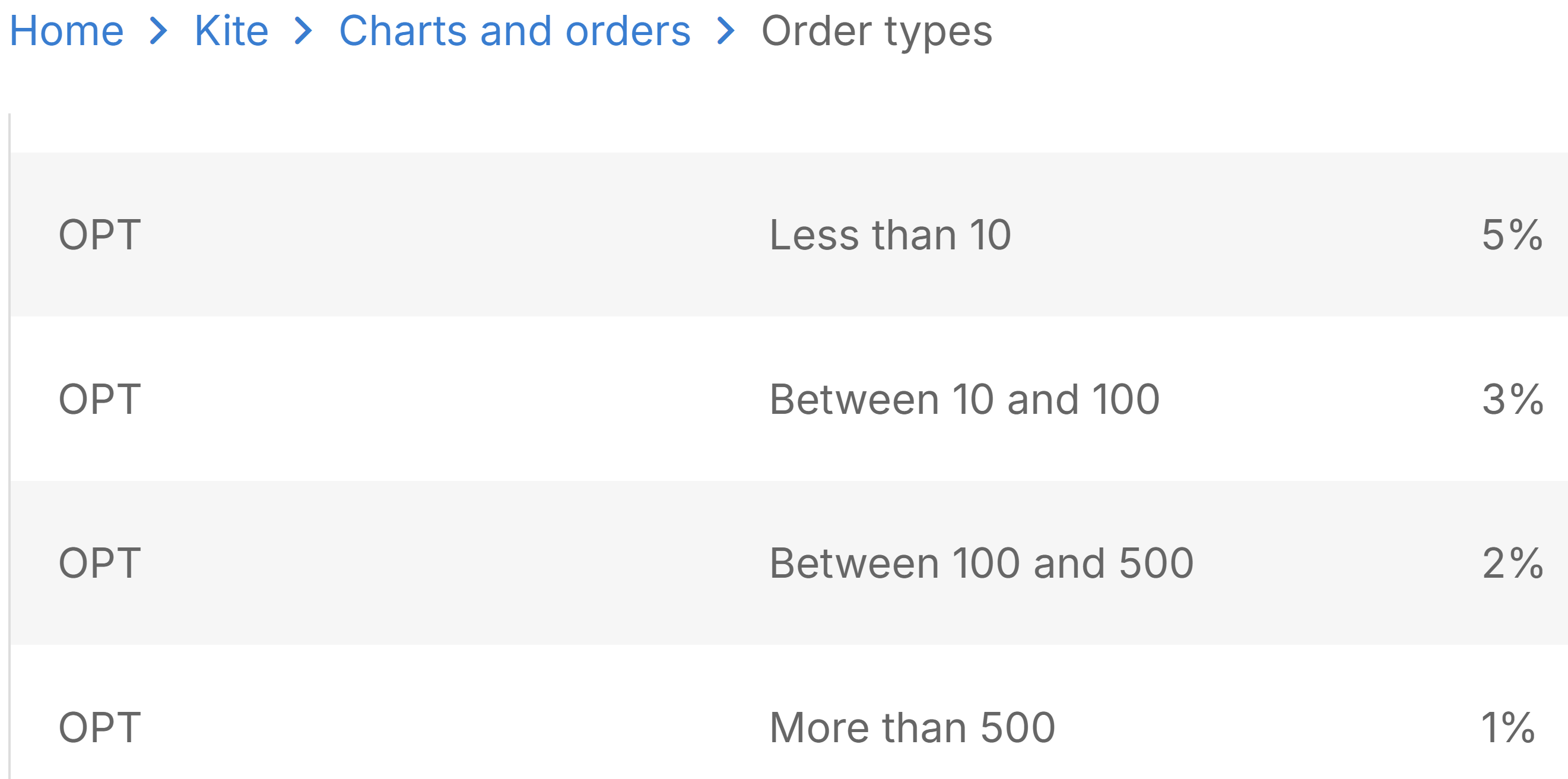
Give user choice on Market protection starting form .25%
zerodha customer team did not helped me. did not fixed this issue.
anyone from technical team kindly re-enable buy sell button on all the charts layout not only on active chart.
uploading screenshot as you can see “CROSSHAIR” is enabled. it was working when zerodha newly launched their trade from charts features.
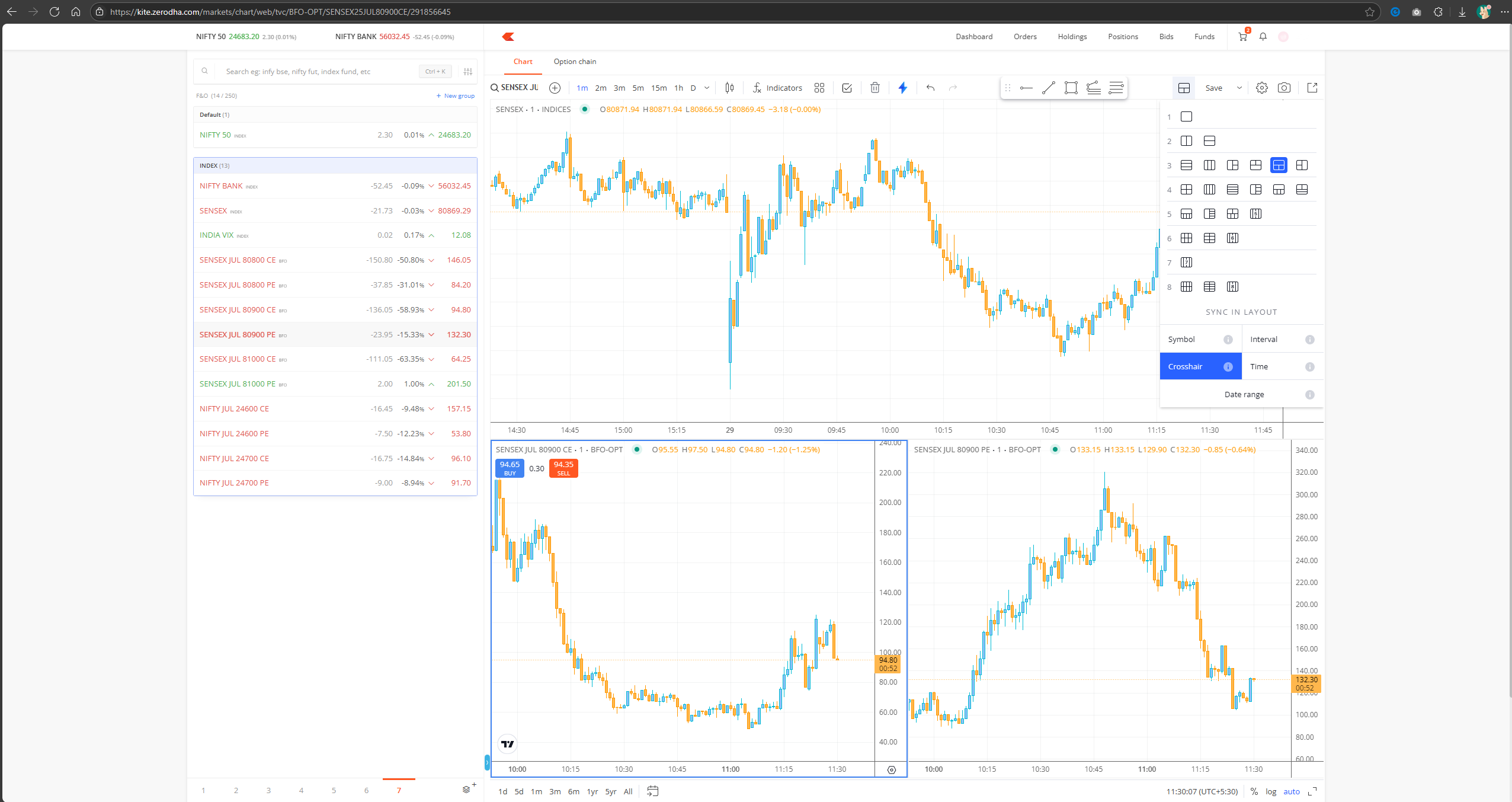
This was taken down due to a corner case issue in the charting library. If that’s resolved, we’ll bring it back.
1 Like
also could you work on the blank spaces on both sides as you can see in the image.
i am using 27 inch 2k monitor.
This will be sorted with the upcoming terminal mode feature we’re currently building.
4 Likes