When the widget is expanded, only the ‘total daily pnl amount’ at the bottom appears, along with the daily total percentage change, but no individual scripwise change in amount.

In the default workspace, the absolute amount is displayed only on hover; a separate column was not present.

So, has zerodha adopted this design change, or will the daily amount change column be reintroduced with the next update?
It wasn’t present before. Only the Total PNL amount field was there, and it is still there now. No columns have been removed.
Scalper chart linking is cool, can we expect predefined sl in scalper soon?
How to import the chart settings from Default to the charts is Terminal mode?
The indicators already added to the chart in Default mode are not visible. Even if I save, the saved chart is not there in the Terminal mode chart.
@siva @nithin In Chart window/pane specifically, whenever we switch to tabs for positions/holding etc and return back to charts, it refreshes everytime. Thus, removing the multi windowpanes, trading symbols selected in diff panes etc. Just like in previous web version. Please fix it on priority basis.
If that thing can be fixed, one can have much better utilisation of space. Also please provide keyboard shortcuts to switch to tabs in diff panes when selected.
Returning to the Terminal Mode after few minutes, complete black page which changes to the desired layout after a few seconds. Refreshing the page results in page as shown below. Everything becomes wonky… 3/4, Have to merge all scales to the right again, also do this for some of the individual indicators again.
Update is fine but leaves out a lot of necessary things out…
1 - could have a minimize/maximize toggle
2 - Should have a one click close/exit all positions (same for orders) (also there should be a one click close position for all open postions as well)

We are looking into this.
Could you provide more details about this?
Your feedback has been noted.
Click Save Layout to save the chart and enable Auto Save.


Keyboard shortcuts are available for this.

@Arockiya_Raja The layout I have saved doesn’t remain the same. As shown in the image (see no 3) blank space on the left scale, I have merged all the scales of all the indicators on the right pane.
Hi, here is in the video attached.https://www.youtube.com/watch?v=AAgJBJW5hzQ
Request for Improvement: Chart Layout Persistence Across Tabs and Instrument Changes
When switching between different instruments or tabs and returning to a previous pane, the chart layout does not persist reliably unless “Auto Save” + “Save as Layout” is used every single time.
For example:
- I saved a layout for Nifty Total Market with Auto Save enabled.
- After switching to other tabs and returning, the pane resets to the previously saved layout.
- If I then want to view different symbols across multiple panes (e.g., TCS in one pane, SBI in another, Nifty Total Market in a third, etc.) I am forced to manually save the layout repeatedly. Otherwise, any navigation causes the charts to revert.
This workflow is highly inconvenient, especially when analyzing multiple securities simultaneously.
Expected Behavior: Chart layouts and settings in a pane should remain unchanged while switching between tabs or instruments within the same pane.
This functionality works seamlessly on TradingView’s website, switching tabs does not reset or refresh the chart layout or one must save every time. So many junk layout will be saved like that. Further recalling issue unnecessarily in live market. Note that this issue was also present in the previous interface.
Kindly look into resolving this at the earliest.
Is there any possibility of a desktop version for this terminal ? It will have better latency and performance improvement utilising system resources.
Timeline or any plans on introducing these things to the terminal:
- Sensibull features like IV charts and open interest
- Pitch black mode for the terminal
2 Likes
When I go to charts on tradingview in terminal mode none of my settings or indicators are available, is it like that everything have to be created from scratch again ?
@Arockiya_Raja
I have the following requests for the Kite platform:
1.Dark Mode: the current dark mode(#181818) looks muddy on OLED screens. please add a “True Black” (#000000) theme option.
current dark mode(#181818)
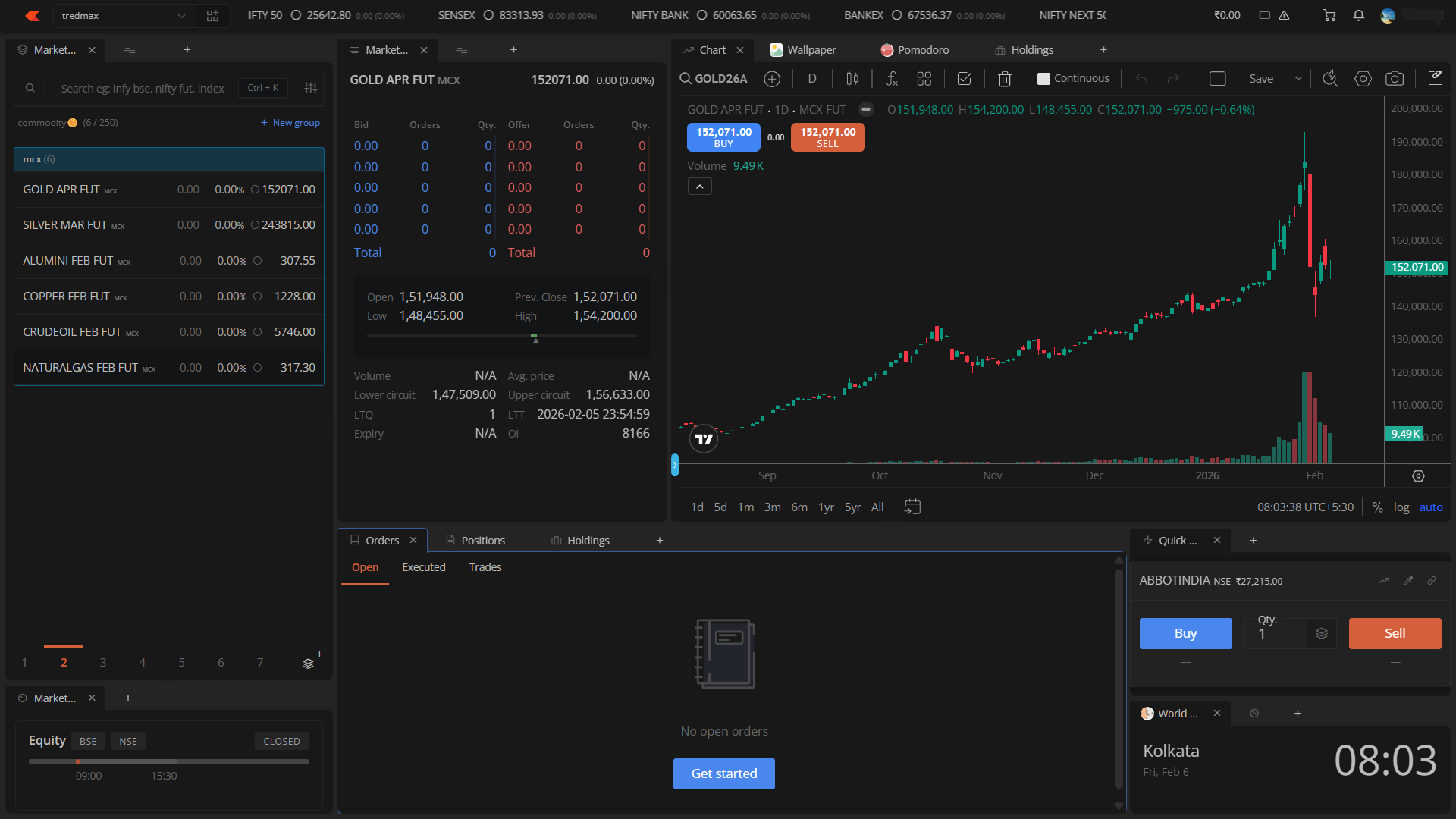
super black(#000000)
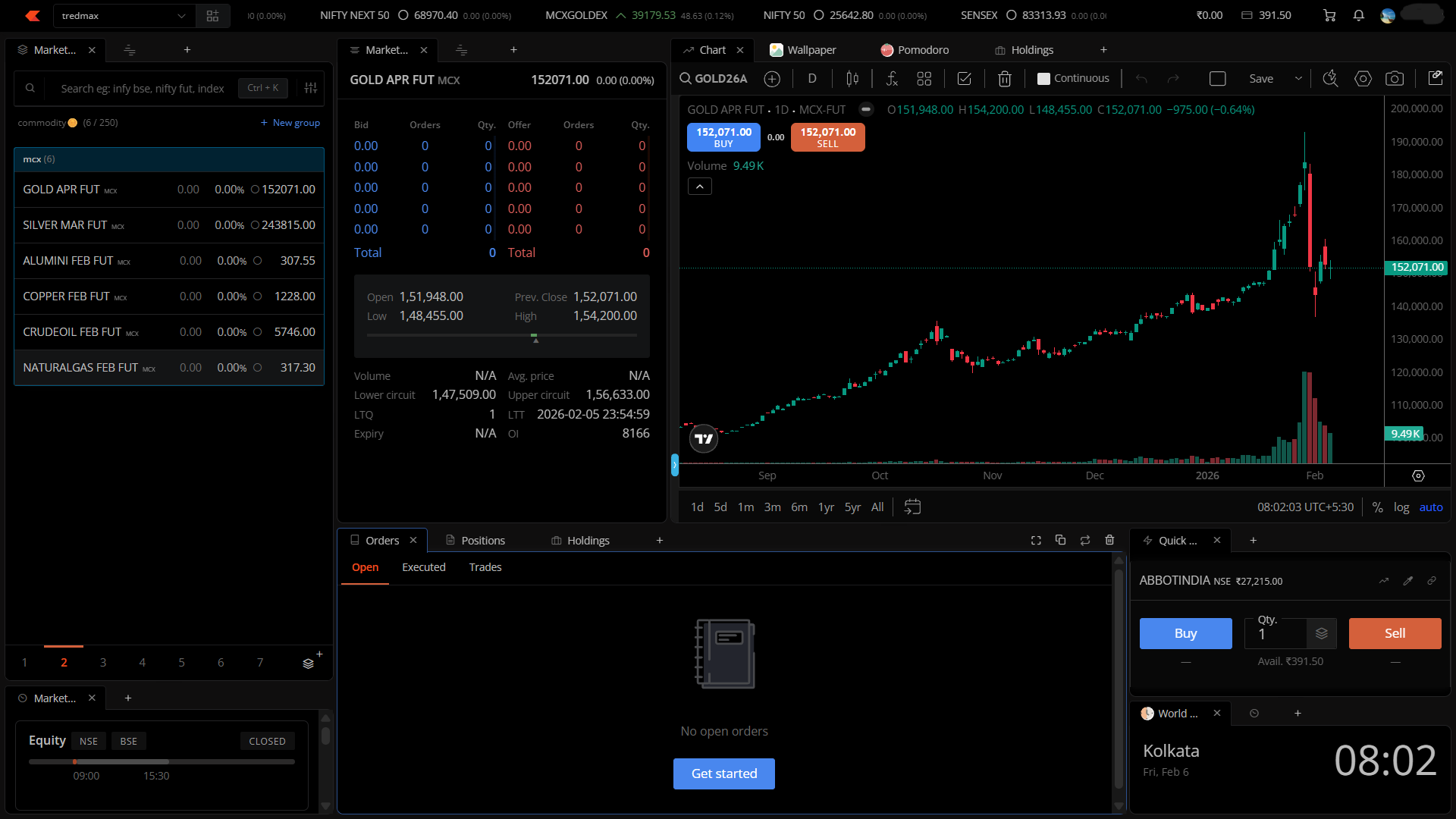
2.Technical Widgets: add a dedicated Technical Analysis widget (scanners/heatmaps) to the terminal layout.
3.Fundamental Data: integrate full-fledged fundamental research tools on web and terminal
4.Screener: add a native stock screener within the Terminal and web.
5.Option Chain: allow column customization.
-
Integrated news widget: want a real-time News Feed widget into the Terminal layout.
-
Economic Calendar lookback (3-day visibility) currently, the economic calendar focuses on future events. for better context, please ensure that at least the past 3 days of historical economic data are visible.
Could you please share which new widgets are planned for release soon?
2 Likes

Youtube widget doesnt handle URL with “live” string instead of “watch” . I use terminal mode on my tab and the youtube app gives links of live videos like this https://www.youtube.com/live/gEr2KSlB5AA?si=eSD8NN8xD2-tccrd which widget currently doesnt handle.
 Thanks for the concern bro but see my previous posts I have mentioned the slowness and responsiveness of kite since 5-6 years back. I am aware of these things and enabled the same, same goes for efficiency mode etc (off).